
You've finished the track, the release date is set, and now you need more than one video. A full song needs a concept video, a lyric clip, a looping canvas, and several vertical cuts, often in the same week. The best music video maker for you depends on which job comes first, so this guide groups 10 tools plus one featured AI option by the type of video they handle best, and it states plainly where each one stops short.
Picking a tool that only makes a visualizer won't help when you need to cut performance footage. Picking a professional editor won't help when you have no footage at all. Sorting by job avoids that mismatch.
You also need a plan for the posts around the release. Trendy is a cross-format social media co-pilot that covers that planning side through its Profile Audit, Trends and Ideas, Content Creation, and Performance Analysis workflow. It writes ready-to-shoot scripts, hooks, scene structures, carousels, and posts for Instagram, TikTok, LinkedIn, X, and Threads, but it doesn't replace an editor for building the video itself.
Table of Contents
1. revid.ai
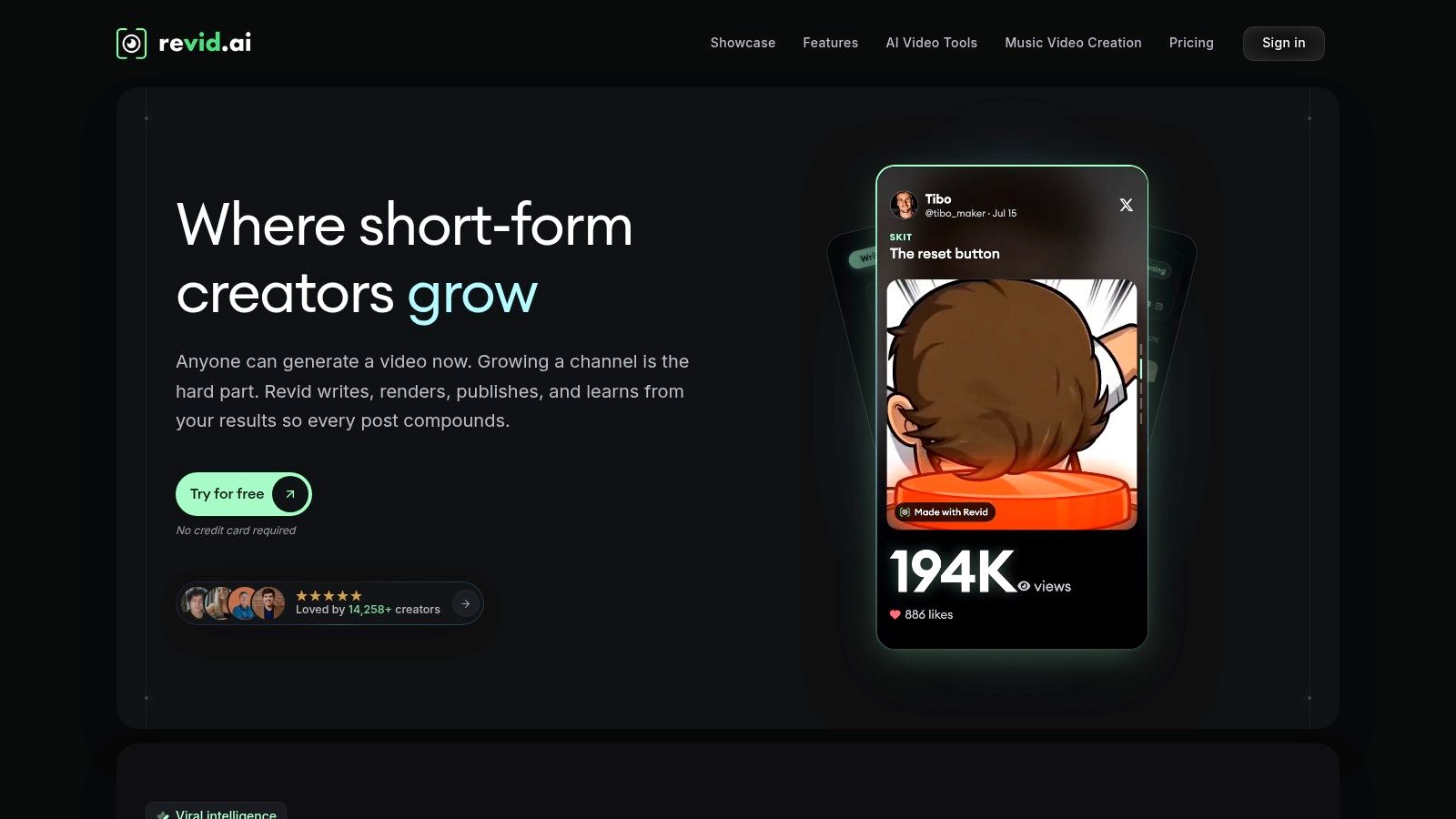
If you don't have footage and you don't want to learn a timeline, start here. The AI music video generator from revid.ai turns an idea or an existing content link into a publishable video for TikTok, Instagram, and YouTube, with no prior editing skills required. That's a different job from finishing a shot music video, and treating it as such will keep your expectations realistic.
The platform is built for viral-first, short-form output. You can search for trending content, generate a script quickly, then customize the result in its editor before publishing. It can also automate creation from sources such as blogs, subreddits, and social accounts, which suits creators repurposing material they already own into music-led clips.
Where revid.ai fits best
- Fast concept clips: Turn a hook, lyric idea, or link into a vertical draft you can test today.
- Trend-led formats: Use its search to spot what's working before you commit to a full shoot.
- Script to screen: Generate the script and the cut in one place instead of stitching tools together.
That speed matters because viewing has moved decisively to phones. In 2023, 70% of YouTube music-video views came from mobile devices, according to industry data on music video viewing and production trends. A tool that composes for vertical, mobile-first viewing from the start saves you a reframing pass later.
Choose revid.ai when the bottleneck is ideas and volume, not frame-level control. If you need to grade shot footage, sync multiple camera angles, or build a long narrative scene by scene, you'll outgrow it quickly and should pair it with a timeline editor below.
2. Rotor Videos
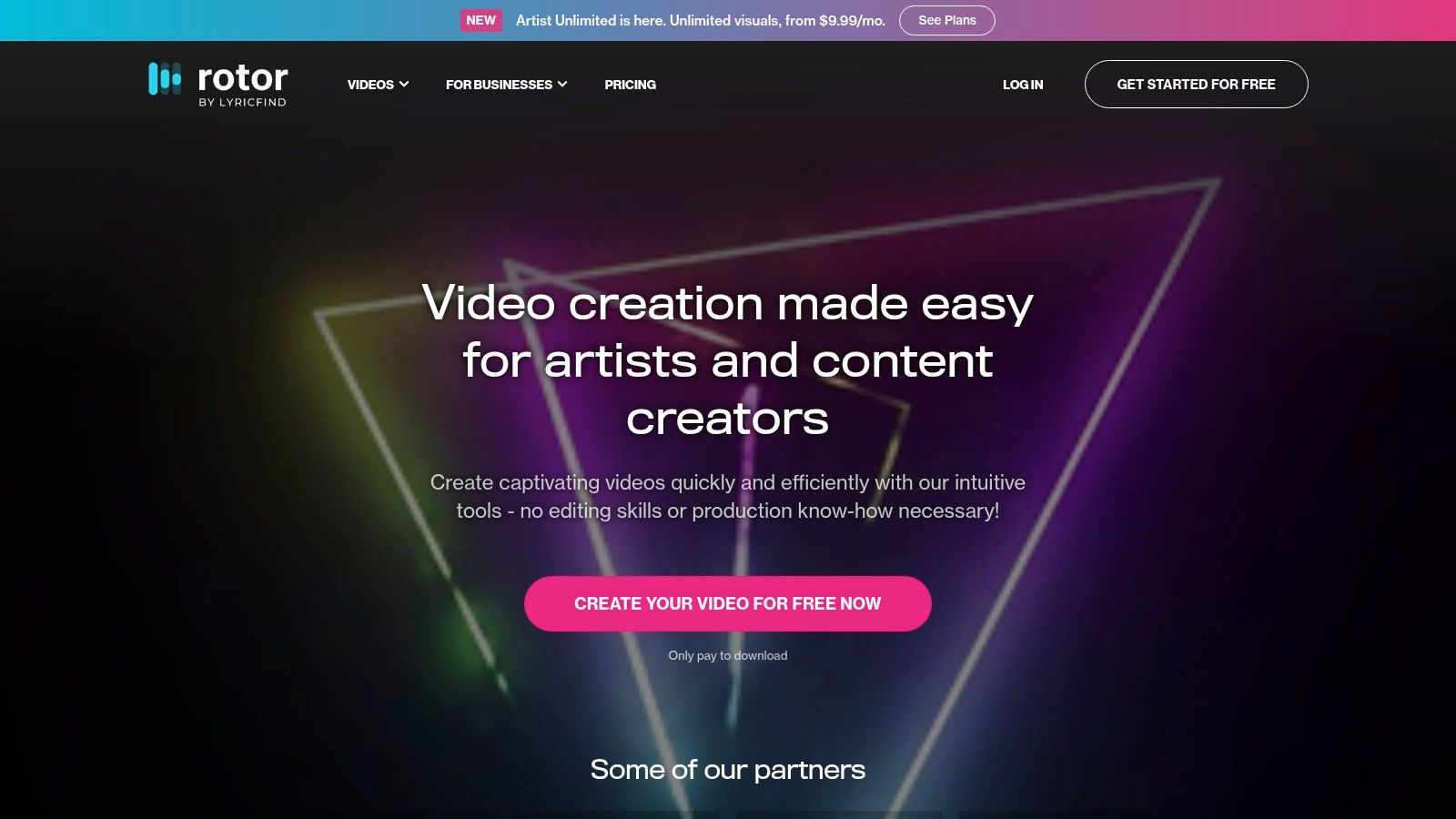
Rotor Videos is one of the few tools on this list that can take a finished song and return a full-length video without any footage from you. You pick stock clips and a visual style, or upload your own media, and the platform cuts the visuals to your track. Free previews let you judge the result before you pay to download.
Its real value is release-wide coverage. One workflow produces music videos, lyric videos, artwork videos, and Spotify Canvas loops, then exports in social formats including vertical. For an independent artist planning a launch, the full-song video and the short promo assets come out of the same session instead of two separate tools.
Two things to verify before you commit. Check Rotor's current pricing and license pages for its terms on watermarks, commercial-use rights, and whether plans are priced per artist, since conditions on template services change and multi-artist work may need a different arrangement. Then accept the creative trade-off: template-led output gives you less shot-by-shot control than cutting footage yourself, so artists with a specific visual treatment in mind may hit the ceiling fast.
Pair the main video with shorter cuts informed by trending audio choices for Instagram Reels, so the campaign doesn't rely on a single upload.
3. Kaiber
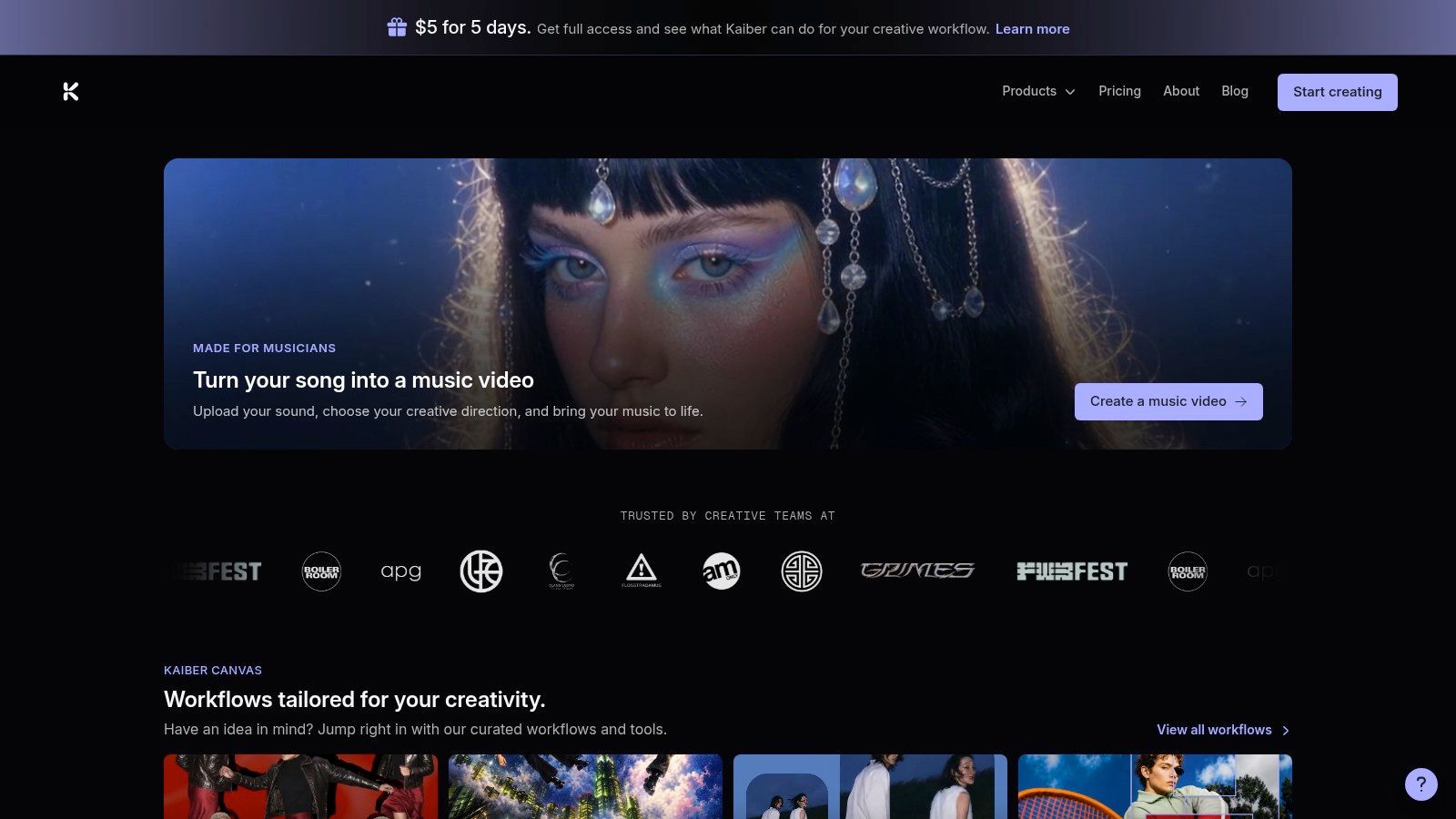
Kaiber suits experimental, AI-driven music videos where the visual should react to the sound rather than document a performance. Its Beat Sync feature creates video timed to uploaded music, while Canvas generates or remixes AI video and image content. A timeline editor then lets you sequence clips, layer audio, and add text.
Because Canvas, Beat Sync, and the editor share a media library, you aren't exporting and re-importing between separate apps. Social aspect ratios and batch creation help when you need several short variations from one track for TikTok and Reels testing.
Generate more variations than you think you need, then cut ruthlessly. AI output rewards selection, not loyalty to the first render.
Interoperability like that is what professionals actually prioritize. A 2025 survey reports that 58% of professional creators prioritize ecosystem integration and plug-in compatibility, per multimedia software market research from Dataintelo. A shared library is a small version of that same principle.
The limits are real. AI results can be unpredictable and may need review or regeneration, and credit use varies by model and task, which makes project costs harder to estimate before you start. Budget credits for rejects, not just for the final cut.
4. CapCut
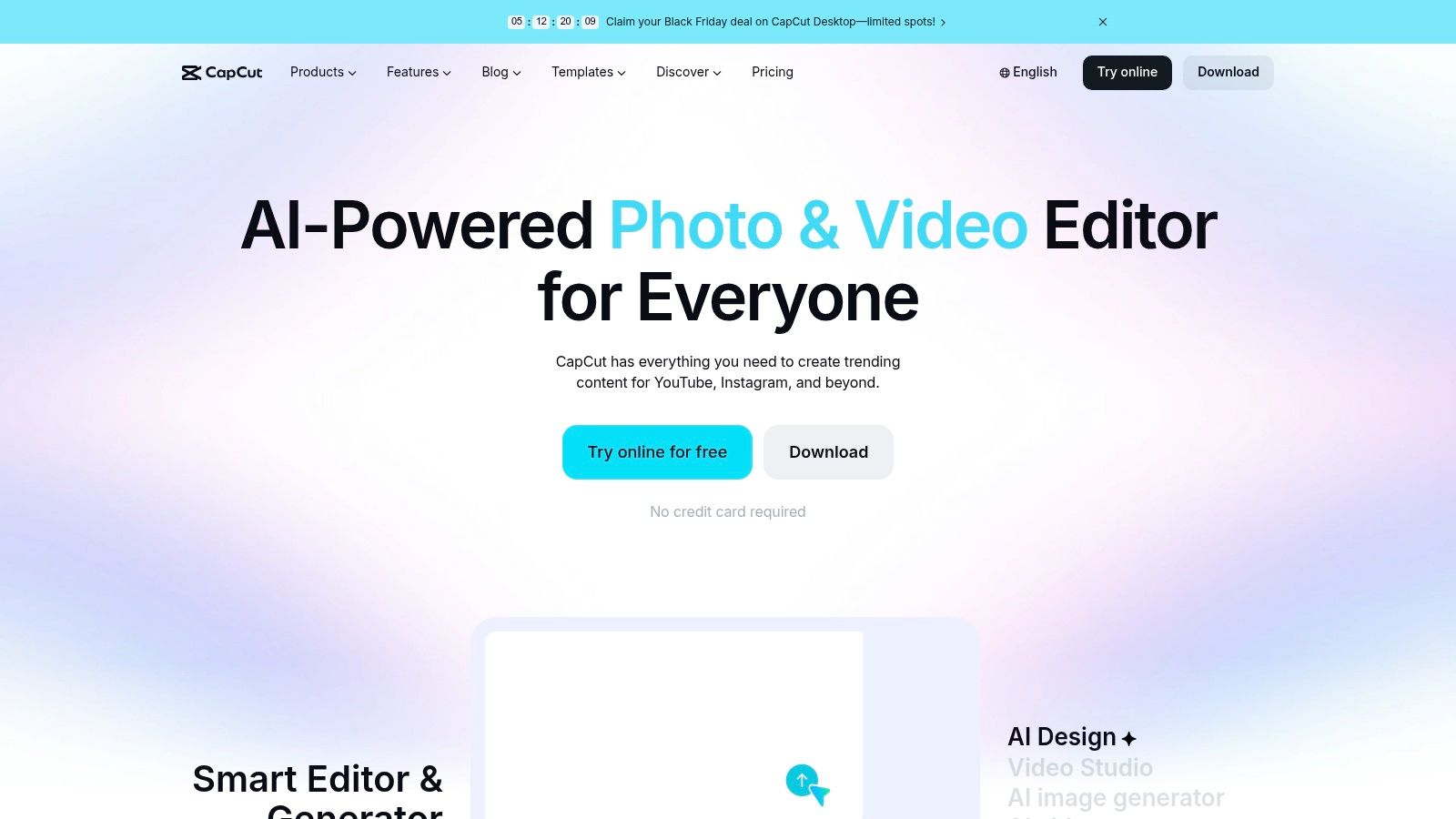
For music-led short-form content, CapCut is the practical default. It's an editor, not a purpose-built full-song generator, and that's exactly why performance clips, fan edits, and dance videos work well in it. You trim, combine, and arrange footage on a timeline, then add templates, transitions, effects, and animated text.
Desktop, web, and mobile workflows mean you can start a cut on your phone and finish it at a desk. Captions and other AI-assisted editing features speed up the repetitive parts, and a free plan is available for getting started.
Music deserves that attention in short-form work. An academic marketing study found music present in 68% of sampled social-media marketing content, detailed in research on music in social media marketing content. Treat the track as a production variable, not decoration, and cut alternate versions around different intros and beat drops.
- Strength: Beginner-friendly and fast for short vertical videos.
- Limitation: Premium features and plan availability can vary by region, device, and promotion.
- Limitation: Less suitable than a professional editor for detailed, multi-scene long-form projects.
If you're comparing mobile-first options, our breakdown of TikTok video editing apps and workflows covers where CapCut sits among its closest rivals.
5. Canva
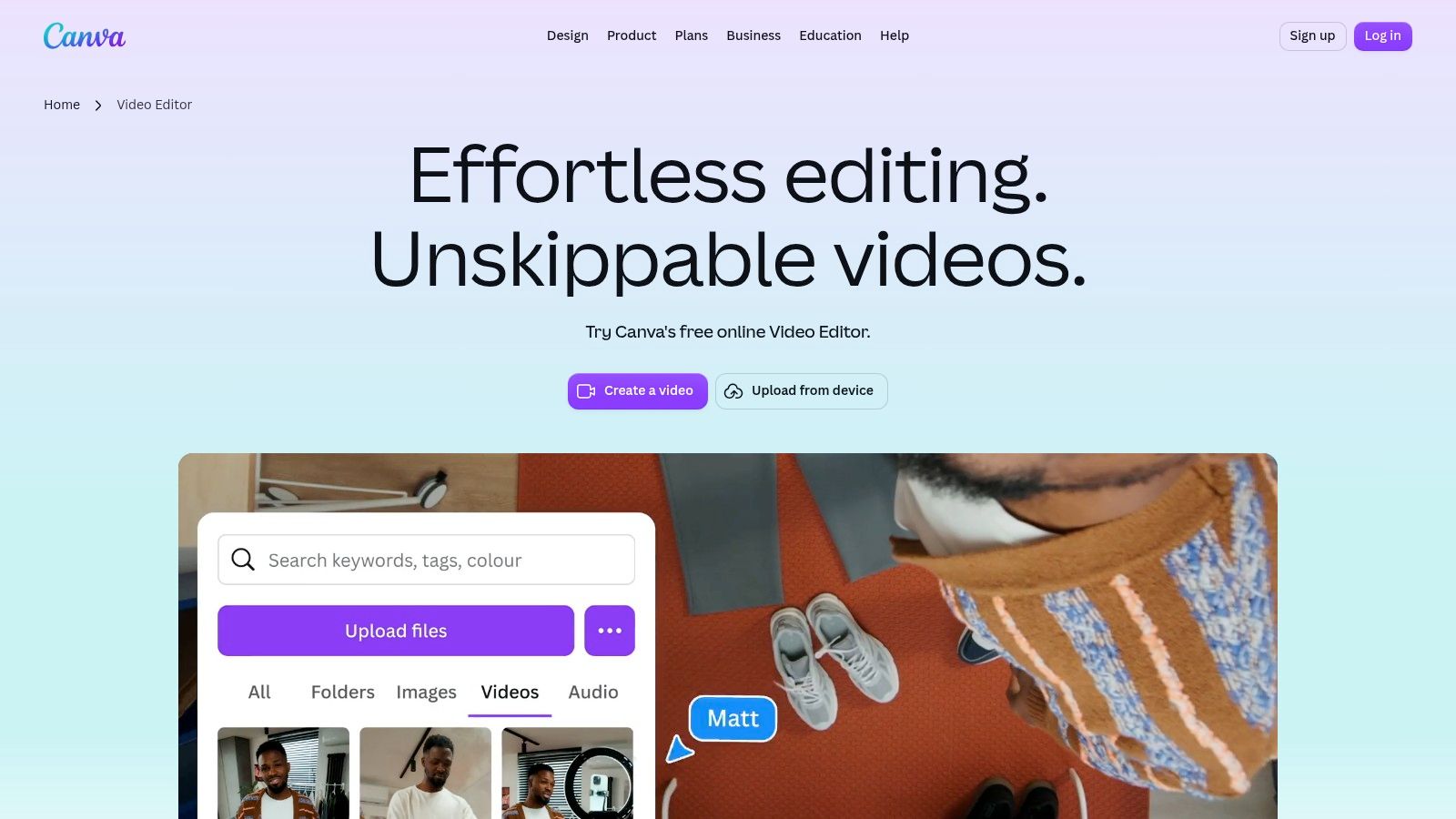
Already designing your artwork in Canva? Then Canva's video editor is the lowest-friction way to pair music with clips, animated text, and branded layouts. Its multilayer timeline handles trimming, splicing, and transitions, and resize tools adapt one edit for different platforms. Beat Sync and other music-oriented features are available on eligible plans.
This is a strong fit for promotional clips, lyric cards, and social posts where a consistent brand look matters more than cinematic control. A free editor is available to try without a credit card, which makes testing cheap.
Check the rights before you export
Template libraries make it easy to add music and stock, but ease doesn't equal permission. Ask whether a track is cleared for TikTok, Instagram, YouTube, paid ads, and client work, since synchronization licensing is expanding into short-form and branded campaigns, as outlined in music licensing market analysis from Research and Markets. Keep proof of the license scope with the project file.
Some stock footage, AI tools, and editing capabilities require a paid plan, and template-based work can look familiar without substantial customization. For the static side of the same campaign, see our guide to apps for making Instagram posts.
6. Adobe Premiere
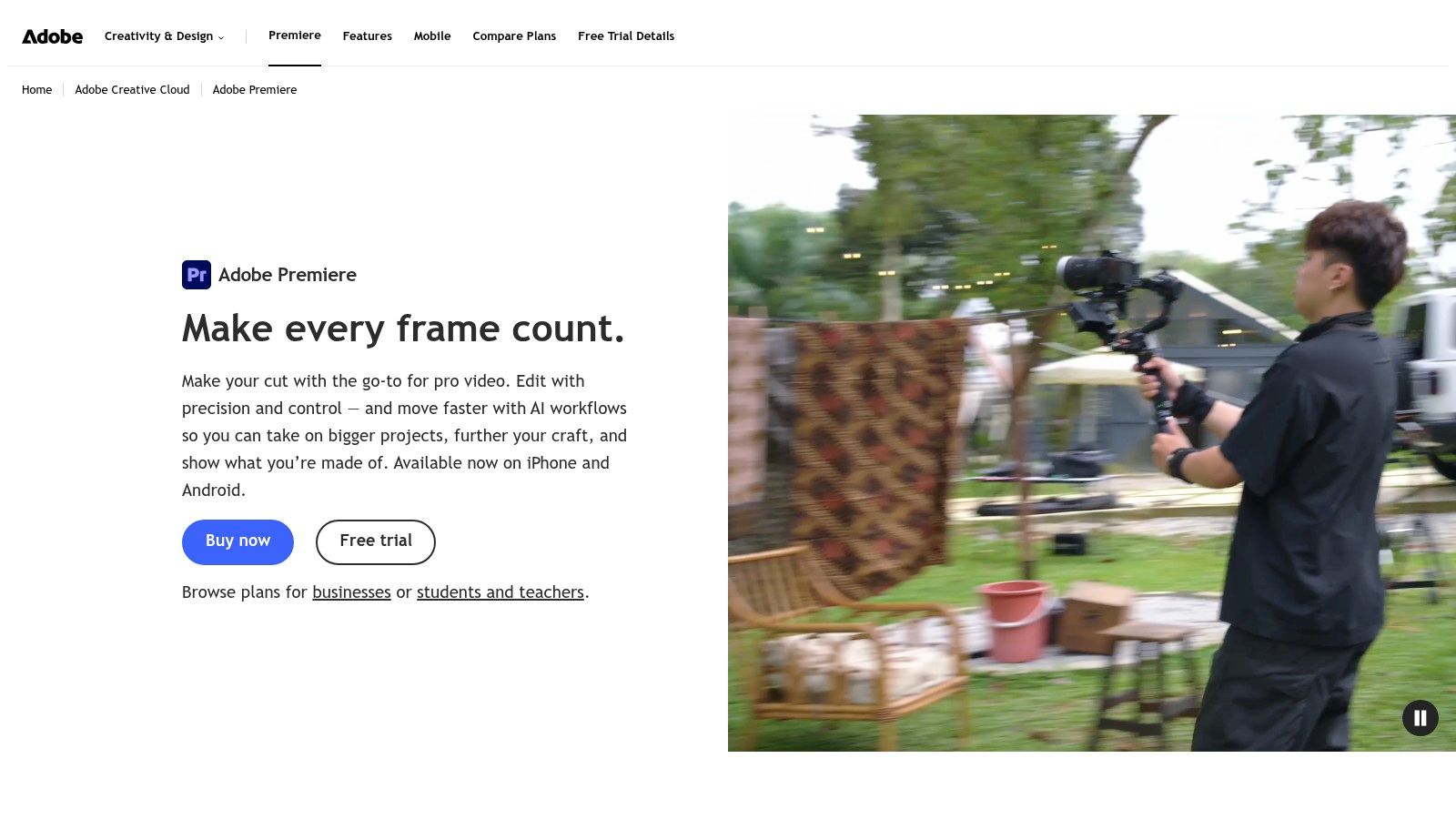
Adobe Premiere is for creators who have footage and want precise control over every cut. It won't turn a song into a finished video automatically. What it gives you is detailed timeline editing, strong audio control, and professional color and effects workflows, plus integration with After Effects and Audition and Frame.io review on eligible plans.
That control is where a full-song concept video gets its finish. You can refine timing against the track, build multi-scene sequences, and deliver polished versions for both widescreen and vertical. Teams already using Adobe software will feel the benefit most.
Captions deserve the same care as the grade. Recent captioning research notes that non-speech information in music videos is often reduced to generic labels that fail to communicate rhythm, mood, or changes in the arrangement, as research on captioning and audience feedback explains. Write captions that describe the music, not just the lyrics, and keep them clear of busy effects.
Practical rule: If a caption has to compete with kinetic type and stickers, simplify the visual. Comprehension beats decoration.
Premiere is subscription-only with no permanent license, and it's more demanding to learn than a template editor. New editors can build the basics faster with our video editing tips for beginners.
7. DaVinci Resolve
DaVinci Resolve packs editing, color correction, visual effects, motion graphics, and audio post-production into one desktop application. It isn't purpose-built for music videos, but serious projects don't need it to be. Fairlight tools handle audio post, and the color page is the reason many editors choose it for a distinctive look.
The free version supports up to Ultra HD 3840 × 2160 at up to 60 fps for supported formats, making it exceptionally capable for users willing to learn it. The Studio edition adds further effects, AI features, and advanced format support, and its license doesn't require a recurring subscription.
- Editing and finish: Cut, grade, mix, and deliver without round-tripping between apps.
- Cost structure: Start free, then decide whether Studio earns its place.
- Hardware demand: Expect to need a capable computer for demanding footage and effects.
The learning curve is steeper than browser or mobile tools, and Resolve is a poor fit for quick templated social edits. Use it when the final video is the hero asset, then cut social excerpts in a faster tool.
8. Filmora
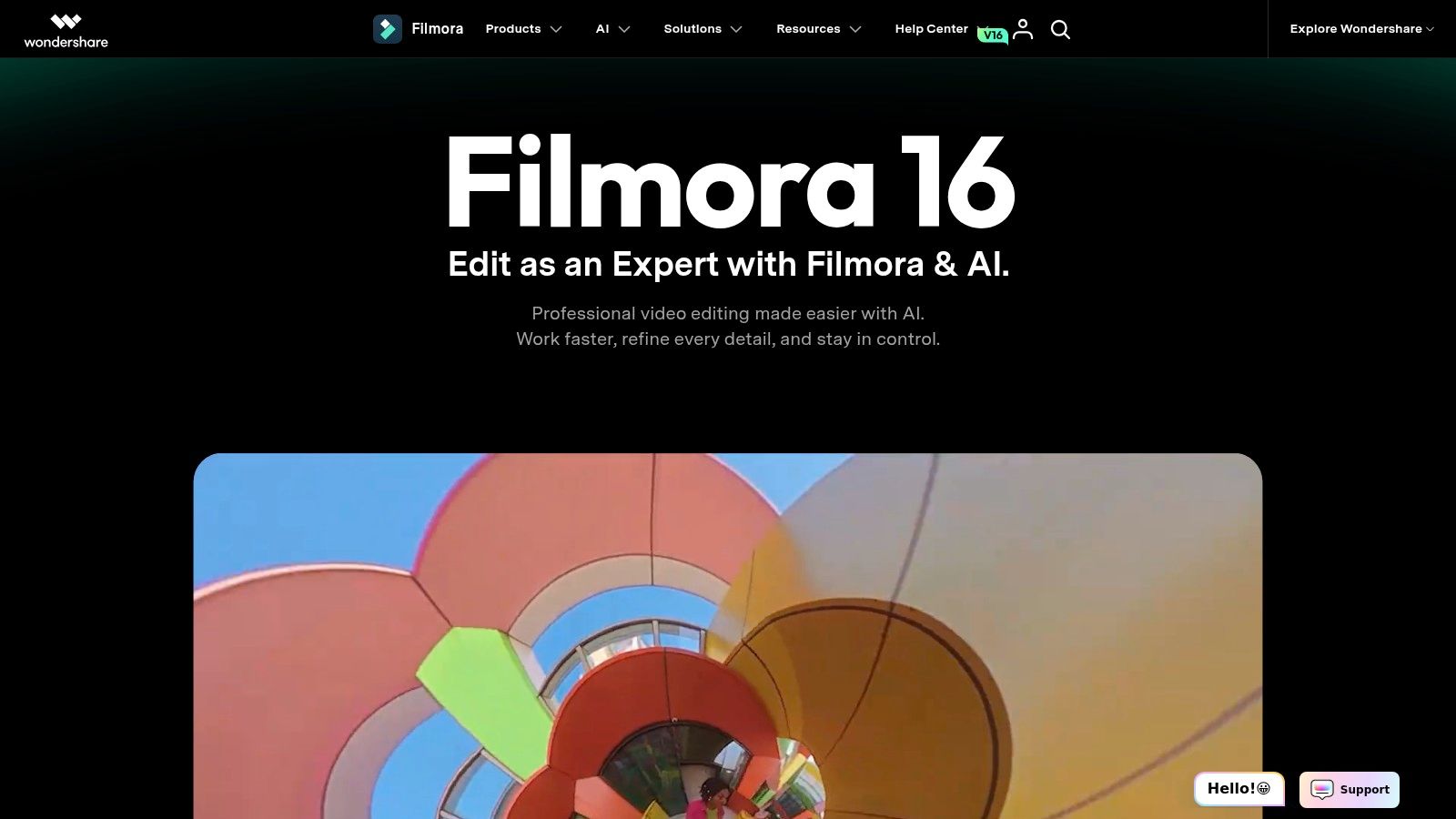
Filmora sits between a social app and a professional editor. Musicians can cut performance footage to a track, add titles and transitions from a broad effects library, and produce social-ready versions with more control than a phone editor allows. Paid plans support 4K export, and some plans include AI tools and credit-based features.
For many beginners, that balance is the appeal. Templates and effects speed up finishing work without forcing you into a fully templated result, and payment options include a perpetual license for a specific version.
Read the license terms closely before you rely on them. A perpetual license doesn't necessarily include future major versions, and AI features or asset access may involve separate limits or add-ons. Template-heavy edits also need customization so they don't look like everyone else's.
Filmora works well for stylized performance pieces, including composites. If you're planning that kind of shoot, our walkthrough of the TikTok green screen video effect shows how to stage footage that's easier to key and cut later.
9. VEED
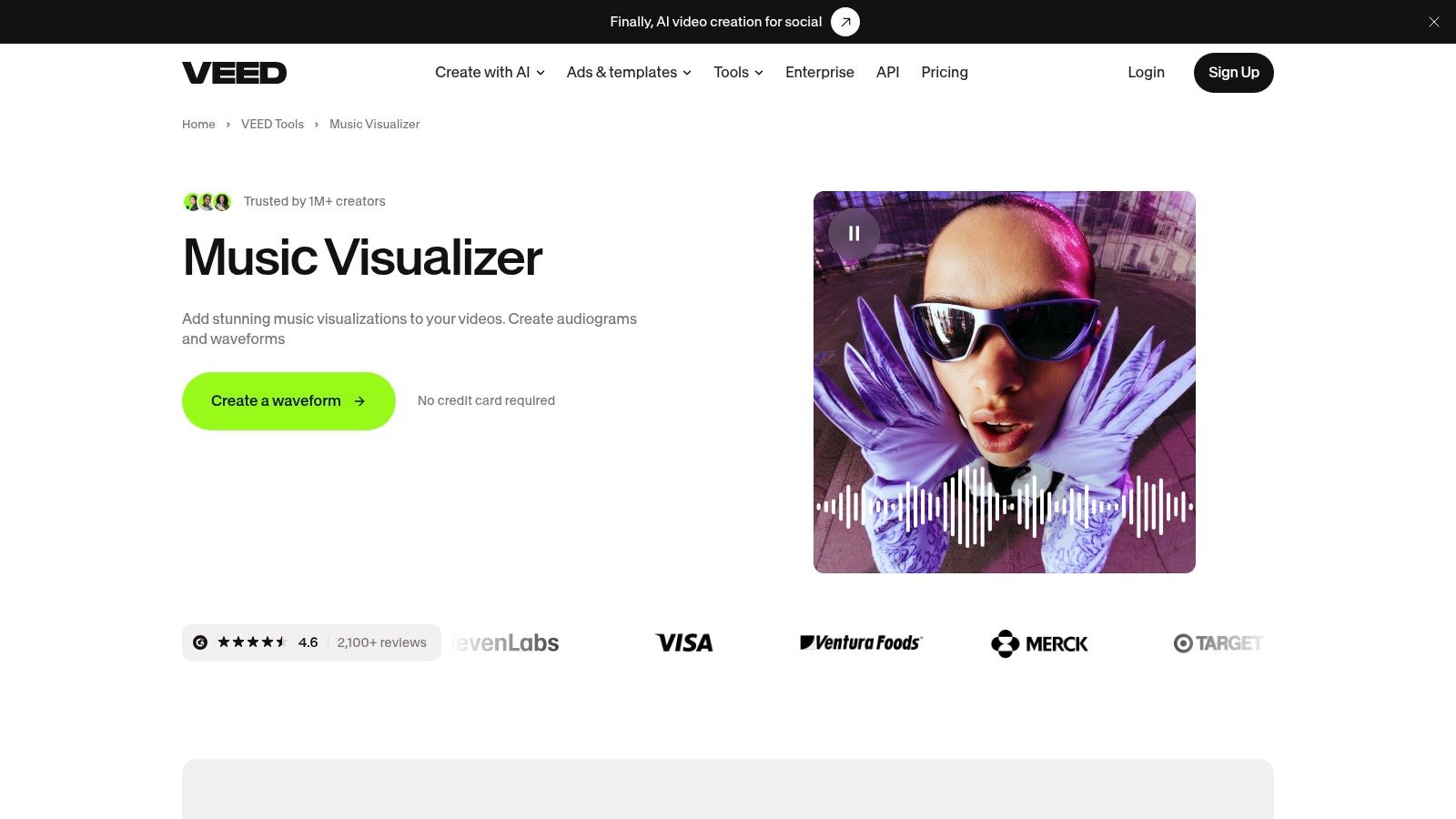
Sometimes you don't need a narrative video. You need a clean visualizer for a release post, and you need it today. VEED's music visualizer adds customizable animated sound waves to audio inside a browser-based editor, so there's no desktop software to install. You can add text, subtitles, and other overlays in the same session.
That direct workflow is quicker than building a visualizer manually, and it suits lyric-style content and short promotional clips. It won't replace frame-by-frame creative work, and it isn't trying to.
Format limits should shape the edit from the start. Instagram Reels support multi-clip videos up to 3 minutes, according to Instagram's official Reels feature page. Build a strong opening hook, then structure the rest around a chorus, beat drop, or visual payoff instead of uploading the whole song.
Don't post the full production as a Reel. Post the chorus, the teaser, or the behind-the-scenes cut, and let each format do one job.
Free exports may carry restrictions such as a watermark or lower resolution, and browser-based rendering won't suit every workflow. Check the export terms before a client deadline depends on them.
10. Renderforest
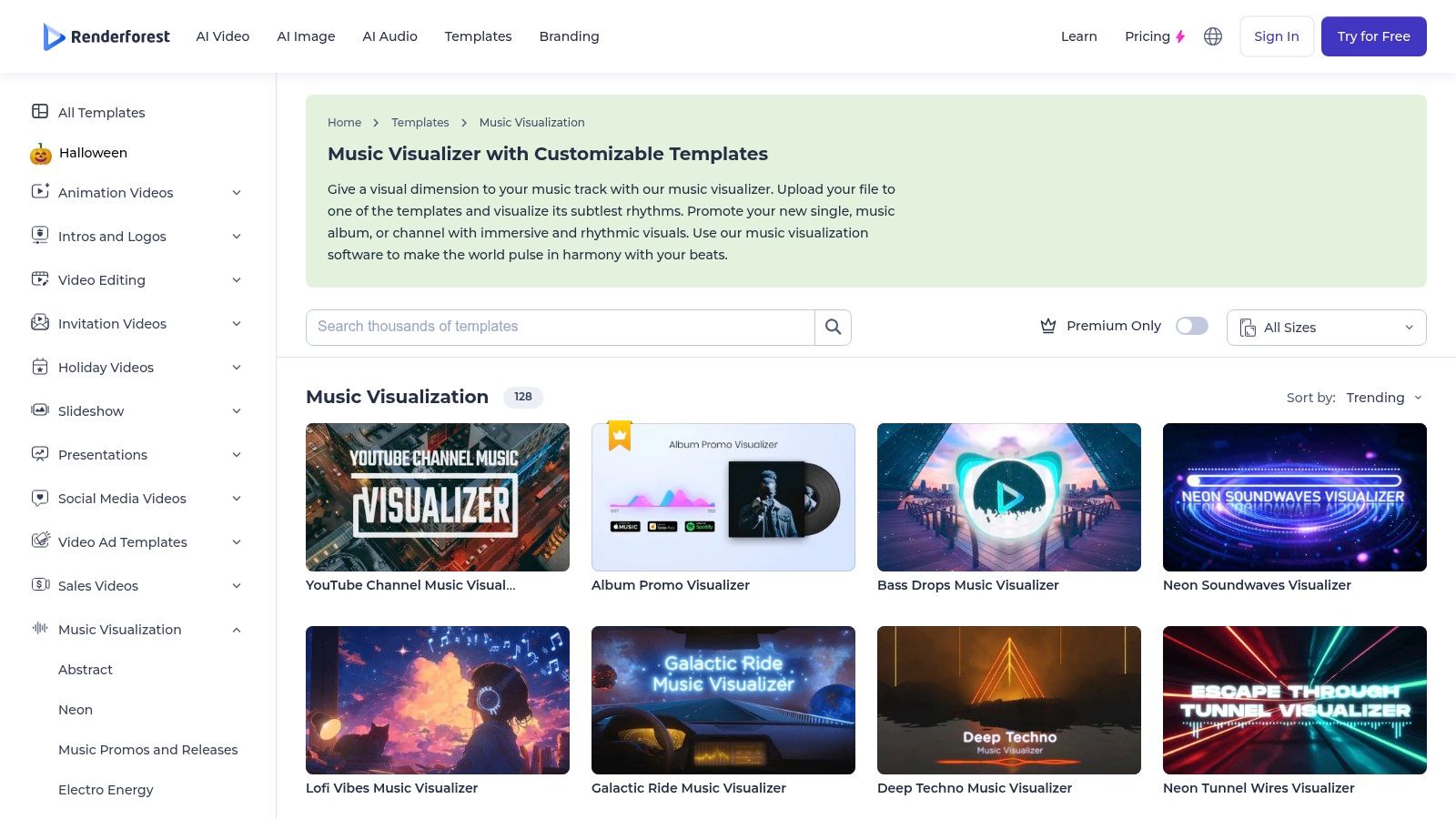
Renderforest offers two routes to music visuals in one service. You can customize music-visualization templates or use its AI music-video generation workflows, drawing on stock footage, music, and other visual assets. Paid plans support higher-resolution exports than the free option.
That flexibility helps non-editors who also need general brand and social content. One platform can produce the visualizer for the track and the announcement graphics around it.
Repurposing still needs planning per format. For scheduled Instagram Stories, video clips must be trimmed to 60 seconds or less, as published Instagram Stories scheduling specifications state. Split a vertical teaser into short Story segments, use a Reel for discovery, and keep important text legible across crops.
- Strength: Template and generated approaches in one account.
- Limitation: Template output can be less distinctive than custom editing.
- Limitation: Free exports include a watermark, and quality and usage terms depend on the plan.
Choose Renderforest for speed and variety across a small campaign. Move to a timeline editor when the video needs its own visual identity.
11. Videobolt
Videobolt focuses on designed, audio-reactive templates for music visualizers and lyric videos. Its online editor lets you customize template elements without manually constructing animations in a professional motion-graphics program. The result is more polished and structured than a basic waveform generator.
That design-first approach is the whole trade. You trade creative control for a finished look fast, which is exactly what a lyric video or a looping visualizer needs. Resolution, export length, and licensing terms depend on the plan you choose, so check those details against your release before committing.
Timing the release matters as much as rendering it. Meta's own guidance recommends posting when your followers are most active, so schedule the main clip near an active window for your audience, then compare reach and shares against other slots.
Templates constrain the visual direction compared with custom animation, and Videobolt is less flexible for editing a full live-action narrative. Treat it as a lyric and visualizer specialist rather than a general editor.
How the 11 music video makers compare by best use, free option, and main limitation
Eleven tools, four different jobs: concept-led full-song videos, fast vertical clips, lyric videos and visualizers, and detailed professional edits. Group them by what they ship, not by feature count.
| Item | Best For | Free Option | Key Limitation |
| revid.ai | Turning ideas or existing content into short social videos | Not specified | Focused on short-form output rather than frame-level editing control |
| Rotor Videos | Independent artists making music videos and release assets | Free previews before downloading | Template-led results limit creative control |
| Kaiber | Experimental, beat-synced music videos and short clips | Not specified | AI results can be unpredictable; credit costs vary |
| CapCut | Quick music-led vertical videos | Free plan available | Less suited to detailed, long-form projects |
| Canva | Branded promotional clips and social posts | Free editor available | Complex projects may require a full-featured editor |
| Adobe Premiere | Polished music videos requiring detailed editing control | No permanent free option specified; subscription-only | Steeper learning curve; does not automatically generate a finished video |
| DaVinci Resolve | Serious editing and color work on a budget | Capable free version | Steep learning curve and requires a capable computer |
| Filmora | Beginner-friendly editing with effects and templates | Not specified | AI features and assets may have separate limits or add-ons |
| VEED | Simple music visualizers and quick promotional clips | Free exports may be restricted | Less suited to detailed, frame-by-frame work |
| Renderforest | Template-based music visualizers and AI-generated music videos | Free exports include a watermark | Export quality and usage terms depend on the plan |
| Videobolt | Template-based music visualizers and lyric videos | Not specified | Templates constrain visual direction |
Read the free column closely. Where it says not specified, the tool's site does not state a free tier clearly, so confirm that before you build a release plan around it.
Match the Tool to the Release, Then Plan the Posts Around It
Choose by the video you need to publish first. Pick Rotor Videos or Kaiber for concept-led full-song visuals, CapCut or Canva for fast vertical clips, and VEED, Renderforest, or Videobolt for visualizers and lyric videos. Pick Premiere or DaVinci Resolve when timing, color, and finish matter most, and use revid.ai when you need ideas turned into short clips quickly.
None of the professional editors will turn a song into a finished video for you. They need footage, time, and decisions. The generators and template tools need the opposite from you, which is strong selection and a clear brief, because they'll happily produce something generic if you let them.
Test before you commit. Run a short excerpt of your actual track through a free plan or preview, export it in the format you'll publish, and watch it on a phone with the sound off and then on. Check watermarks, credit limits, resolution, and commercial-use terms at that point, not after you've built the full project.
Then plan the release around the finished assets instead of posting them at random. We built our workflow to connect goals, voice, creation, and planning in one workspace, so you can run a profile audit, review trends and ideas for your niche, and turn the strongest ones into a focused weekly plan that matches your time, formats, and goals. We write ready-to-shoot scripts and posts for Instagram, TikTok, LinkedIn, X, and Threads, including hooks, scene structures, and carousels for the days when a video isn't the right format.
After you publish, we explain performance in plain language, show what to keep, and coach one practical change for the next piece of content. That tells you whether the hook, the format, the timing, or the song excerpt did the work, which is how the second video in a campaign gets better than the first. More than 200K+ creators use our tools, and as one reviewer put it, “Trendy helped me stop overthinking content.”
Build the release calendar before release day. Schedule a teaser Story sequence, the main Reel or TikTok excerpt, a lyric clip, a behind-the-scenes post, and a follow-up cut that answers comments. Each asset comes from the same source material, but each one has a separate job.
Start with the tool that matches your first video, then let us help you decide what to post, when, and why. Try us free and get your first clear content move, then download Trendy on iOS, get Trendy on Android, or open the Trendy web app to run your profile audit and plan your release week today.