10 Essential Video Editing Tips for Beginners in 2025
Unlock your potential with these 10 actionable video editing tips for beginners. Learn key techniques for social media and create pro-level content!
Jumping into video editing can feel like trying to pilot a spaceship with an instruction manual written in Klingon. With endless software options, confusing jargon, and a million different techniques, it's easy to get overwhelmed and just give up. But what if you could skip the frustration and learn the core skills that separate amateur clips from professional, engaging content? This guide is designed to do just that.
We're cutting through the noise to bring you 10 powerful video editing tips for beginners that will elevate your projects instantly. Whether you're creating for YouTube, TikTok, or your first short film, these actionable techniques are your new secret weapon. Mastering them will not only make your content look better but will also streamline your workflow, saving you hours of headaches. To truly transform your clips and stay competitive, it's wise to stay informed about the latest editing tools and techniques.
For content creators looking to stay ahead, mastering these skills is just the first step. To ensure your perfectly edited videos reach the right audience, an intelligent content strategist is key. The Trendy app analyzes your niche and audience to provide personalized post ideas and trend suggestions, turning your newfound editing skills into measurable growth. Ready to transform your timeline? Let's dive in.
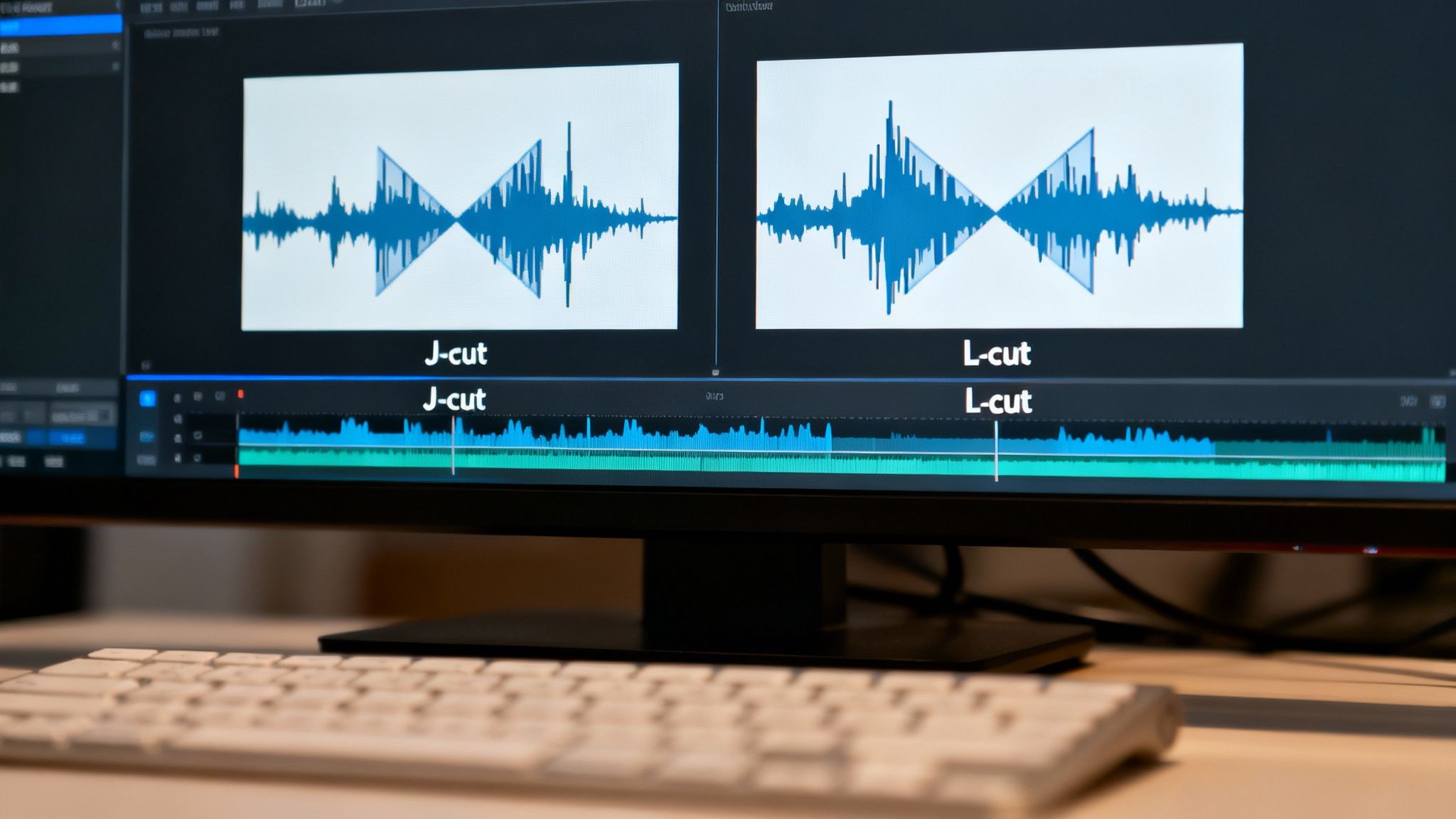
1. The J-Cut and L-Cut Editing Technique
Ready to make your edits feel less like a clumsy school project and more like a slick Hollywood production? The secret sauce isn't some expensive plugin; it's a classic trick called the J-cut and L-cut. This is one of the most fundamental video editing tips for beginners that will immediately elevate your content. These cuts are named for how they look in your editing timeline. A J-cut is when the audio from the next clip starts before the video cuts to it. Conversely, an L-cut is when the video from the next clip appears while the audio from the
previous
clip continues to play.
Why It Works and How to Do It
This technique makes transitions feel seamless and natural, guiding your audience's attention without jarring "hard cuts." Think of a YouTube interview where you hear the host’s next question (a J-cut) just before you see their face, or seeing a creator’s reaction (an L-cut) while their friend is still finishing a sentence.
Here's how to master it:
Start Small: Begin by overlapping your audio and video by just 0.5 to 1 second. A little goes a long way.
Introduce with a J-Cut: Use a J-cut to tease what's coming next. It builds anticipation and smoothly introduces a new speaker or topic.
Show Reactions with an L-Cut: L-cuts are perfect for showing someone's reaction to what’s being said, adding emotional depth and context to your dialogue.
Enhance Your Edits: After applying your cuts, you can find a matching audio track in the Trendy app to complement the mood. Their library of trending sounds can give your professional-looking transitions an extra layer of polish.
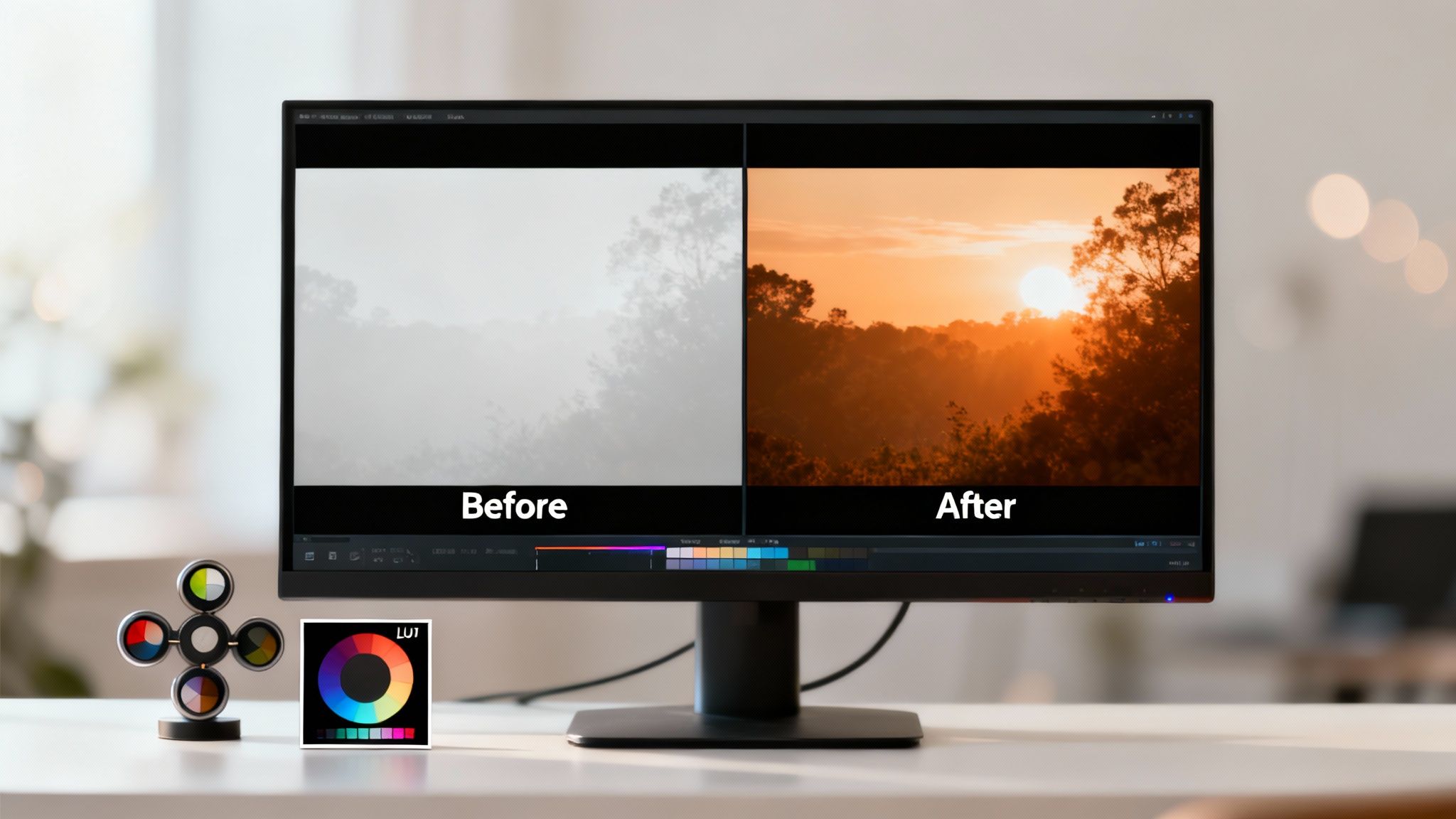
2. Color Grading and Color Correction Basics
Ever wonder why your footage looks flat and lifeless while your favorite creator’s videos pop with cinematic flair? The magic isn't just a fancy camera; it's color grading and correction. This is one of the most impactful video editing tips for beginners because it transforms the entire mood of your content. Color correction is the technical step of fixing problems like white balance and exposure to create a neutral, true-to-life base. Color grading is the fun part: applying a creative style to evoke an emotion, like the warm, inviting tones of an influencer’s travel vlog or the dark, moody aesthetic in a music video.
Why It Works and How to Do It
Proper color work makes your videos look professional and builds a cohesive brand identity. It’s the difference between an amateur upload and a polished piece of content that hooks viewers. By controlling the color, you control the story’s emotional tone.
Here’s how to master it:
Correct First, Grade Second: Always start by fixing the basics. Adjust your exposure, contrast, and white balance to get a clean starting point before you add any creative styles.
Use Reference Images: Find stills from films or photos you love and use them as a reference to guide your color choices. This helps you stay on track and achieve your desired look.
Start with Subtle Adjustments: A little bit of saturation or contrast goes a long way. Avoid pushing sliders to the extreme; start small and build up your look gradually.
Create a Signature Look: Once you’ve dialed in a color grade you love, you can apply similar presets or LUTs (Lookup Tables) to all your videos. This is a great way to enhance your brand with the help of the Trendy app, which can give you insights into what visual styles are currently resonating with your audience.
3. Multi-Cam Editing Workflow
Ever wonder how YouTubers seamlessly switch between a wide shot and a close-up during a podcast or interview? The magic isn't in painstakingly lining up clips; it's a powerful technique called the multi-cam editing workflow. This is one of the most game-changing video editing tips for beginners filming with more than one camera. Multi-cam editing allows you to synchronize footage from multiple angles and switch between them in real-time, as if you were a live TV director.
Why It Works and How to Do It
This workflow transforms a static video into a dynamic, engaging experience, holding your audience's attention for longer. It's perfect for interviews, product unboxings, live event coverage, or any content where multiple perspectives add value. Instead of guessing which angle is best, you can choose the perfect shot on the fly.
Here's how to master it:
Sync with Sound: Before you start recording, clap your hands loudly on camera. This sharp audio spike creates a clear reference point to perfectly synchronize all your camera angles in your editing software.
Organize Your Footage: Keep your clips organized. Create separate bins or folders in your project for each camera angle (e.g., "Camera A - Wide," "Camera B - Close-up").
Learn Your Shortcuts: Most editing software lets you switch angles using number keys (1 for camera 1, 2 for camera 2, etc.). Learning these shortcuts makes the editing process incredibly fast and intuitive.
Elevate Your Audio: Once your camera angles are cut together, use the Trendy app to find the ideal background music or sound effects. A well-chosen track can unify your different shots and give your multi-cam sequence a polished, professional feel.
4. Keyboard Shortcuts and Custom Hotkeys
Want to edit faster than a caffeinated squirrel on a deadline? Stop dragging your mouse around for every single action. Learning to use keyboard shortcuts, or "hotkeys," is the single biggest leap you can take from fumbling beginner to efficient pro. This is one of those video editing tips for beginners that seems tedious at first but pays off massively, turning hours of clicking into minutes of fluid keystrokes. Instead of navigating menus, you’ll be making cuts, adding effects, and moving clips with the press of a button.
Why It Works and How to Do It
This technique rewires your muscle memory for speed and precision, letting your creative ideas flow directly onto the timeline without interruption. Professional editors who cut 40-minute episodes weekly don't hunt for the "razor tool" icon; they just press 'C' in Premiere Pro. It’s about building a direct line from your brain to the software.
Here's how to master it:
Learn the Essentials: Start by memorizing 5-10 core shortcuts. In most software, 'I' sets your In-point, 'O' sets your Out-point, and 'C' or 'B' activates the cut tool.
Print a Cheat Sheet: Find a keyboard shortcut map for your software online, print it, and tape it to your monitor. A visual reminder is incredibly effective.
Customize for Your Workflow: As you get comfortable, customize your hotkeys. If you frequently use a specific transition or effect, assign it to an easy-to-reach key.
Add the Final Touch: Once your edit is assembled at lightning speed, use the Trendy app to quickly find the perfect audio. Its curated library helps you match your fast-paced edits with equally engaging sounds, ensuring your content is ready for primetime.
5. The 180-Degree Rule for Continuity Editing
Ever watched a movie scene where two people are talking, and suddenly they seem to have swapped places for no reason? It's jarring, confusing, and instantly pulls you out of the story. This common beginner mistake is easily solved by understanding the 180-Degree Rule, a core principle that keeps your videos looking professional and easy to follow. Think of it as the invisible director's chair that ensures your audience always knows where they are.
Why It Works and How to Do It
The rule works by drawing an imaginary line between your subjects. As long as you keep all your camera angles on one side of that line, the characters will maintain the same left/right relationship with each other, creating seamless spatial continuity. A classic example is any dialogue scene in a sitcom; the characters always appear on the same side of the screen when cutting between them. This is one of the most vital video editing tips for beginners to master for clear storytelling.
Here's how to master it:
Plan Your Line: Before you even hit record, establish your 180-degree line. This simple act of pre-production will save you a massive headache in the editing room.
Use Establishing Shots: Start your scene with a wide shot that shows where everyone is. This gives the audience a mental map, making your subsequent cuts feel natural.
Break It with Purpose: You can intentionally cross the line to create a sense of chaos, confusion, or a major shift in the dynamic, but do it deliberately and sparingly.
Review and Refine: The Trendy app offers tools to preview your video clips and plan your sequence. You can even find trending audio that helps smooth over a cut if you absolutely have to break the rule.
6. Organizing Project Files with Nested Bins and Sequences
Ever opened a project folder and felt like you were staring into a digital abyss of chaos? This is where a little organization saves your sanity and your project. A systematic workflow using nested bins (folders in your editing software) is one of the most crucial video editing tips for beginners. It’s the difference between a smooth, professional process and a frustrating, time-wasting mess. This technique involves creating a hierarchical folder structure inside your editing software to neatly sort all your media.
Why It Works and How to Do It
A clean project structure means you spend less time searching for clips and more time creating. Think of it like a chef's kitchen where every ingredient has its place. This is standard practice for professional production companies and YouTube pros like Peter McKinnon for a reason: it's efficient and scalable, especially for complex projects or team collaborations.
Here's how to master it:
Create a Master Template: Before you import a single file, create a standard folder structure you can reuse. Common bins include: 01_Footage, 02_Audio, 03_Graphics, 04_Sequences, 05_Exports.
Be Specific with Naming: Use a consistent naming convention for files, like Date_Project_Scene01_Take03. It seems tedious at first but is a lifesaver later on.
Use Color Labels: Most software lets you assign colors to clips and folders. Use this to quickly identify A-roll, B-roll, slow-motion footage, or "best takes."
Find Your Assets Easily: Once your project is organized, you can easily pull in assets like trending audio. Download a sound from the Trendy app and drop it right into your "Audio" bin, knowing exactly where to find it when you need it.
7. The Rough Cut to Fine Cut Editing Process
Tired of getting lost in a sea of clips and endlessly tweaking the same five-second segment? The solution isn't more caffeine; it's a structured workflow used by professional editors everywhere. The rough cut to fine cut process is a game-changing video editing tip for beginners that breaks down editing into manageable stages, saving you from creative paralysis and ensuring a polished final product. It’s all about building your video layer by layer, from a messy first draft to a masterpiece.
Why It Works and How to Do It
This methodical approach forces you to focus on the big picture (story and pacing) before getting bogged down in the tiny details like color correction or fancy effects. Think of it like building a house: you lay the foundation and frame the walls before you start picking out paint colors. This workflow is standard in everything from Hollywood films to high-performing social media content.
Here's how to master it:
Assemble a Rough Cut: Your only goal here is to get all your clips onto the timeline in the correct order to tell your story. Don't worry about perfect timing, transitions, or audio levels. Just build the basic skeleton of your video.
Refine Your Pacing: In the next stage, focus on tightening your edits, adding basic transitions, and getting the rhythm right. This is where you solve major story problems and get feedback from others before you invest too much time.
Polish with a Fine Cut: Once the story and pacing are locked, it's time for the fun stuff. Add your color grade, sound effects, B-roll, and that perfect trending audio from the Trendy app. This final polish is what makes your video shine.
Leverage Your Workflow: A structured editing process makes it easier to create multiple versions of your content for different platforms. Explore these content repurposing strategies to get more mileage from every video you create.
8. Pacing Through Cut Length and Rhythm
Ever wonder why an action scene gets your heart racing or a sad moment makes you pause and reflect? It’s not just the music; it’s the editor playing with time itself. Mastering pacing by adjusting your clip length and the rhythm of your cuts is one of the most powerful video editing tips for beginners to control the viewer's emotional journey. Short, rapid cuts create energy and excitement, while longer, lingering shots allow for contemplation and emotional absorption.
Why It Works and How to Do It
Pacing is the heartbeat of your video. A consistent, monotonous rhythm can bore your audience, while a dynamic, intentional rhythm keeps them hooked. Think of a MrBeast video with its lightning-fast cuts to maintain high energy, versus a documentary that holds on a single shot to let a powerful interview sink in. This intentional manipulation of time is what separates amateur edits from professional storytelling.
Here's how to master it:
Match Pacing to Emotion: Use quick, 1-2 second cuts for high-energy moments like reveals or action sequences. For emotional or important points, let the shot breathe for 5-10 seconds to give it weight.
Create a Visual Beat: Edit your clips to the beat of your background music. Aligning your cuts with drum hits or major melodic changes creates a satisfying, professional-looking sync that viewers love.
Vary Your Rhythm: Avoid using the same cut length repeatedly. Mix short and long clips to create a dynamic flow that prevents viewer fatigue and keeps your content engaging. For social media, understanding the optimal pacing for platforms like Instagram is crucial. You can learn more about Instagram Reels best practices to nail your timing.
Sync with Trending Audio: The Trendy app is your secret weapon for finding audio with the perfect rhythm. Use its library of trending sounds to find a track, then edit your video to its beat for a viral-ready clip.
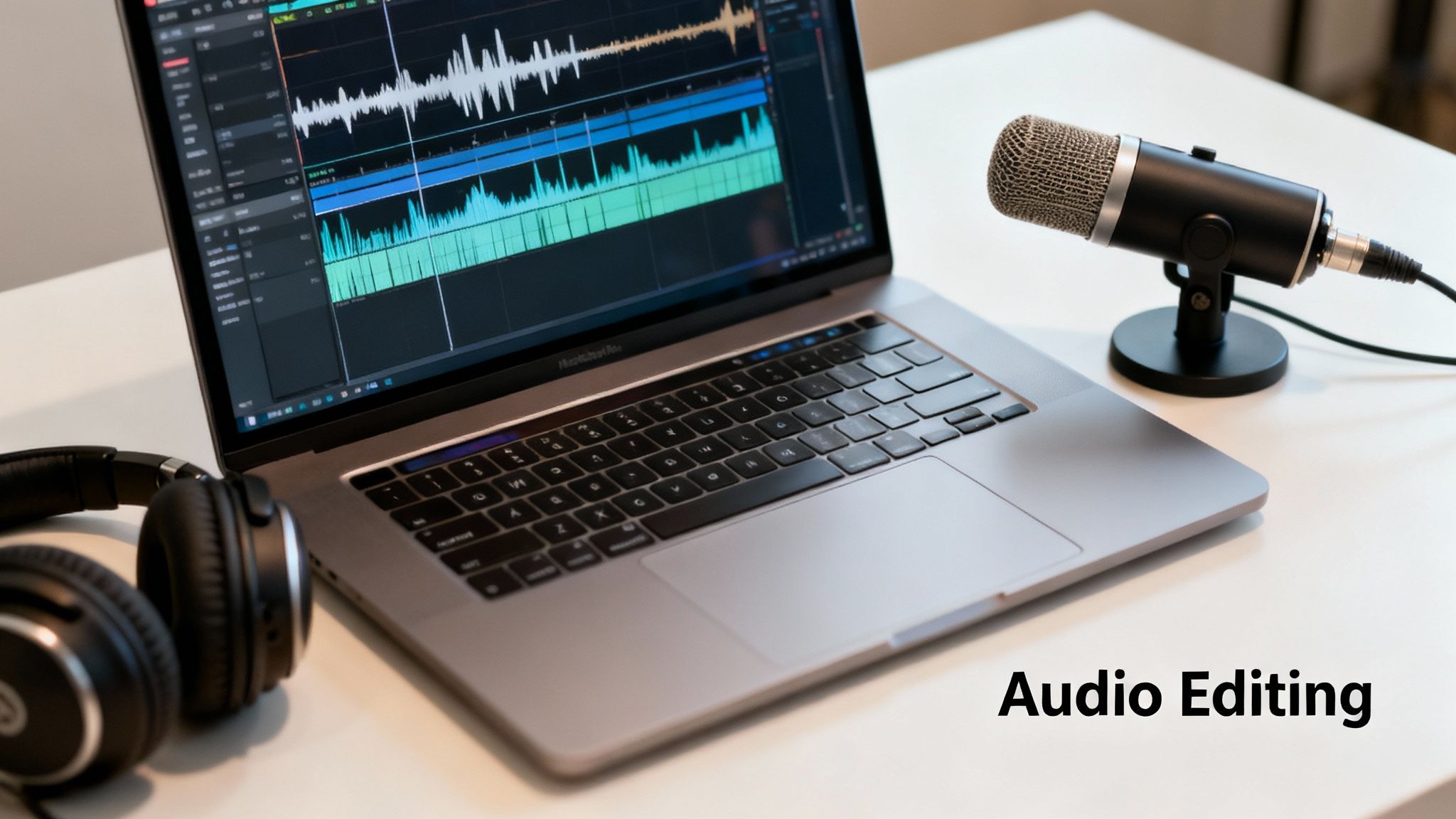
9. Audio Editing and Sound Design Fundamentals
You can have the most stunning 4K footage in the world, but if your audio is a crackly, muffled mess, viewers will click away instantly. Great sound isn't just a bonus; it's half the viewing experience. This is one of those video editing tips for beginners that separates amateur content from polished, professional work. Mastering the basics of audio editing means cleaning up dialogue, balancing levels, and adding sound effects to make your videos feel immersive and high-quality.
Why It Works and How to Do It
Clean, well-mixed audio makes your content easier to understand and more enjoyable to watch, holding your audience's attention for longer. Think about a gaming stream where every sound cue is crisp or a podcast where the dialogue is smooth and clear. That's the power of good sound design. When recording, understanding microphone characteristics like the cardioid polar pattern can significantly improve your sound quality from the outset.
Here's how to get your audio right:
Balance Dialogue First: Before adding music or effects, make sure your dialogue is at a consistent, clear level. Nothing is more annoying than constantly adjusting the volume.
Use Room Tone: Record 30 seconds of silence in your recording space. You can use this "room tone" to fill awkward gaps in dialogue, making cuts seamless.
Layer Sound Effects: Don't just add one swoosh sound. Layer 2-3 simple effects together to create a richer, more impactful soundscape for your key moments.
Find Your Vibe with Trendy: Once your core audio is clean, explore the Trendy app to find the perfect background music or trending sound clips. Their library can add emotional weight and help your video connect with current social media trends.
10. Creating and Using Templates and Presets
Tired of setting up the same titles, color grades, and effects from scratch for every single video? Let's talk about the ultimate workflow hack: creating and using templates and presets. This is one of the most powerful video editing tips for beginners because it saves an incredible amount of time and ensures your content has a consistent, professional look. Think of it as creating a "master recipe" for your video's style, which you can apply with just a few clicks. Whether it's for a YouTube intro or a corporate branding package, templates are your best friend for efficiency.
Why It Works and How to Do It
Templates eliminate repetitive tasks and enforce brand consistency, which is crucial for building a recognizable presence online. A wedding videographer might use preset color grades for a signature romantic look, while a podcaster can use an intro/outro template to standardize every episode. This approach lets you focus on the creative storytelling instead of the tedious setup.
Here’s how to master it:
Establish Your Style First: Before creating a template, nail down your brand's visual identity. Once you're happy with your fonts, colors, and effects, then save them.
Save Project Files: Create a "master" project file with your standard assets, graphics, and sequence settings. When you start a new video, just save a copy and you're ready to go.
Use Adjustment Layers: For effects like color grading or filters, apply them to an adjustment layer in your template. This allows you to easily tweak the effect across multiple clips at once.
Combine Templates with Trends: Pair your efficient templates with the perfect trending audio from the Trendy app. Their library is full of sounds that can complement your consistent branding and make your videos even more engaging.
10-Point Comparison: Beginner Video Editing Tips
Item
🔄 Implementation Complexity
🧰⚡ Resource Requirements / Efficiency
📊 Expected Outcomes
💡 Ideal Use Cases
⭐ Key Advantages
The J-Cut and L-Cut Editing Technique
Low–Medium; simple edit, needs audio timing
Minimal; standard NLE, no extra hardware
Smooth transitions, better continuity and pacing
Dialogue, vlogs, documentaries, music videos
Polished flow; reduces jarring cuts
Color Grading and Color Correction Basics
High; requires color theory and practice
Medium–High; grading software, calibrated monitor
Cohesive aesthetic, mood shaping, professional polish
Cinematic projects, branded content, music videos
Dramatic visual transformation; storytelling through color
Multi-Cam Editing Workflow
Medium–High; sync and organizational overhead
High; multiple camera files, storage, timecode/clapper
Speeds workflow at scale; ensures consistency across projects
Your Next Edit is Your Best Edit
And there you have it, the secret sauce is officially out of the bottle. You've just navigated a whirlwind tour of ten powerful video editing tips for beginners, moving far beyond simple cuts and transitions. We've demystified everything from the cinematic grace of J-cuts and L-cuts, which seamlessly blend your audio and visuals, to the disciplined art of the 180-degree rule that keeps your audience grounded in the scene.
Think of these tips not as a checklist to complete, but as a new set of creative tools in your digital workshop. Mastering the rough cut to fine cut workflow will transform your chaotic timelines into polished narratives, while organizing your project files with nested bins is the secret to staying sane on complex projects. Each tip is a stepping stone toward faster, smarter, and more impactful editing.
Turning Knowledge into Action
The gap between knowing and doing is where true growth happens. Don't let this be just another article you read. Pick one or two concepts to apply to your very next project.
For your next talking-head video: Focus on implementing J-cuts and L-cuts to make the conversation feel more natural and engaging.
When you're batch-creating content: Spend an hour creating templates and color grading presets. The initial time investment will pay off tenfold down the line.
Feeling overwhelmed by footage? Commit to the nested bin organization system from the start. Your future self will thank you.
Remember, the goal isn't just to assemble clips; it's to tell a story that resonates. It's about controlling the rhythm with your cut length, evoking a specific mood with color, and ensuring your message is crystal clear with clean audio. You now have the foundational knowledge to move from a beginner who simply uses software to a creator who crafts compelling visual experiences.
From Polished Edit to Viral Hit
Creating a masterpiece is only half the battle. A perfectly edited video deserves an audience, and in the fast-paced world of social media, that means having a smart content strategy. This is where your editing skills meet data-driven insights. Understanding what's trending and how your content is performing is crucial for growth.
That’s precisely why pairing your newfound editing skills with an analytics tool is a game-changer. The Trendy app is designed for creators like you, helping you analyze your social media performance, discover viral trends, and understand the content that will connect with your audience. Don't let your hard work go unnoticed. Use Trendy to ensure your beautifully crafted videos get the reach and engagement they deserve, turning your editing efforts into tangible growth. Your journey from a novice editor to a savvy content creator starts now.
Ready to pair your killer editing skills with a powerful growth strategy? Download the Trendy app to get the insights you need to turn your polished videos into viral sensations and grow your audience faster than ever. Get started today at Trendy.
10 Essential Video Editing Tips for Beginners in 2025 | Trendy