
So, you’ve got a killer TikTok idea, but your phone's built-in editor just isn't cutting it. That's where the magic of dedicated TikTok video editing apps comes in, turning your raw footage into viral-worthy content that stops the scroll. The gap between a good video and a great one often comes down to the tools you use, and let’s be real, the native TikTok editor can feel like trying to paint a masterpiece with a crayon. You need more power, more effects, and more control.
This guide is your ultimate cheat sheet for 2026. We're diving deep into the absolute best apps to level up your editing game. Forget sifting through endless app store reviews; we’ve done the heavy lifting for you. We’ll break down 12 top-tier options, from industry standards like CapCut and LumaFusion to powerful desktop contenders like DaVinci Resolve, so you can find the perfect match for your workflow, whether you're a beginner or a seasoned pro.
You'll get the full scoop: key features, honest pros and cons, current pricing, and which platforms they run on, complete with screenshots and direct links. But this isn't just a list. We’ll also show you how to pair these tools with a smart growth strategy. We'll integrate tips on using the Trendy app to find viral hooks, captions, and sounds before you even start editing. This way, your perfectly polished video has the strategic foundation it needs to actually get seen. Ready to create content that captivates your audience? Let's get started.
1. CapCut
CapCut isn't just another video editor; it's the unofficial (but totally official) sibling to TikTok. Developed by ByteDance, the same parent company, it’s designed from the ground up to create content that feels native to the For You Page. This direct lineage makes it one of the absolute best TikTok video editing apps for creators who want a seamless workflow from concept to upload. Its entire interface and feature set are optimized for vertical, short-form video, eliminating the awkward cropping and resizing you might face with more traditional editors.
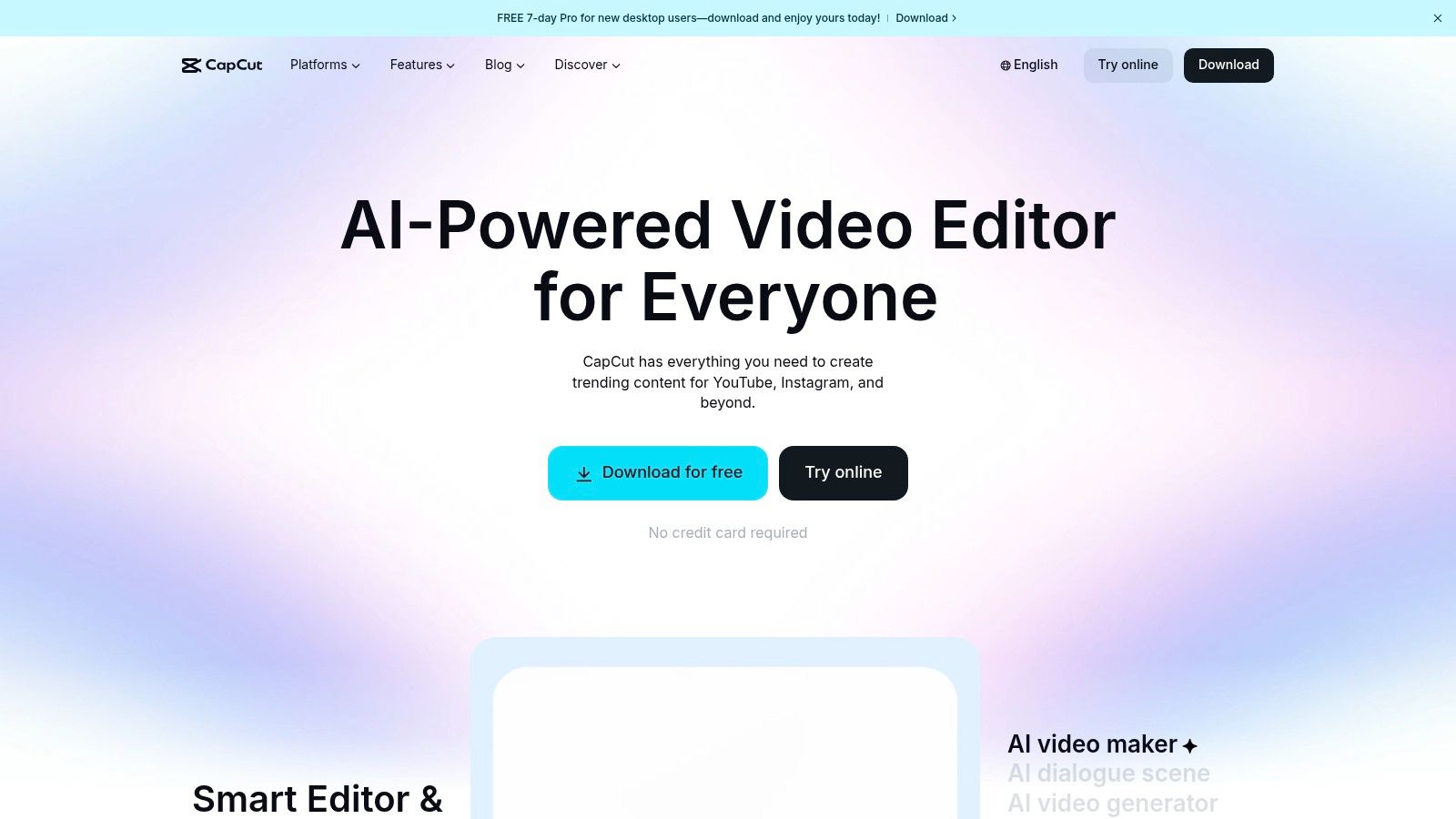
The platform is a goldmine of trending effects, filters, and audio that often mirror what's currently blowing up on TikTok. What really makes it stand out is the suite of AI-powered tools that automate tedious tasks. The auto-captioning is shockingly accurate and a massive time-saver for making accessible content. Plus, its vast template library lets you drop your clips into a pre-made, trending format, giving you a professional-looking video in minutes. For those just starting, exploring some foundational video editing tips for beginners can help you get the most out of these powerful features.
Key Features & User Experience
- Platforms: Web, Desktop (Mac/Windows), Mobile (iOS/Android)
- Best For: All-in-one TikTok-native editing and trend replication.
- Pricing: A very generous free tier is available. CapCut Pro adds premium effects, cloud storage, and advanced AI tools, with pricing that varies by region and platform.
The user experience is incredibly intuitive, especially on mobile. While the app's availability has occasionally been unstable on US app stores, the web and desktop versions provide a reliable and powerful alternative. Its direct export option to TikTok is a killer feature, ensuring your video maintains its quality. The biggest win? You can create a high-impact video using CapCut and pair it with a trending audio or hook suggestion from the Trendy app (iOS and Android) for a surefire viral combo.
2. InShot
InShot is the Swiss Army knife for mobile content creators who live life in the fast lane. If CapCut is TikTok’s sibling, InShot is its cool, independent cousin who’s popular everywhere. It’s a powerhouse on your phone, designed for ridiculously fast turnarounds on TikToks and Reels without sacrificing creative control. Its strength lies in its simplicity and speed, making it one of the go-to TikTok video editing apps for creators who need to edit and post on the fly, whether from a coffee shop or the back of a cab.
The app brilliantly balances an intuitive interface with a surprisingly deep feature set. You can easily trim clips, adjust speed for dramatic slow-mo effects, add animated text, and throw in catchy stickers or effects from its extensive library. What makes it a favorite is its no-fuss approach; everything is just a few taps away. You can quickly add a voiceover, layer your favorite music, and export directly to your social platforms in the perfect 9:16 aspect ratio. It’s built for creators who value momentum over complexity.
Key Features & User Experience
- Platforms: Mobile (iOS/Android)
- Best For: Quick, high-quality edits on the go with an intuitive interface.
- Pricing: Free version with ads and a watermark. InShot Pro removes these and unlocks all effects, transitions, and stickers for a monthly, annual, or one-time purchase fee.
The user experience is exceptionally smooth, making it perfect for beginners who might feel overwhelmed by more complex desktop software. While some users report occasional instability on very large projects, its performance on typical short-form videos is stellar. For maximum impact, use InShot to craft a visually stunning video, then grab a proven viral audio suggestion from the Trendy app on iOS or Android to complete your masterpiece.
3. VN (VlogNow)
VN, or VlogNow, is the editor for creators who crave more control without a price tag. It strikes an impressive balance between the simplicity of mobile-first apps and the robust functionality of desktop software. While others might lock key features behind a paywall or slap a watermark on your export, VN’s philosophy is refreshingly open. It offers a multi-track timeline, keyframe animations, and precise speed-ramping tools for free, making it one of the most powerful free TikTok video editing apps available. This makes it a go-to for creators who are ready to graduate from template-based editing and start crafting more complex, custom sequences.
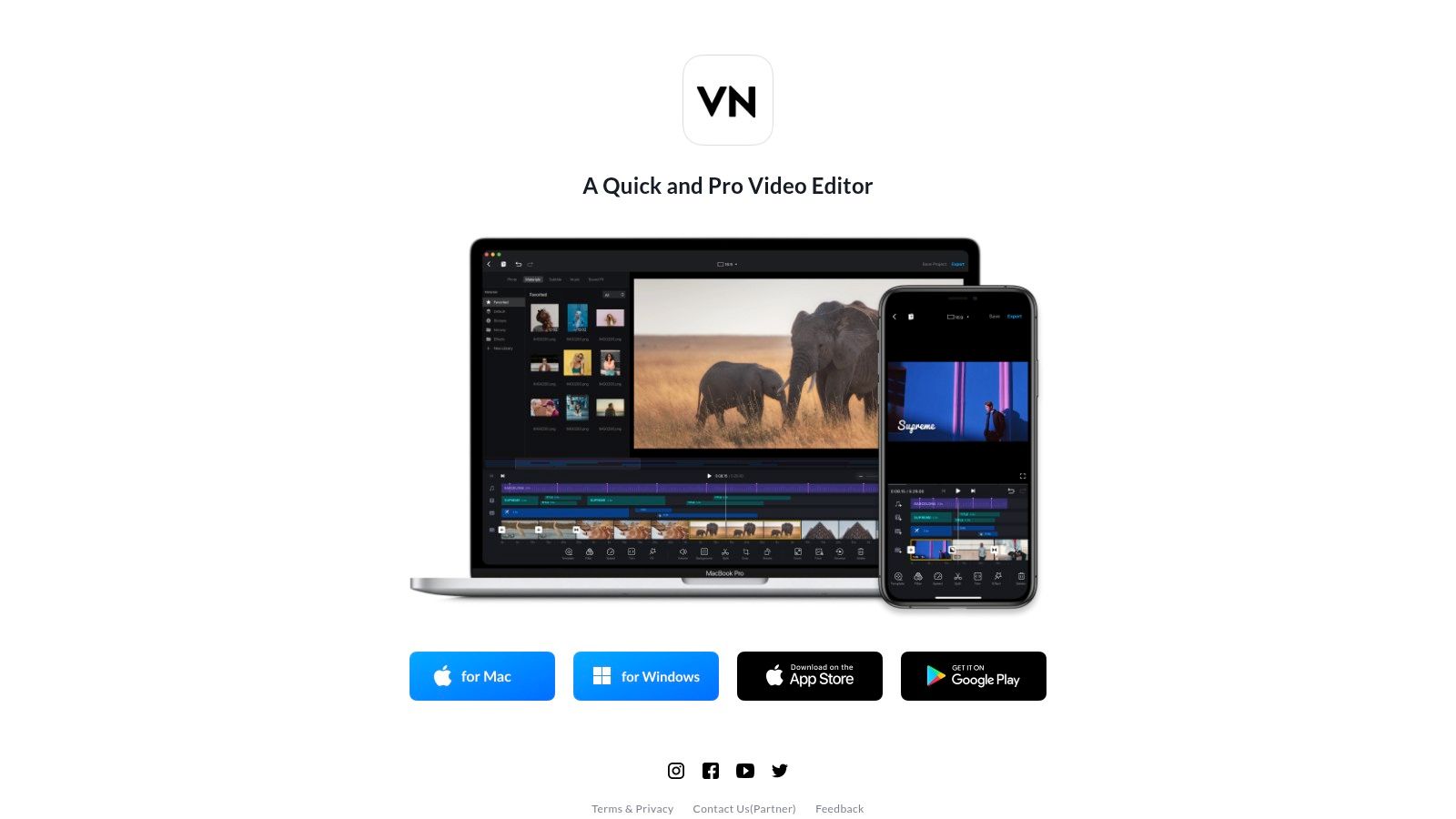
Unlike apps that are purely trend-driven, VN gives you the tools to start a trend. Its strength lies in its timeline, which allows for intricate layering of video clips, text, stickers, and audio, giving you granular control over every element. The learning curve is slightly steeper than one-click template editors, but the payoff is a much higher ceiling for creativity. For those looking to create more cinematic or story-driven TikToks, VN provides the precision needed for professional-grade edits directly on your phone or desktop.
Key Features & User Experience
- Platforms: Web, Desktop (Mac/Windows), Mobile (iOS/Android)
- Best For: Intermediate creators who want desktop-level timeline control without the cost or watermark.
- Pricing: The majority of features are completely free and without a watermark. A subscription plan unlocks additional filters, effects, and cloud storage.
The user experience feels like a serious editing suite that has been perfectly optimized for a touch screen. Its cross-platform functionality is a major plus, allowing you to start an edit on your phone and finish it on your desktop. While its library of built-in effects and trending audio isn't as vast as CapCut’s, its core editing power is undeniable. For maximum impact, pair your custom VN edit with a powerful hook discovered on the Trendy app for iOS and Android to ensure your polished video grabs attention immediately.
4. KineMaster
KineMaster is the seasoned pro of mobile video editing, bringing a non-linear, desktop-style experience right to your smartphone. For creators who crave granular control beyond simple templates, KineMaster delivers a powerful suite of tools that let you dive deep into the editing process. It’s less about chasing trends with one-click effects and more about giving you the precision to craft your vision from scratch, making it one of the most robust TikTok video editing apps for those who come from a more traditional editing background.
What sets KineMaster apart is its professional-grade feature set, which is a rarity on mobile. Features like chroma key for green screen effects, precise keyframe animation for animating layers, and multi-track audio and video timelines give you immense creative freedom. While its user interface can feel a bit dense for absolute beginners, its asset store is packed with high-quality effects, transitions, and music to elevate your projects. This level of control is perfect for executing more complex video ideas.
Key Features & User Experience
- Platforms: Mobile (iOS/Android)
- Best For: Experienced creators who need desktop-level control on a mobile device.
- Pricing: Free version with a watermark and ads. KineMaster Premium unlocks all features, removes the watermark, and provides access to the full asset store.
The user experience is geared toward precision. Its timeline allows for frame-by-frame trimming, something many mobile editors lack. While the free version is functional, the real power is unlocked with the Premium subscription. For a killer content strategy, use KineMaster to build a high-quality video with custom animations, then head to the Trendy app (iOS and Android) to find the perfect trending sound and hook to ensure your meticulously crafted video gets the reach it deserves in 2026.
5. LumaFusion
LumaFusion is the heavyweight champion for creators who demand professional-grade editing power in their pocket. This isn't a simple drag-and-drop template tool; it's a full-blown, multi-track non-linear editor (NLE) designed for iOS and Apple silicon Macs. It's the go-to for filmmakers, journalists, and serious content creators who need granular control over every frame. While it might seem like overkill for a 15-second dance trend, it’s one of the best TikTok video editing apps for crafting cinematic stories, mini-documentaries, or highly polished skits that stand out with professional quality.
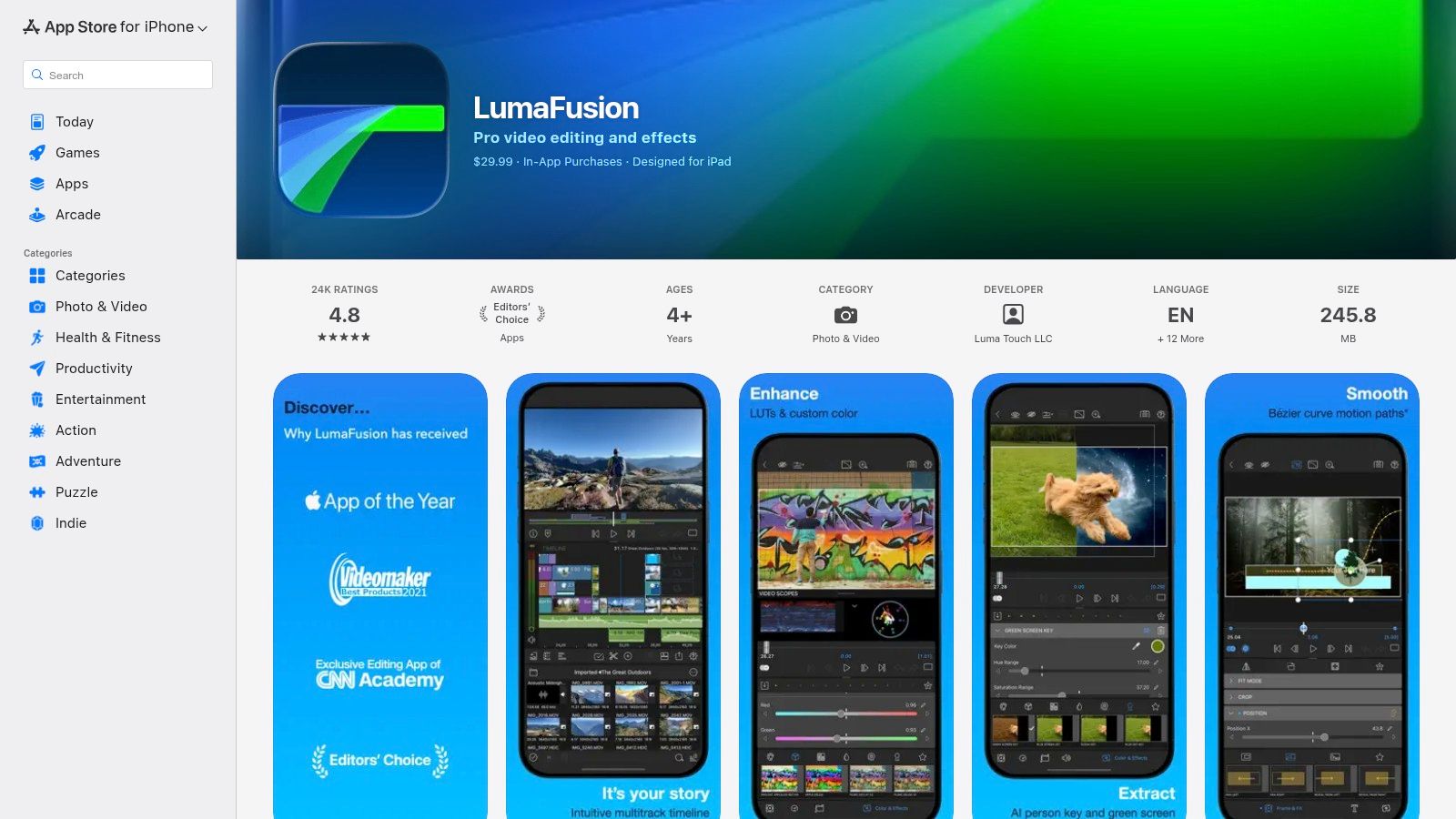
What sets LumaFusion apart is its desktop-class feature set on a mobile device. With up to six video and six audio tracks, you can layer complex visuals, sound effects, and music with precision. Advanced tools like keyframing, robust color correction, video stabilization, and FCPXML export options make it a powerhouse. This is the app you use when your concept is too ambitious for template-based editors and you need to control the storytelling from the ground up, ensuring your final product is flawless.
Key Features & User Experience
- Platforms: iOS, iPadOS, macOS (Apple Silicon)
- Best For: Professional creators and filmmakers needing advanced editing on mobile.
- Pricing: A one-time purchase for the core app (around $29.99). Add-ons like Multicam and FCPXML export are available via separate purchases or a Creator Pass subscription.
The user experience is surprisingly fluid for such a feature-dense application, especially on an iPad where the extra screen real estate shines. While it lacks the direct trend integration of apps like CapCut, its strength lies in pure editing power. A pro workflow might involve using LumaFusion for the main narrative edit and then pairing that high-quality video with a trending hook or caption identified using the Trendy app (iOS and Android) right before uploading to TikTok for maximum impact.
6. Microsoft Clipchamp
Microsoft Clipchamp muscles its way into the conversation as a surprisingly robust, browser-based editor that's perfect for creators who live in the cloud. As a Microsoft product, it has the unique advantage of being bundled with Microsoft 365 subscriptions, making its premium features a "free" bonus for millions of users. It's one of the most accessible TikTok video editing apps because it requires zero installation, letting you jump straight into editing from any computer with a web browser.
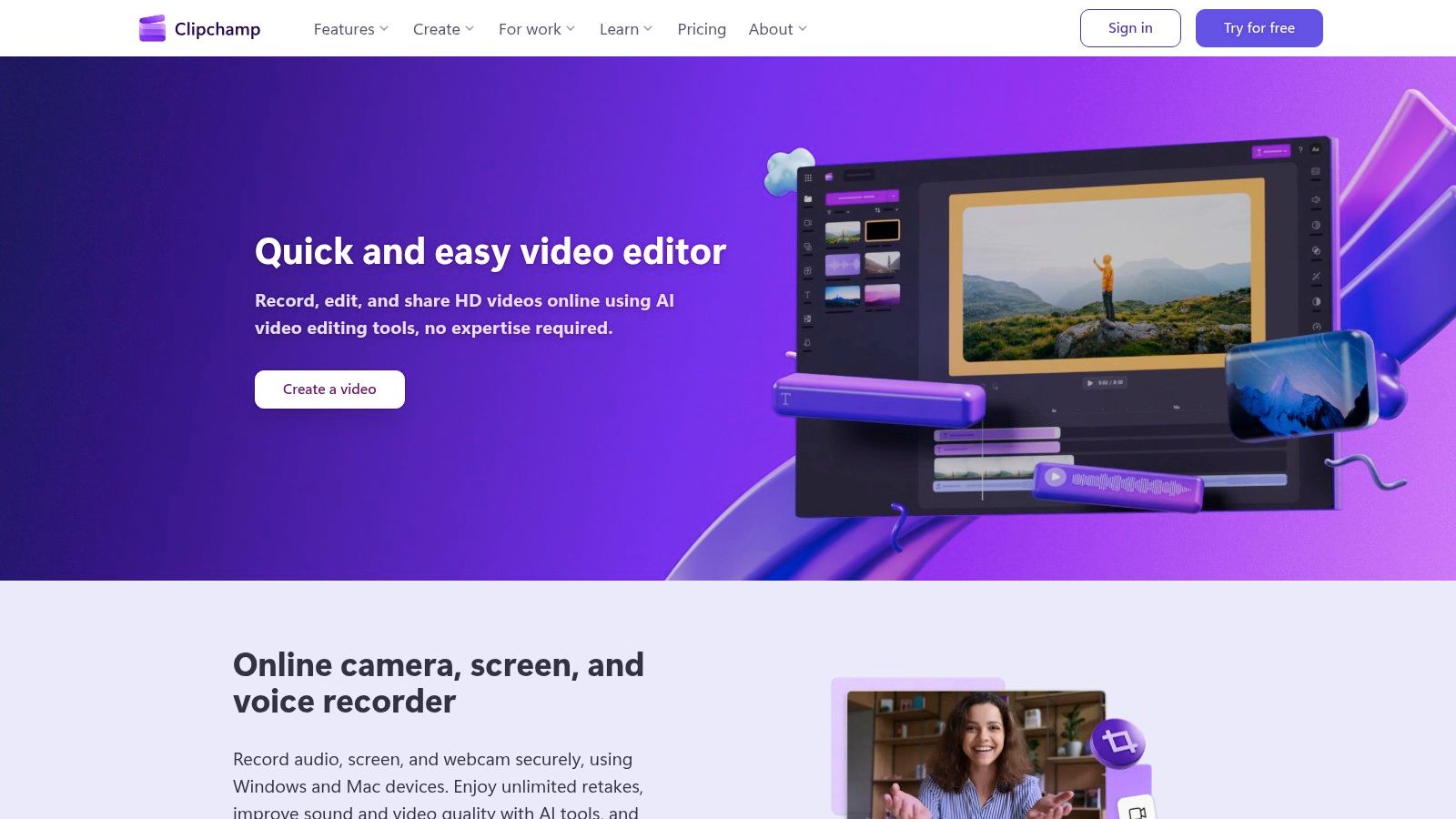
The platform is designed with social media in mind, offering ready-to-go templates correctly sized for TikTok's 9:16 vertical format. Its timeline-based interface will feel familiar to anyone with a bit of editing experience, yet it remains simple enough for absolute beginners. Standout features include solid AI-powered auto-captions for accessibility, a text-to-speech tool for easy voiceovers, and silence removal to tighten up pacing automatically. For those looking to create content efficiently, it's a powerful and convenient choice.
Key Features & User Experience
- Platforms: Web, Desktop (Windows)
- Best For: Windows users, Microsoft 365 subscribers, and creators who prefer a web-based workflow.
- Pricing: Free plan with 1080p exports. Premium features like 4K export, premium stock assets, and brand kits are included with Microsoft 365 Personal/Family subscriptions or available through a standalone plan.
The user experience is clean and straightforward, avoiding the feature overload of more complex software. While its performance on very heavy projects can be limited by your browser and computer specs, it handles typical TikTok-length videos with ease. The best workflow involves editing your visuals in Clipchamp and then finding the perfect trending sound on TikTok by using a trend discovery tool. For example, you can use the Trendy app (iOS and Android) to spot rising audio before it peaks, ensuring your flawlessly edited Clipchamp video has maximum viral potential.
7. Canva – TikTok Video Editor
Canva is the design powerhouse that pivoted brilliantly into video, and it has become an indispensable tool for brands and creators who prioritize speed and aesthetic consistency. While not a traditional video editor, its template-first approach makes it one of the most efficient TikTok video editing apps for anyone who needs to pump out high-quality, branded content fast. Instead of starting from a blank timeline, you start with a polished, 9:16 TikTok template and simply drag and drop your clips, text, and brand assets into place.
What makes Canva a secret weapon for social media managers and small businesses is its Brand Kit feature. You can preload your logos, brand colors, and fonts to ensure every single video aligns perfectly with your brand identity, saving you from tedious manual adjustments. Its massive library of graphics, stock footage, and audio, combined with AI-powered tools like Beat Sync, lets you create visually engaging videos that look professionally produced in just a few clicks. It's the ultimate solution for turning a simple idea into a share-worthy TikTok without the steep learning curve.
Key Features & User Experience
- Platforms: Web, Desktop (Mac/Windows), Mobile (iOS/Android)
- Best For: Brands, social media managers, and creators focused on speed and brand consistency.
- Pricing: A robust free plan is available. Canva Pro unlocks the Brand Kit, premium templates, premium assets, and team collaboration tools, starting at around $14.99/month.
The user experience is famously intuitive; if you can make a presentation on Canva, you can edit a TikTok video. The interface is clean and drag-and-drop simple. While it lacks the granular timeline control of more advanced editors, its direct-to-TikTok publishing option streamlines the workflow. To maximize impact, you can design a stunning video in Canva and then discover the perfect trending sound to pair it with using the Trendy app (iOS and Android), ensuring your polished content gets the reach it deserves.
8. Adobe Express – TikTok Video Creator
Adobe Express brings the powerhouse reputation of Adobe into a simplified, web-based package perfect for creators who want brand consistency without the steep learning curve of Premiere Pro. It's less of a ground-up video editor and more of a streamlined design tool that excels at creating slick, template-driven TikToks. If your goal is to produce polished, brand-safe short videos quickly, this is one of the most reliable TikTok video editing apps you can find, especially if you're already in the Adobe ecosystem.
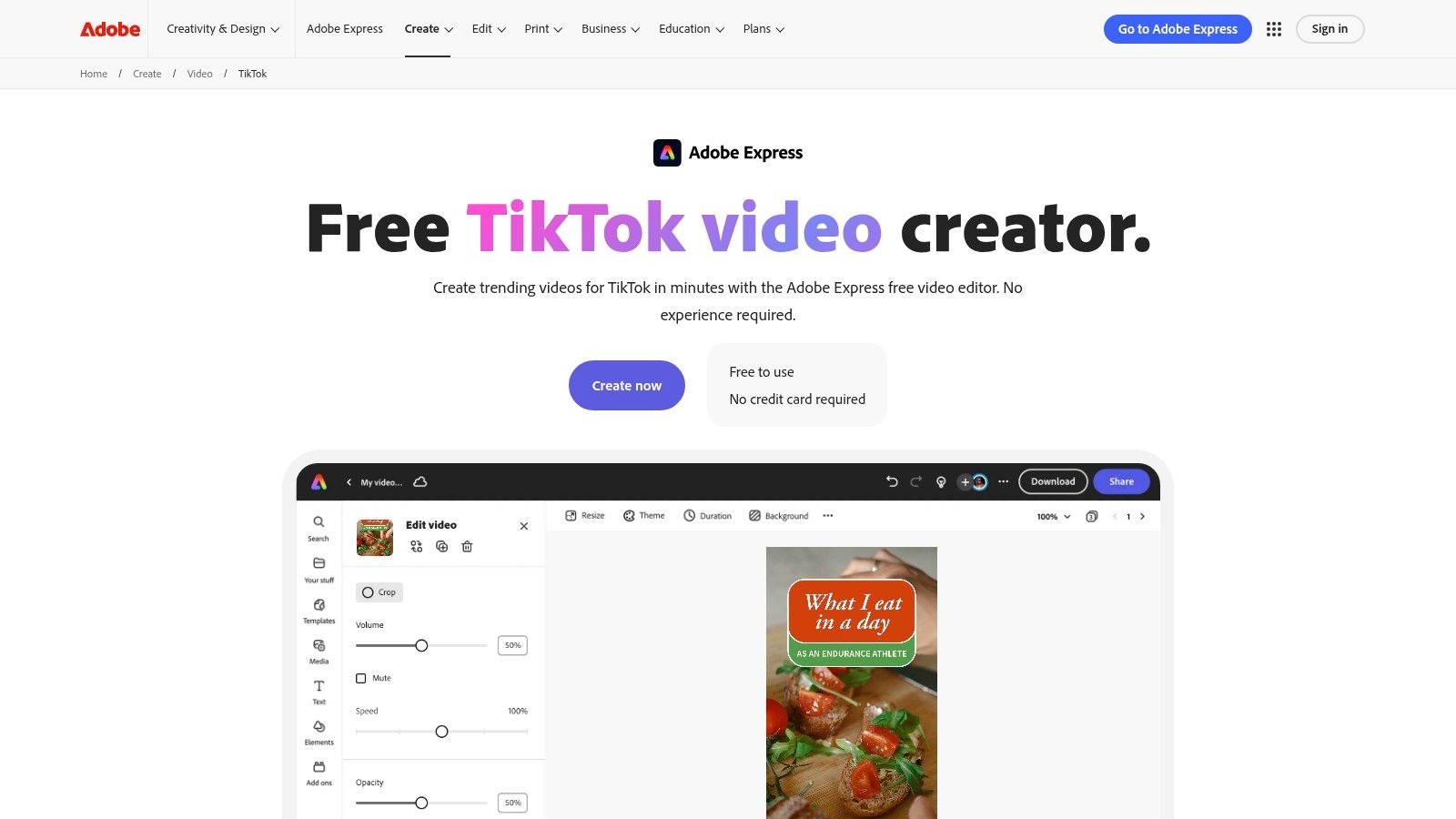
The platform shines with its massive library of TikTok-optimized templates, high-quality Adobe Stock assets, and extensive font collection. This makes it incredibly easy to maintain a consistent aesthetic across all your content. Features like one-click background removal and simple animations add a professional touch, while the integrated content scheduler helps you plan your posts in advance. While it may lack the intricate timeline controls of dedicated editors, its strength lies in speed and brand management.
Key Features & User Experience
- Platforms: Web, Mobile (iOS/Android)
- Best For: Brands and creators prioritizing aesthetic consistency and quick, template-based creation.
- Pricing: A free plan is available with core features. The Premium plan unlocks the full library of assets, brand kits, the content scheduler, and more advanced tools, starting at $9.99/month.
The user experience is clean and intuitive, feeling more like Canva than a traditional video editor. The clear upgrade path to more powerful Adobe tools is a major plus for creators looking to scale their production quality over time. Its main limitation is that the most powerful AI features are reserved for its bigger siblings like Premiere Pro. For a winning strategy, create your branded video in Adobe Express and then head over to the Trendy app (iOS and Android) to find the perfect trending audio and caption to pair with your polished visual.
9. VEED
VEED is the go-to editor for creators who live in their web browser and need to churn out high-quality, accessible content at lightning speed. It eliminates the need for hefty software downloads, offering a powerful, cloud-based suite of tools perfect for TikTok. Its core strength lies in making your videos globally understandable and algorithm-friendly, with a special focus on repurposing existing content and adding polished, professional subtitles without the usual hassle. This makes it one of the most efficient TikTok video editing apps for teams and individuals managing multiple social channels.
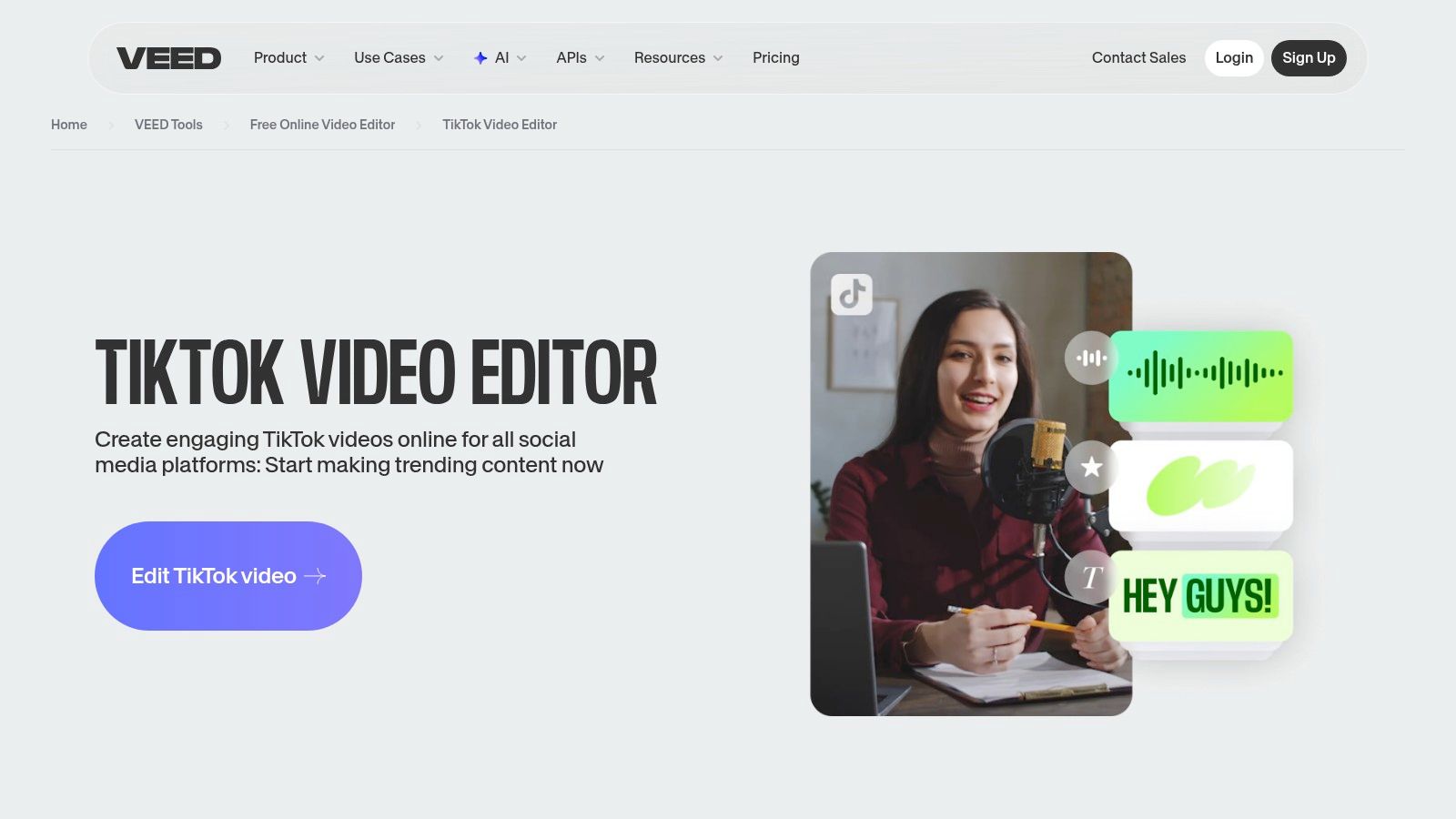
What truly sets VEED apart is its unparalleled focus on text and audio. The auto-subtitle generator is incredibly accurate, and the platform takes it a step further with built-in translation and text-to-speech voiceover tools, opening your content up to an international audience. Its AI clip generator is a game-changer for podcasters or YouTubers, automatically finding the most engaging snippets from long-form videos and formatting them perfectly for TikTok. This focus on speed and accessibility allows creators to focus more on the creative side of their strategy.
Key Features & User Experience
- Platforms: Web
- Best For: Fast, browser-based workflows and creating accessible, subtitled content for a global audience.
- Pricing: A free plan is available with watermarks and limited features. Paid plans (Basic, Pro, Business) unlock more advanced AI tools, remove watermarks, increase storage, and offer higher export quality.
The user experience is clean and straightforward, with a drag-and-drop interface that feels intuitive even for beginners. While the most powerful AI features are locked behind paid tiers, the core editing tools and subtitle generator in the free version are robust. The biggest advantage is its zero-install workflow. You can easily edit a video, then grab a trending sound from the Trendy app (iOS and Android) to pair with your perfectly subtitled clip for maximum reach.
10. Kapwing – TikTok Video Editor
Kapwing is the content repurposing powerhouse of the TikTok video editing apps world. Designed as a collaborative, browser-based tool, it excels at transforming one piece of content into many. If you have a long podcast clip, a YouTube video, or a client testimonial, Kapwing's toolset makes it ridiculously easy to slice it, dice it, and reformat it into a vertical, 9:16 masterpiece ready for TikTok. It's less about intricate, effect-heavy edits and more about speed, efficiency, and smart AI features.
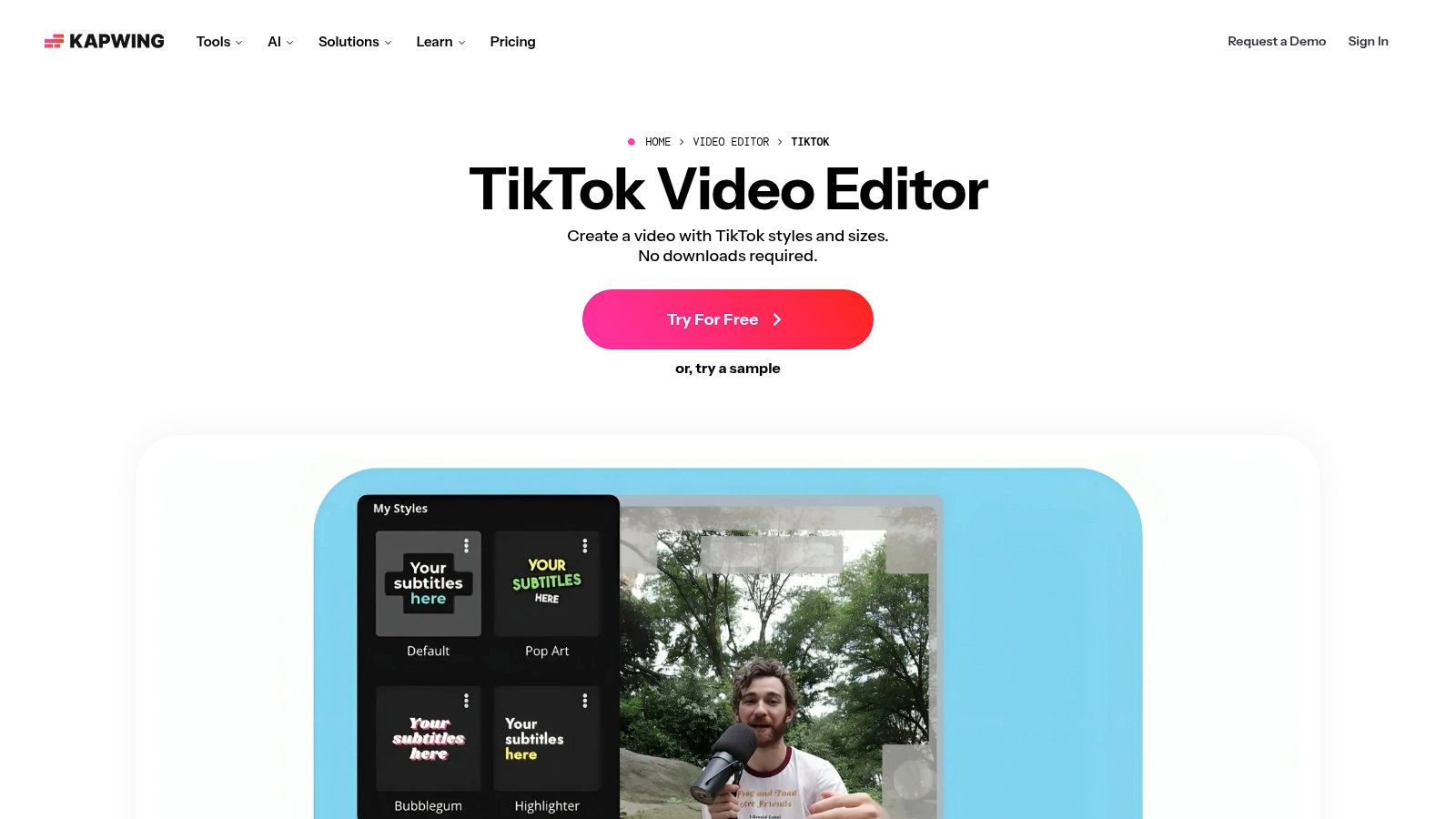
The platform's strength lies in its AI-driven features that automate the grunt work of content creation. Its auto-subtitling and translation tools are a lifesaver for creators aiming for a global audience, making content more accessible in just a few clicks. The simple, drag-and-drop timeline has an almost non-existent learning curve, making it perfect for teams or solo creators who need to batch produce content without getting bogged down in complex software. It's the ideal tool for churning out high-quality, subtitled clips consistently.
Key Features & User Experience
- Platforms: Web
- Best For: Repurposing long-form content and quick, AI-powered batch edits.
- Pricing: Free plan available with a watermark and export limits. Paid plans (Pro & Business) unlock watermark-free exports, higher resolution, and more AI credits.
Kapwing's browser-based nature makes it a fantastic choice for collaboration and accessibility across any device. The user experience is straightforward, prioritizing function over flash. While the free plan is a great starting point, the watermark and export limits will quickly push serious creators toward a paid subscription. For maximum impact, use Kapwing to quickly edit your clips, then head over to the Trendy app (iOS and Android) to find the latest trending audios and hooks to pair with your freshly repurposed content.
11. WeVideo – TikTok Video Editor
WeVideo positions itself as the work-from-anywhere editor for creators who can't be tied down to a single device. Its biggest selling point is its cloud-based, cross-platform functionality, allowing you to start a project on your laptop, add clips from your phone, and finish on a tablet without missing a beat. This makes it a fantastic tool for small businesses, educators, and creators who need a flexible workflow or collaborative features for team projects. It’s less about chasing the latest TikTok effect and more about building a solid, professional-looking video from anywhere.
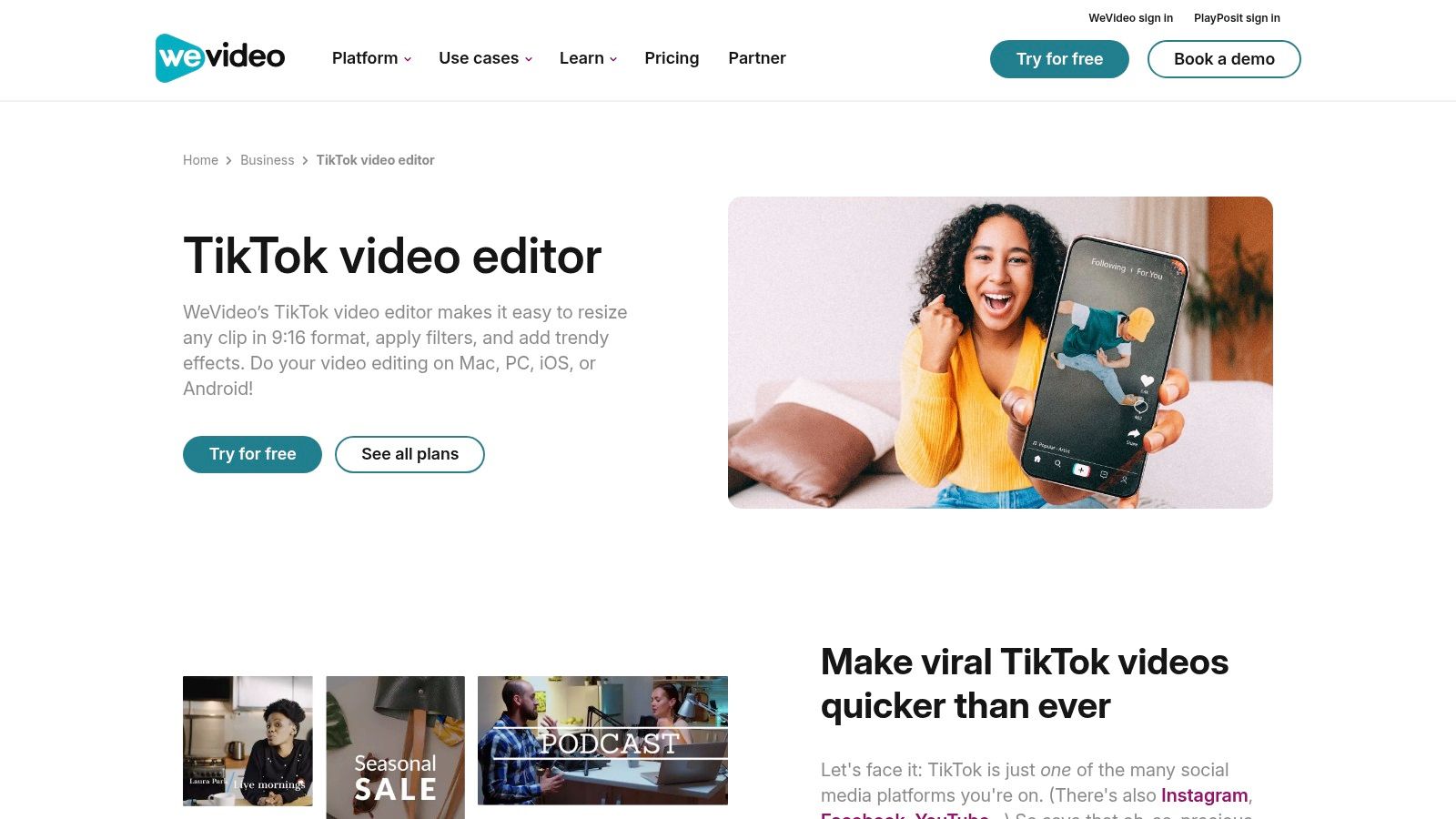
The platform shines with features like green screen support, motion titles, and a library of templates designed to simplify the creation process. While the interface is clean and accessible for beginners, its true power is unlocked in its team and business plans, which offer shared libraries and collaborative project spaces. It’s one of the few TikTok video editing apps that feel built for both the solo creator and the marketing team, providing a clear and scalable upgrade path.
Key Features & User Experience
- Platforms: Web, ChromeOS, Mobile (iOS/Android)
- Best For: Teams, businesses, and creators needing a cloud-based, cross-device workflow.
- Pricing: Free plan with watermark and export limits. Paid plans start around $4.99/month, unlocking more features, 4K exports, and unlimited stock media access.
The user experience is straightforward, resembling a simplified version of a traditional desktop editor, which can be comforting for those new to vertical video. The free tier is quite limited with its watermark, pushing serious creators toward a paid plan. However, for a team creating content, the value is undeniable. To maximize your reach, use WeVideo to craft your brand's narrative, then grab a proven hook from the Trendy app for iOS or Android to ensure your polished video gets the attention it deserves.
12. DaVinci Resolve
DaVinci Resolve is the powerhouse tool you graduate to when your TikToks start looking less like spontaneous clips and more like miniature films. This is not a simple template app; it's a full-blown Hollywood-grade editing suite available on your desktop. It brilliantly combines editing, color correction, visual effects, and professional audio post-production into a single application, making it one of the most robust TikTok video editing apps for creators demanding absolute creative control and studio-level polish. Its native support for vertical 9:16 aspect ratios means you can apply its legendary color grading and audio tools to your shorts without fighting the software.
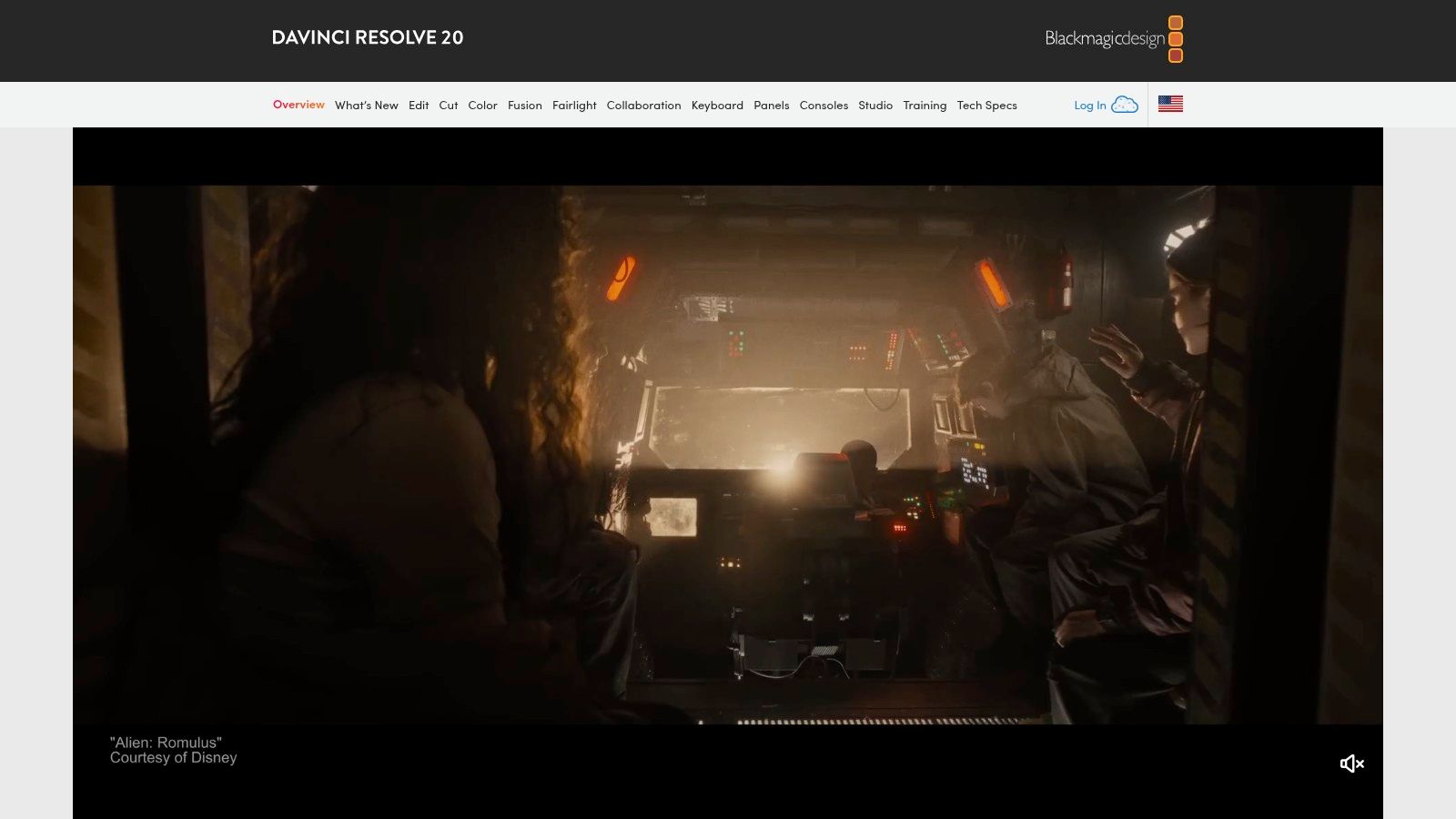
While the feature set can seem intimidating, its real magic lies in the details. You can achieve cinematic color grades that make your videos pop on the For You Page and use the Fairlight audio page to clean up sound or create complex soundscapes that mobile apps simply can't handle. It's the perfect tool for creators who batch-produce high-quality content for brands or who want to establish a signature visual style that stands out from the crowd. The learning curve is steep, but the payoff is an unparalleled level of quality and customization.
Key Features & User Experience
- Platforms: Desktop (Mac/Windows/Linux)
- Best For: Professional creators and studios aiming for cinematic-quality TikToks.
- Pricing: The free version is incredibly powerful and sufficient for most users. DaVinci Resolve Studio is a one-time purchase, offering a lifetime license with more advanced features.
The user experience is desktop-centric and not designed for quick on-the-go edits. However, for planned content, its workflow is remarkably efficient once you learn the interface. The Blackmagic Cloud integration is also a game-changer for creative teams working on the same project. To maximize your polished content's reach, pair your high-production-value video with a viral sound or caption from the Trendy app (iOS and Android), ensuring your cinematic masterpiece gets the views it deserves.
Top 12 TikTok Video Editors — Feature Comparison
| Tool | Core features ✨ | Quality & UX ★ | Price/value 💰 | Best for & USP 👥🏆 |
| CapCut | Web/desktop/mobile, AI captions & voice, TikTok presets, big effects library ✨ | ★★★★☆ — TikTok‑native workflows, template‑driven | 💰 Freemium (strong free); subscription names/availability vary | 👥 TikTok creators; 🏆 TikTok‑first templates & effects |
| InShot | Mobile editor, speed controls, auto captions, transitions ✨ | ★★★★☆ — Intuitive, fast to learn | 💰 Freemium; affordable paid upgrades | 👥 Casual creators needing quick edits; 🏆 Speed & simplicity |
| VN (VlogNow) | Multi‑track timeline, keyframes, transitions, cross‑platform ✨ | ★★★★☆ — More timeline control, mobile power | 💰 Free, generous feature set, no watermark | 👥 Creators wanting complex mobile edits; 🏆 Free multi‑track, no watermark |
| KineMaster | Precision trimming, chroma key, keyframing, asset store, cloud ✨ | ★★★★☆ — Mature pro tools, denser UI | 💰 Freemium → Premium recommended for full features | 👥 Advanced mobile editors; 🏆 Pro controls on phone/tablet |
| LumaFusion | 6 video/audio tracks, advanced color, 4K exports, FCPXML ✨ | ★★★★★ — Stable pro iOS workflow | 💰 One‑time core purchase + optional add‑ons | 👥 Pro iOS creators & journalists; 🏆 Pro‑grade mobile NLE |
| Microsoft Clipchamp | Web editor, 9:16 templates, AI subtitles, social exports ✨ | ★★★★☆ — Beginner‑friendly web experience | 💰 Freemium; premium features via Microsoft 365 | 👥 Web users & M365 customers; 🏆 Web‑first + M365 perks |
| Canva – TikTok Editor | Template library, Beat Sync, captions, brand kit ✨ | ★★★★☆ — Extremely fast template workflows | 💰 Freemium; paid plans for brand/team features | 👥 Small brands & teams; 🏆 Fast template‑driven brand consistency |
| Adobe Express | TikTok templates, Adobe Stock, background removal, scheduler ✨ | ★★★★☆ — Simple, brand‑safe creator UX | 💰 Freemium; Premium for Adobe assets | 👥 Brands wanting Adobe ecosystem; 🏆 Adobe assets & brand kits |
| VEED | 9:16 presets, subtitles/translation, AI clip generator ✨ | ★★★★☆ — Fast online workflow, strong subtitling | 💰 Freemium; AI/tools may use credits | 👥 Teams & multilingual creators; 🏆 Subtitles & translation tools |
| Kapwing | Auto‑subtitles, translation, templates, simple timeline ✨ | ★★★★☆ — Low learning curve, fast repurposing | 💰 Freemium (watermark/free limits); paid tiers for 4K | 👥 Repurposers & teams; 🏆 Quick long→short workflows |
| WeVideo | Cloud editor, templates, green screen, team collaboration ✨ | ★★★★☆ — Cross‑device, cloud‑based (browser limits) | 💰 Freemium → Pro/Team subscriptions | 👥 Educators, SMBs & teams; 🏆 Device‑agnostic cloud collaboration |
| DaVinci Resolve | Edit, Color, VFX, Fairlight audio, vertical presets ✨ | ★★★★★ — Industry‑leading color/audio, steeper learning curve | 💰 Very capable free tier; Studio one‑time license | 👥 Studios & pro creators; 🏆 Pro‑grade finishing suite |
Final Thoughts
And there you have it, the ultimate 2026 creator's toolkit for turning raw footage into TikTok gold. We've journeyed through a dozen of the best tiktok video editing apps, from the all-powerful CapCut, which feels like TikTok’s official creative partner, to the Hollywood-grade muscle of DaVinci Resolve that lets you produce cinematic masterpieces from your desktop. You're now armed with the knowledge to pick the perfect app, whether you're a beginner terrified of timelines or a seasoned pro ready to keyframe your way to viral fame.
The biggest takeaway? The "best" app is a myth. The right app is the one that fits your workflow, your content style, and your ambition. Don't feel pressured to master LumaFusion if all you need are the quick, punchy transitions offered by InShot. Conversely, if you're hitting a creative wall with template-based editors, it might be time to graduate to the multi-track power of KineMaster or VN Video Editor.
Choosing Your Creative Co-Pilot
Let's distill this digital avalanche of options into a simple decision-making framework. Before you download a single app, ask yourself these three critical questions:
- What's my primary device? Are you a mobile-first warrior editing on the go, or do you prefer the precision and screen real estate of a desktop? This will immediately narrow your choices, separating mobile powerhouses like CapCut from desktop titans like Clipchamp and DaVinci Resolve.
- How complex are my edits? Be honest. Are you syncing clips to a trending sound with some text overlays, or are you crafting multi-layered visual effects with color grading and complex audio mixing? Your answer is the difference between needing the straightforward simplicity of Canva and the professional depth of LumaFusion.
- What’s my budget? Many of the most powerful tiktok video editing apps offer incredible functionality for free. Apps like CapCut, VN, and Clipchamp can take you incredibly far without ever asking for a credit card. Paid subscriptions often unlock a world of premium assets, cloud storage, and watermark-free exports, which are crucial for professional creators and businesses.
Beyond just editing, understanding how content is consumed is key to viral success. For insights into how users view stories, you might find a resource like a Tiktok Story Viewer from HighlightViewer.io useful in analyzing engagement patterns beyond the feed. After all, a brilliantly edited video only works if people are actually watching it.
From Editor to Viral Sensation
Ultimately, these apps are just tools. A high-end camera doesn't make a great photographer, and the most expensive software won't automatically land you on the For You Page. The real magic happens when your creative vision combines with the right features to tell a compelling story in 15, 60, or 90 seconds.
The journey to becoming a successful TikTok creator is a marathon, not a sprint. It’s about experimenting with different editing styles, finding your unique voice, and consistently showing up with content that resonates. So pick an app from this list that excites you, dive in, and start creating. Don't be afraid to make mistakes, embrace the learning curve, and remember that every viral video started as a simple clip in an editor, just like the ones we’ve explored today. Now go make something awesome.
Ready to pair your killer editing skills with a data-driven strategy? Trendy is your secret weapon, analyzing millions of TikToks to provide you with the hottest trends, hooks, and content ideas before they go viral. Stop guessing what to create and start knowing what will perform with Trendy for iOS and Android.