
Most Instagram scheduler advice starts with “find the best time and automate everything.” That's how creators end up publishing a polished Reel after the trend has cooled, missing early comments, or burning an API quota on low-priority posts. A useful scheduler should protect consistency without sacrificing freshness, retention, or human judgment.
An Instagram scheduler queues posts, Reels, and sometimes Stories for approved publication through Instagram's publishing infrastructure. The stronger approach treats scheduling as one part of a wider system: audit the profile, find relevant ideas, create the right format, publish within a sensible window, then study what happened. Trendy follows that cross-format workflow across Instagram, TikTok, Threads, X, and other content channels.
Native vs Third-Party Scheduling Workflows
Meta Business Suite and a third-party Instagram scheduler solve different problems. Meta's native tools are usually enough for basic consistency, especially if you manage one professional account and already know what you want to publish. A third-party platform becomes more useful when you need content discovery, multiple networks, bulk planning, approvals, richer analytics, or a workflow that connects ideas to publishing.
Meta's official Instagram Graph API documentation describes Content Publishing API support for business accounts scheduling and publishing Feed posts from developer applications. That authorization matters. A scheduler isn't pressing the Instagram button for you. It must manage account permissions, authentication, media preparation, publishing requests, and format restrictions.
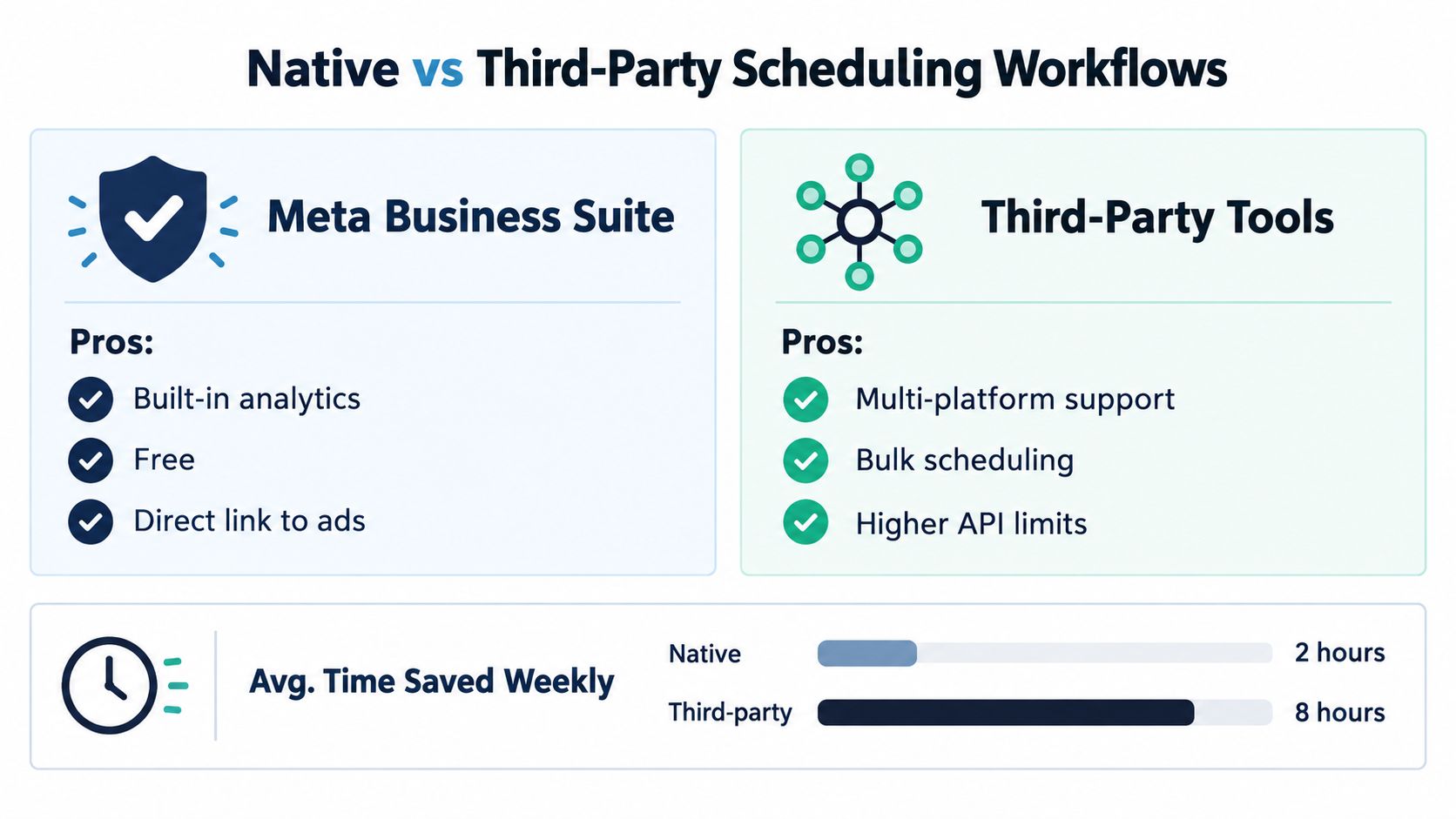
Meta's built-in workflow has an important advantage: fewer moving parts. You stay close to the account, avoid an additional subscription, and retain direct access to Meta's own publishing environment. It works well for evergreen feed posts, simple carousels, and a small publishing calendar.
The limitation is strategic rather than merely technical. Native scheduling can queue content, but it doesn't tell you whether the idea fits your niche, whether a Reel hook is strong enough, or whether a rising trend is worth publishing immediately. You still need a separate research, creation, and analysis process.
Where third-party tools earn their place
A third-party platform can combine calendars, reusable assets, cross-platform publishing, approvals, trend research, and reporting. That matters for creators who publish to Instagram and TikTok, small businesses with limited time, and agencies handling several brand voices.
Publishing capacity also needs careful handling. Technical documentation reports an approximate quota of 50 to 100 API-published posts in a rolling 24-hour period, with the exact limit potentially varying by API version or account configuration, as outlined by Blotato's Instagram posting API guide. Carousels count as one published post regardless of image count. A reliable scheduler should check the live limit, maintain a rolling counter, use idempotency keys, and retry only after the quota recovers.
That distinction separates queueing from growth planning. If you only need a straightforward walkthrough, learn how to schedule Instagram posts automatically. If you want the research, creative direction, and measurement connected, use a workflow such as Trendy's guide to scheduling Instagram posts alongside your publishing tool.
Building Your Content Plan With Trendy
A calendar shouldn't begin with empty boxes labeled Monday, Wednesday, and Friday. It should begin with evidence about who the account serves, what has worked, and which ideas are gaining momentum.
Start with a profile audit. Review the bio promise, profile photo, pinned content, visual consistency, calls to action, and the journey from a Reel view to a profile visit. Then examine recent posts by format and outcome. A strong audit distinguishes a weak topic from a weak opening, and a weak opening from a caption that gives viewers no reason to act.
Trendy acts as a cross-format social media co-pilot, using AI to surface personalized post ideas, hooks, and trends after analyzing your niche, audience, and current performance, effectively replacing the guesswork in content planning. That means the same planning session can produce Instagram Reels, carousels, visual post concepts, TikTok content, LinkedIn posts, and Threads or X posts rather than forcing every channel into the same template.
Turn the audit into a working calendar
Use this sequence:
- Choose content pillars. Pick the recurring problems, desires, or decisions your audience cares about. A fitness creator might work with quick routines, meal decisions, progress explanations, and myth correction.
- Collect trend-aligned angles. Don't copy a popular format without a reason. Adapt the format to the account's expertise, audience, and visual language.
- Draft the asset before assigning a slot. Create a ready-to-shoot video script, opening hook, scene structure, caption, carousel outline, or visual post concept.
- Assign a publishing mode. Evergreen education can enter the queue. Trend-dependent ideas need a shorter review window or manual publication.
- Reserve space for response content. Leave room for replies to comments, audience questions, and timely developments.
- Review the next fortnight as a system. Look for repetitive hooks, too many sales posts, missing formats, and gaps in the path from discovery to conversion.
The AI content planner from Trendy can support that transition from “what should I post?” to a practical calendar with ideas and production direction. For caption polishing, an AI-powered caption maker can help generate variations, but the final text still needs the creator's vocabulary and specific details.
Here's the production check I use before scheduling: Would this still make sense if the trend disappeared tomorrow? If yes, it may be evergreen. If no, keep the idea close to publication and protect time for human review.
The planning process also benefits from a visible status system: idea, script, filmed, edited, approved, scheduled, published, and analyzed. That simple pipeline prevents the classic failure where a creator has plenty of ideas but nothing ready to publish.
Scheduling Best Practices for Reels, Stories, and Posts
Different Instagram formats have different shelf lives, production demands, and risks. Treating them as identical calendar entries creates a tidy schedule that may still feel disconnected from how people consume content.
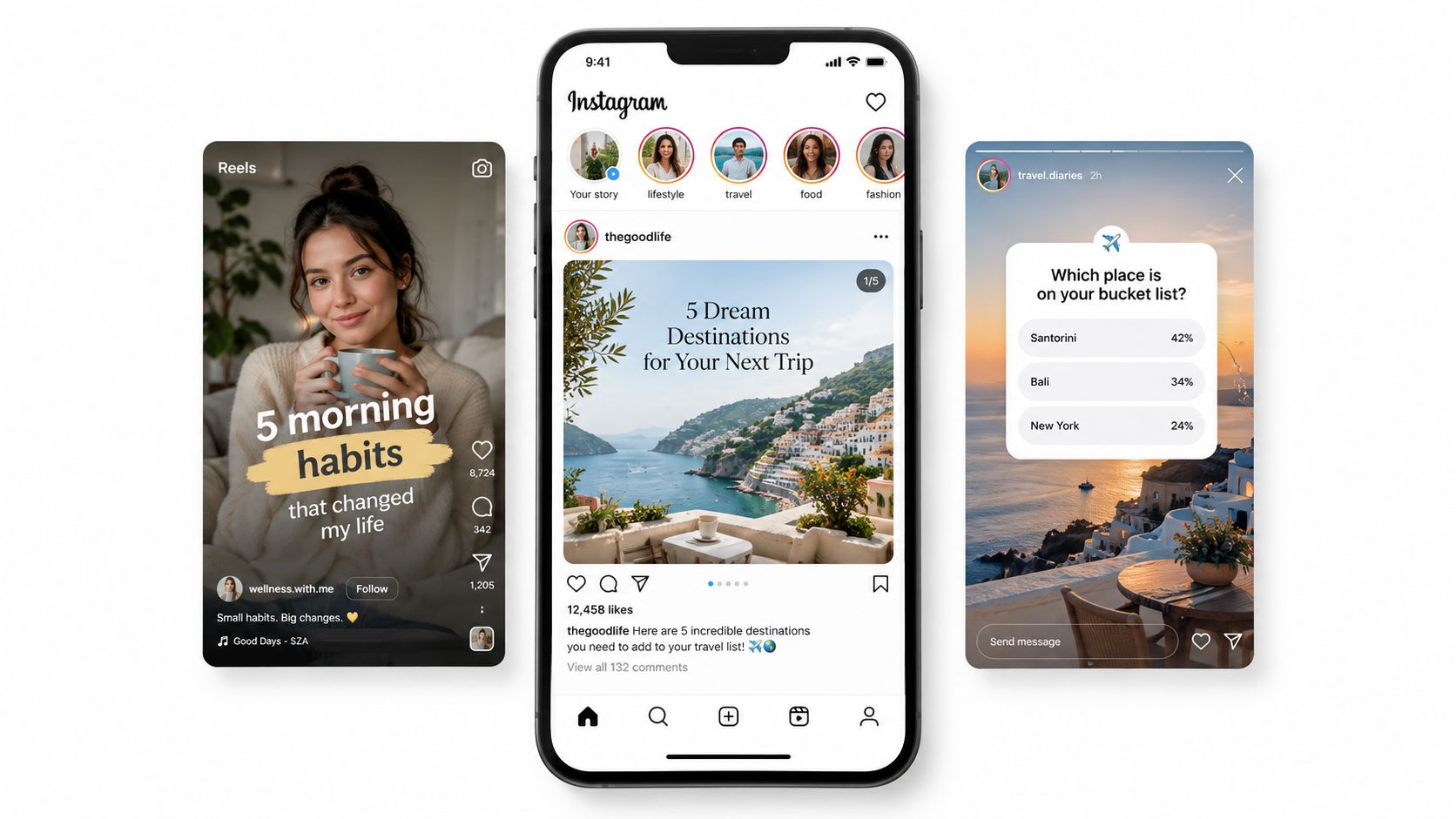
Reels need a retention plan before they need a time slot. Instagram Reels can contain one or multiple clips with a combined duration of up to 3 minutes, according to Instagram's Reels feature overview. Native creation tools support text, augmented-reality effects, music, and original audio, while the progress bar shows the recorded duration.
That gives you useful creative options. A single-take explanation may work for a simple idea, while multiple clips can create a hook, demonstration, proof point, and call to action. Keep the subject clear immediately, remove setup that doesn't earn attention, and design the ending around a useful next action.
Instagram says videos longer than 3 minutes aren't recommended to unconnected audiences, as explained in its creator FAQ. Viewer-level signals include watch time, shares, follows, likes, comments, and profile visits. A scheduler can deliver the Reel, but it can't rescue a slow opening or an unclear payoff.
Match the queue to the format
| Format | Schedule well in advance | Keep closer to publication |
| Carousels | Evergreen education, checklists, explainers, and visual guides | Responses to a sudden audience question |
| Reels | Finished tutorials, recurring series, and durable demonstrations | Trend-led audio, live events, and fast-changing conversations |
| Stories | Reminders, FAQs, product details, and planned sequences | Replies, polls, reactions, and updates that depend on today's context |
Carousels are often the easiest format to batch because the idea remains useful after production. Build the first slide around a clear promise, make each following slide earn its place, and end with a concrete action. Schedule the sequence, then check that the caption adds context instead of repeating every slide.
Stories work differently. Their temporary nature makes them valuable for reminders and behind-the-scenes material, but interactive elements and immediate replies often need a human present. Schedule the stable parts, then leave a deliberate slot for responding to reactions and questions.
For a detailed production checklist, use Instagram Reels best practices. The practical rule is simple: schedule the asset when its value survives delay, and publish manually when delay changes the meaning.
Timing Strategies and Audience Data
The universal “best time to post” chart is attractive because it turns uncertainty into a clock reading. It also fails surprisingly often. An analysis of 9.6 million Instagram posts found that evening periods from 6 p.m. to 11 p.m. frequently produced strong weekday engagement, with Wednesday and Thursday among the stronger overall days, according to Buffer's timing analysis. Another dataset identified Thursday at 9 a.m., Wednesday at 12 p.m., and Wednesday at 6 p.m. as leading slots.
Those results don't contradict each other as much as they expose the problem. Geography, industry, format mix, audience habits, and engagement definitions change the answer. A benchmark can provide an initial hypothesis, but it shouldn't become a permanent rule.
Run a clean timing experiment
Begin with Instagram Insights and record the time zones represented in the audience. Then estimate when followers are active and choose a small group of candidate windows. Test those windows while keeping the creative type, topic strength, and posting frequency reasonably consistent.
Rank the results using more than likes. Track:
- Reach per impression, to understand distribution efficiency.
- Saves and shares, to identify useful or sendable content.
- Comments, to measure active conversation.
- Profile visits and follows, to connect exposure with account growth.
- Early watch time, for Reels where retention determines whether viewers continue.
Randomize the slot order where possible. If every tutorial goes out in the evening and every promotional post goes out in the morning, you won't know whether timing or content type caused the difference. Update recommendations only after enough account-specific evidence exists, and avoid changing the schedule because of one unusually strong or weak post.
The evidence also argues against overconfidence. One 2025 report found only a 6% to 13% engagement lift from follower-active timing, while Instagram's reported priority signals include watch time, likes per reach, and sends per reach, as discussed in this analysis of dayparting and algorithm impact. Timing matters, but it's rarely the whole growth lever.
Use Trendy's Instagram Reels post-time guidance as a starting point, then replace general assumptions with first-party observations. The useful question isn't “What time should everyone post?” It's “For this format and audience segment, does this slot improve meaningful response enough to justify using it again?”
The Freshness Trade-Off in Automation
A scheduler can save a week. It can also drain the reason a post would have worked in the first place.
That trade-off shows up whenever content depends on timing beyond the calendar. A how-to Reel or carousel about a stable question usually gets stronger when you script it, batch it, and publish it on purpose. A post tied to a fast-moving audio clip, a sudden meme format, or a live conversation can go stale while it sits in a queue. By the time it publishes, the format may still be visible, but the urgency is gone.
Instagram can still distribute scheduled content well if the creative holds up. What matters here is simpler than another list of ranking signals. A convenient posting slot does not fix a weak opening, low relevance, or a trend that already peaked. The timing experiment above already showed follower-active timing produces only a modest lift. In practice, freshness often decides whether a good idea feels current or late.
Decide which content deserves automation and which deserves a person at the controls.
Use a signal-aware decision rule
| Content condition | Recommended action | Human responsibility |
| Evergreen and low context | Schedule in batches | Check quality, links, accessibility, and brand fit |
| Trend-related but durable | Schedule a near-term slot | Recheck the audio, conversation, and audience response |
| Fast-moving trend | Publish manually or use a very short queue | Confirm relevance immediately before posting |
| Controversial or high-context | Require approval and monitoring | Reply, clarify, moderate, and escalate concerns |
| Strong early demand | Keep follow-up content flexible | Turn questions into responses while interest is active |
This framework works because it matches the queue to the decay rate of the idea. Evergreen posts reward preparation. Trend-sensitive posts reward recency. Mixed cases need both. I have found that the biggest scheduling mistakes rarely come from picking the wrong hour. They come from treating every post as if it has the same shelf life.
Human review matters after publishing too. High-context Reels, collaborations, opinions, and reactive posts can trigger confusion or pushback within minutes. Set a monitoring window. Check early retention, replies, and the first wave of questions. Keep a simple recovery plan for copyright concerns, misinformation, negative feedback, or the opposite problem, a post that gains traction faster than expected.
A practical guide to automating Instagram posts helps when automation supports judgment instead of replacing it. The best queue has priority levels, room for urgent posts, and a record of what changed between scheduling and publishing.
Example Workflows for Creators
A good workflow is less about filling a queue and more about protecting freshness where it still matters. For a lifestyle creator, that usually means splitting content into two lanes. Tutorials, FAQs, and repeatable formats can be scripted, batched, and scheduled ahead. Trend-sensitive Reels should stay loose until the creator checks the audio, the comment climate, and whether the format still feels current, then publishes or schedules a near-term slot. After that, the next round of ideas comes from what earned saves, shares, replies, and profile interest.
A small café owner needs something simpler and more durable. One practical setup is to draft carousel ideas in a spreadsheet or notes app first, batch captions around menu details, seasonal changes, and common customer questions, then move only the ready posts into a scheduler. Stories stay manual for daily stock, weather, and walk-in moments. If they use Trendy, the mobile app and the Android app can support ideation and review without turning the whole process into software management.
For delegation, this guide to social media growth for entrepreneurs is useful for deciding what can be handed off and what still needs the owner's judgment. A workable best social media schedule is one you can keep current when audience behavior shifts.