
Trying to go viral on TikTok can feel like throwing spaghetti at a wall and hoping something sticks. You post a video you think is a masterpiece, only to be met with crickets. Meanwhile, a seemingly random clip of a cat sneezing gets millions of views. What gives? The secret isn't just luck; it's data. Understanding your analytics is the key to cracking the code, turning your content strategy from a guessing game into a growth engine.
This guide is your ultimate cheat sheet to the best TikTok analytics tools on the market. We're cutting through the noise to give you the real scoop on what each platform offers, who it's for, and how it can supercharge your content. We'll dive into everything from TikTok's own free resources to powerful, AI-driven suites that give you an almost unfair advantage. To truly unlock your TikTok potential, understanding factors like optimal TikTok posting frequency is essential, and these tools provide the data to perfect your timing.
We've done the heavy lifting, analyzing each tool's key features, pros, cons, and pricing, complete with screenshots and direct links to get you started. You'll discover trendy features designed for creators, like the powerful insights you can get from the Trendy iOS application, which helps you monitor your profile's performance and track key metrics on the go. Whether you're a new creator, an established influencer, or a brand strategist, you’ll find the perfect tool right here to stop guessing and start growing.
1. Trendy
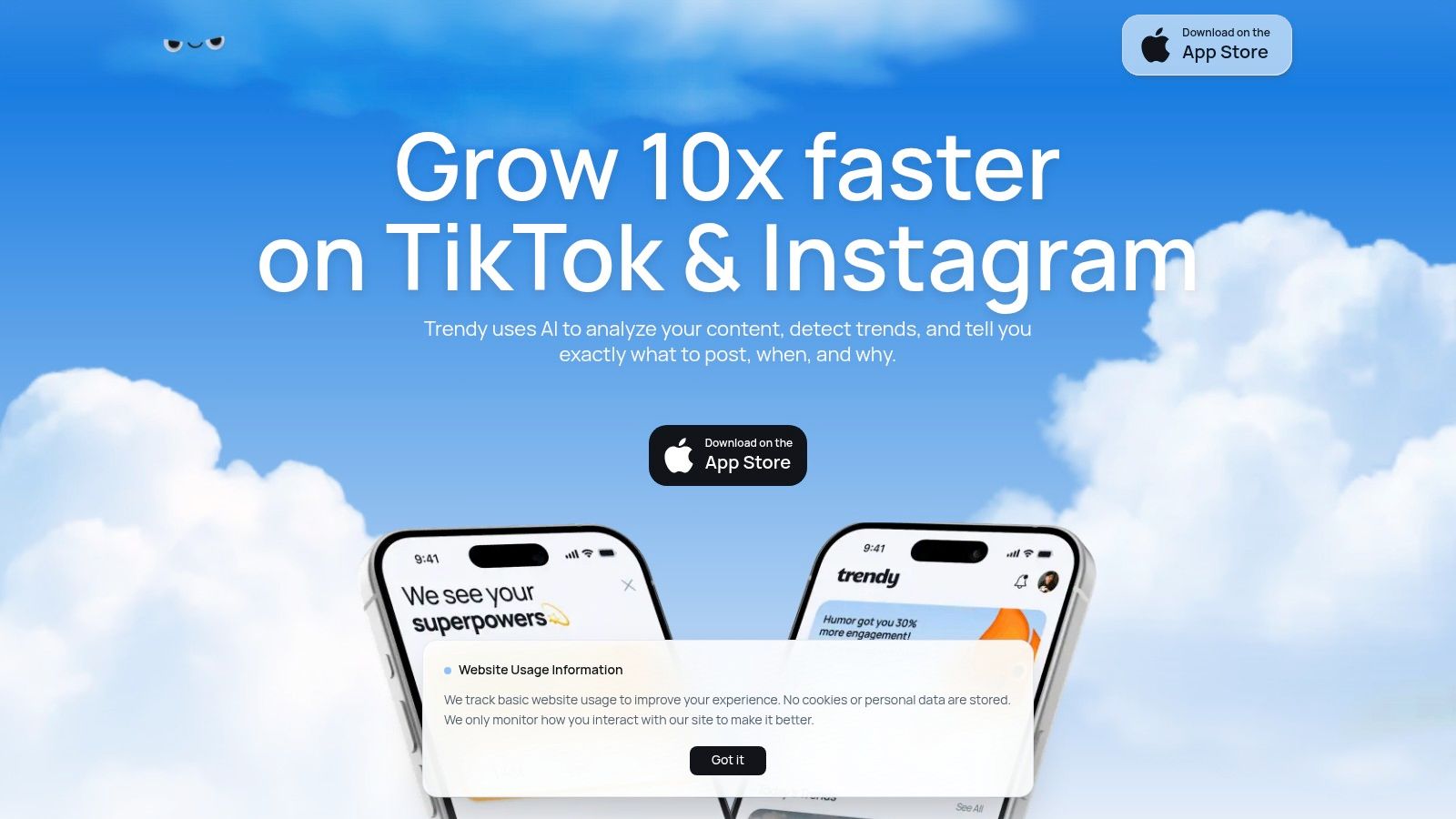
When the goal isn't just to post but to post with purpose, Trendy steps in as your AI-powered content strategist. This tool moves beyond basic vanity metrics, turning your TikTok data into a personalized growth playbook. Instead of just showing you what happened, it tells you what to do next. After a secure connection to your account, Trendy’s AI analyzes your unique performance, audience, and niche to build a hands-on, weekly posting plan.
The real magic for content creators is in its proactive recommendations. Trendy doesn’t just report on old trends; it surfaces the ones you should jump on now, including specific sounds, hashtags, and video formats that are proven to boost reach within your niche. It even provides attention-grabbing hooks and personalized post ideas tailored to your brand voice. This focus on actionable strategy makes it one of the best TikTok analytics tools for creators who want to stop guessing and start growing. For e-commerce brands, understanding how to apply these insights by identifying winning TikTok product trends can directly translate analytics into sales.
Key Features & User Experience
Trendy's interface is designed for speed and clarity, prioritizing brand aesthetics and saving you precious time.
- AI-Powered Weekly Strategy: Get a curated plan with post ideas, hooks, and optimal publish times, a key feature for busy content creators.
- Niche-Specific Trend Matching: Discover high-impact sounds, hashtags, and formats tailored to your specific audience.
- Performance Analytics with Explanations: The platform doesn't just show you data; it explains why a video worked so you can replicate your success.
- Intuitive & Brand-Focused UI: The app is clean, easy to navigate, and helps you maintain a consistent brand look.
While Trendy is currently in beta and pricing isn't public, its focus on turning data into a concrete content plan is a game-changer. You can find the app on the App Store for iOS devices. As you explore your options, you might find it useful to see how Trendy compares to other top social media analytics tools.
| Pro | Con |
| Delivers personalized, AI-driven weekly content strategies. | Currently in beta, so features may evolve. |
| Surfaces relevant, high-impact trends for your specific niche. | No public pricing; requires an app download to explore. |
| Provides clear explanations for performance, not just raw data. | Primarily focused on iOS, limiting access for Android users. |
| Intuitive interface that saves creators and social teams time. |
Website: heytrendy.app
2. TikTok Creative Center
Ever wish you could get trend intel straight from the source, like a secret agent tapping into TikTok’s mainframe? Well, the TikTok Creative Center is pretty much that, minus the laser grids and self-destruct sequences. This is TikTok's official, browser-based hub, and it’s completely free, making it an essential first stop for any creator looking to level up.
Instead of guessing what's hot, this platform serves up the good stuff directly. You can dive into dashboards bursting with trending hashtags, songs, creators, and even top-performing videos, all filterable by region and time frame. It’s like having a crystal ball for content planning. The Creative Center isn't just about raw data; it provides creative strategy playbooks and best-practice libraries, perfect for brainstorming your next viral ad campaign or organic video series. For anyone serious about understanding the platform, this is one of the best TikTok analytics tools because the data comes straight from TikTok itself.
Best for: Trendspotting and brainstorming ad creative ideas with official, first-party data.
Key Features & User Experience
The interface is clean and surprisingly easy to navigate. You don’t need a data science degree to find what you’re looking for.
- First-Party Data: The biggest flex here is the data quality. You're getting insights directly from TikTok, not a third-party interpretation.
- Trend Discovery Dashboards: Easily find rising hashtags, popular audio, and breakout creators in your specific niche or country.
- Creative Inspiration: The "Creative Insights" section is a goldmine for understanding what makes successful TikToks tick, with case studies and tips.
Pro Tip: While the site is free, creating a login unlocks more detailed results and a better user experience. To get the most out of this data, a tool like the Trendy iOS application can help translate these trends into a concrete posting schedule. You can also learn more about how to analyze your content's performance to turn these trends into tangible growth.
Pros & Cons
- Pros: It's 100% free and provides official TikTok data. It's an unparalleled resource for trend research and ad creative inspiration.
- Cons: It's not designed for deep competitive analysis or tracking your own profile's historical performance. Some users also note occasional sluggishness with the hashtag search tool.
Website: ads.us.tiktok.com/business/creativecenter
3. TikTok Ads Manager
If the Creative Center is the spy agency’s R&D department, then TikTok Ads Manager is the mission control room where all the high-stakes operations happen. This is TikTok's official advertising platform, and while its primary job is running campaigns, it doubles as an incredibly powerful analytics tool for anyone putting money behind their content. It's the ground-truth source for every paid metric that matters, from cost-per-click to conversion rates.
This platform is where you go from just making content to making an impact with a budget. Instead of guessing your ROI, you get direct, granular data on how your ads are performing. You can analyze everything at the campaign, ad group, and individual ad level, seeing exactly which creative is resonating with your target audience. For marketers and businesses, it's one of the best TikTok analytics tools because it provides the authoritative data needed to justify and optimize ad spend.
Best for: Measuring paid campaign performance and getting official, in-depth advertising metrics directly from TikTok.
Key Features & User Experience
The interface can feel a bit corporate compared to the consumer app, but it's built for business and is surprisingly customizable. Once you get the hang of it, you can build dashboards that tell you exactly what you need to know.
- Granular Ad Analytics: Dive deep into metrics like CPC (Cost Per Click), CPM (Cost Per Mille), CTR (Click-Through Rate), and conversions to understand your ad performance inside and out.
- Custom Reporting: Build the exact report you need with custom columns, date comparisons, and detailed breakdowns by audience segments or timeframes.
- Creative Performance Insights: Quickly identify your top-performing ad creatives, helping you understand what visuals and messaging drive results so you can double down on what works.
Pro Tip: Your ad data is most powerful when combined with your organic performance. While this tool tracks paid results, use an app like Trendy on iOS to monitor your organic profile growth alongside it for a complete picture of your TikTok strategy's effectiveness.
Pros & Cons
- Pros: It provides robust, authoritative metrics for all paid media. Access to the analytics is included with your ad spend at no extra cost.
- Cons: It’s hyper-focused on paid advertising with limited to no organic profile analytics. You need an active advertiser account and must be spending money to get the full benefit.
Website: https://ads.tiktok.com
4. Exolyt
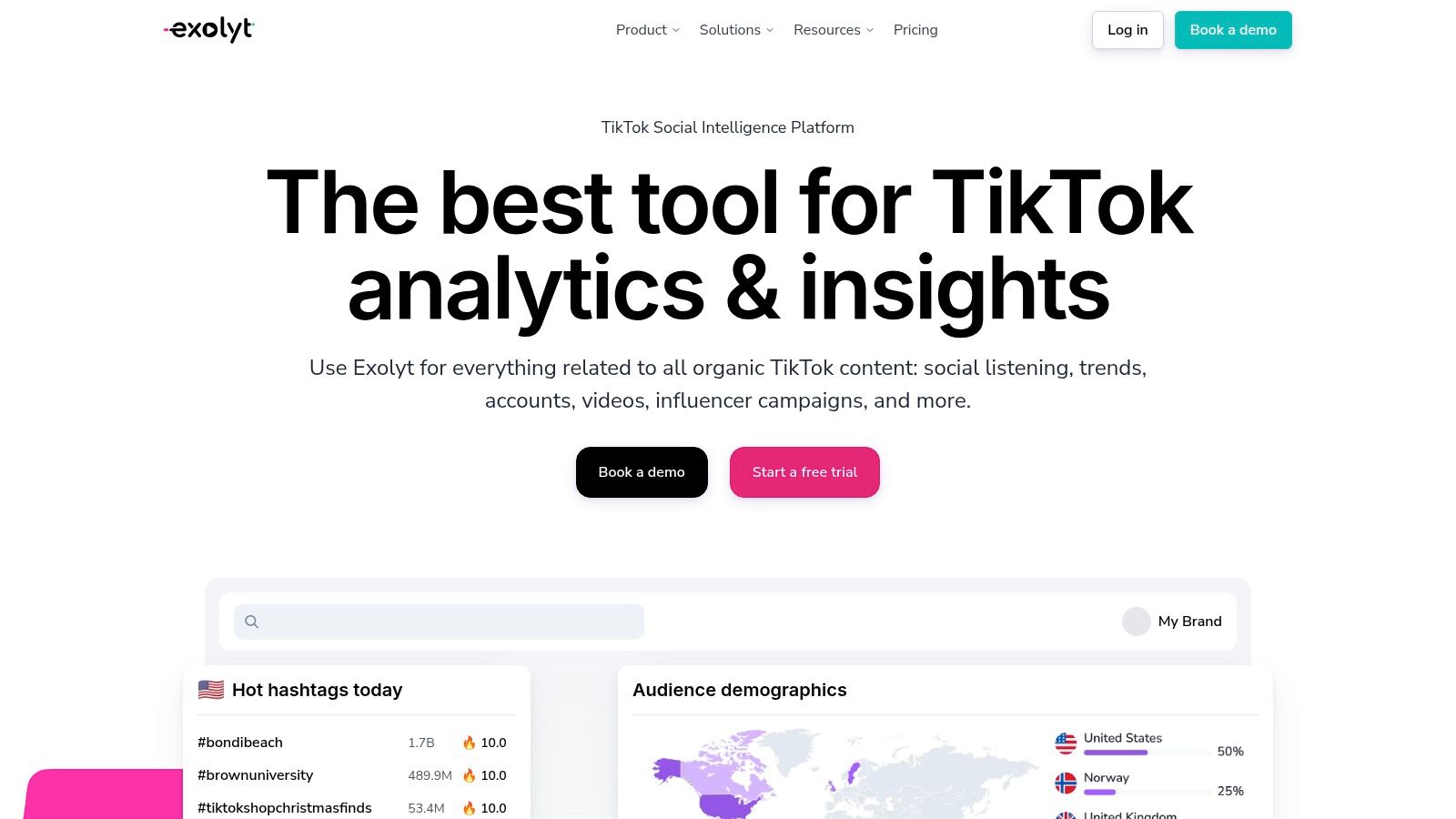
If you’re ready to move from casual trend-hopping to full-blown social intelligence, Exolyt is the high-powered engine you’ve been looking for. This platform is built from the ground up for deep TikTok analysis, making it a favorite for agencies and brands that need more than just surface-level stats. It’s like strapping a rocket booster onto your analytics efforts, designed for those who want to track everything from competitor performance and influencer campaigns to specific hashtag and sound lifecycles.
Exolyt digs deep into organic content, offering robust social listening and AI-backed insights that help you understand the why behind the numbers. Instead of just seeing what’s popular, you can analyze sentiment and track campaign performance with granular detail. For teams that live and breathe data, this is one of the best TikTok analytics tools because it offers serious firepower for strategic decision-making.
Best for: Agencies and brands needing in-depth competitor analysis, influencer campaign tracking, and advanced social listening on TikTok.
Key Features & User Experience
The dashboard is data-rich but well-organized, presenting complex information in historical charts and clean reports that are easy for teams to digest.
- Comprehensive Analytics: Go beyond your own profile with deep dives into any public account, hashtag, or sound.
- Social Listening & AI: Higher tiers unlock AI-powered insights and sentiment analysis, helping you monitor brand mentions and audience perception.
- Data Exporting: Easily pull your data into CSV or Google Sheets for custom reports and deeper analysis, a must-have for professional marketers.
Pro Tip: Use Exolyt’s competitor tracking to identify weaknesses in their strategy that you can exploit. Once you have these data-driven insights, you can use a creative tool like the Trendy app for iOS to quickly generate captions and content ideas that will resonate with your target audience.
Pros & Cons
- Pros: It’s hyper-focused on TikTok, offering exceptionally deep data coverage. It scales well for teams and provides a free trial to test its capabilities.
- Cons: The most powerful features like AI insights and sentiment analysis are locked behind more expensive plans. Its specialization in TikTok means less cross-network functionality compared to all-in-one platforms.
Website: https://exolyt.com
5. Pentos
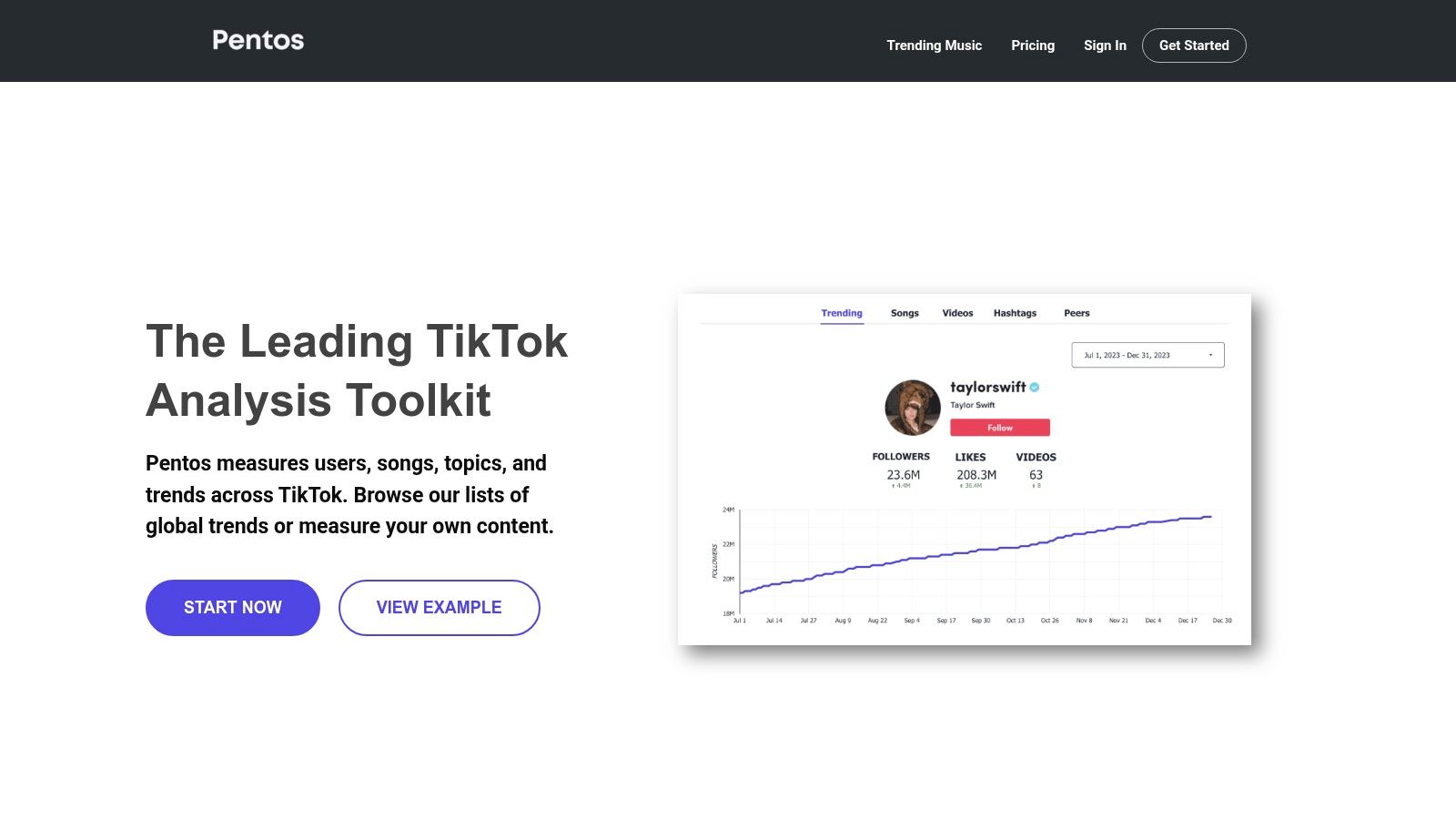
If you’re a music label, agency, or creator whose life revolves around finding the next big sound or hashtag, Pentos is the highly-specialized tool you’ve been waiting for. Think of it as a bloodhound for TikTok trends, specifically designed to track and analyze the performance of users, songs, and hashtags with surgical precision. It cuts through the noise to give you the exact data you need for campaign monitoring and competitor snooping.
Where other tools offer a broad overview, Pentos lets you zero in on the elements that spark virality. It's built for those who need to report on specific campaign performance or monitor a roster of talent. This focus makes it one of the best TikTok analytics tools for users with a deep investment in music and trend-led content, providing the granular data needed to make strategic, data-driven decisions.
Best for: Music labels, agencies, and brands needing to track specific song, hashtag, or campaign performance over time.
Key Features & User Experience
The platform is straightforward, prioritizing function over flash. Setting up trackers is simple, and the dashboards are clean, making it easy to pull reports and share insights with your team or clients.
- Dedicated Trackers: The core of Pentos is its ability to create specific trackers for songs, users, or hashtags, gathering data from the moment you set it up.
- Roster & Campaign Reporting: Agencies can easily manage and report on multiple creator accounts, making client management a breeze. CSV exports are available for deeper dives.
- Trend Exploration: Discover top-performing ads and trends to inform your content strategy, similar to what you might find in other high-level analytics tools.
Pro Tip: Since Pentos doesn't backfill historical data, set up your trackers for songs, competitors, and hashtags as early as possible, ideally before a campaign launch. Combine these insights with a tool like the Trendy app to get a complete picture of your profile’s growth alongside the specific campaign metrics from Pentos. You can download the iOS app here to keep an eye on your personal analytics.
Pros & Cons
- Pros: Excellent for targeted tracking of music and hashtags. The pricing plans scale transparently from solo users to large agencies, making it accessible.
- Cons: It's a TikTok-only platform, so you'll need other tools for multi-platform analysis. The lack of historical data backfill means you can't analyze past performance for anything you didn't track from the start.
Website: https://pentos.co
6. Sprout Social
If you're managing TikTok as part of a much larger social media empire, Sprout Social is the enterprise-grade command center you’ve been looking for. This isn't just a TikTok tool; it's a comprehensive social media management suite where TikTok is a key player, not an afterthought. It’s designed for teams who need to see how their TikTok content performs alongside Instagram, Facebook, and Twitter, all within a single, unified dashboard.
Sprout Social excels at putting TikTok data into a broader business context. You can compare paid versus organic performance, track campaigns across networks, and collaborate with your team using sophisticated approval workflows. For businesses that need to justify their social media ROI to stakeholders, this level of integrated reporting is non-negotiable, making it one of the best TikTok analytics tools for established brands and agencies.
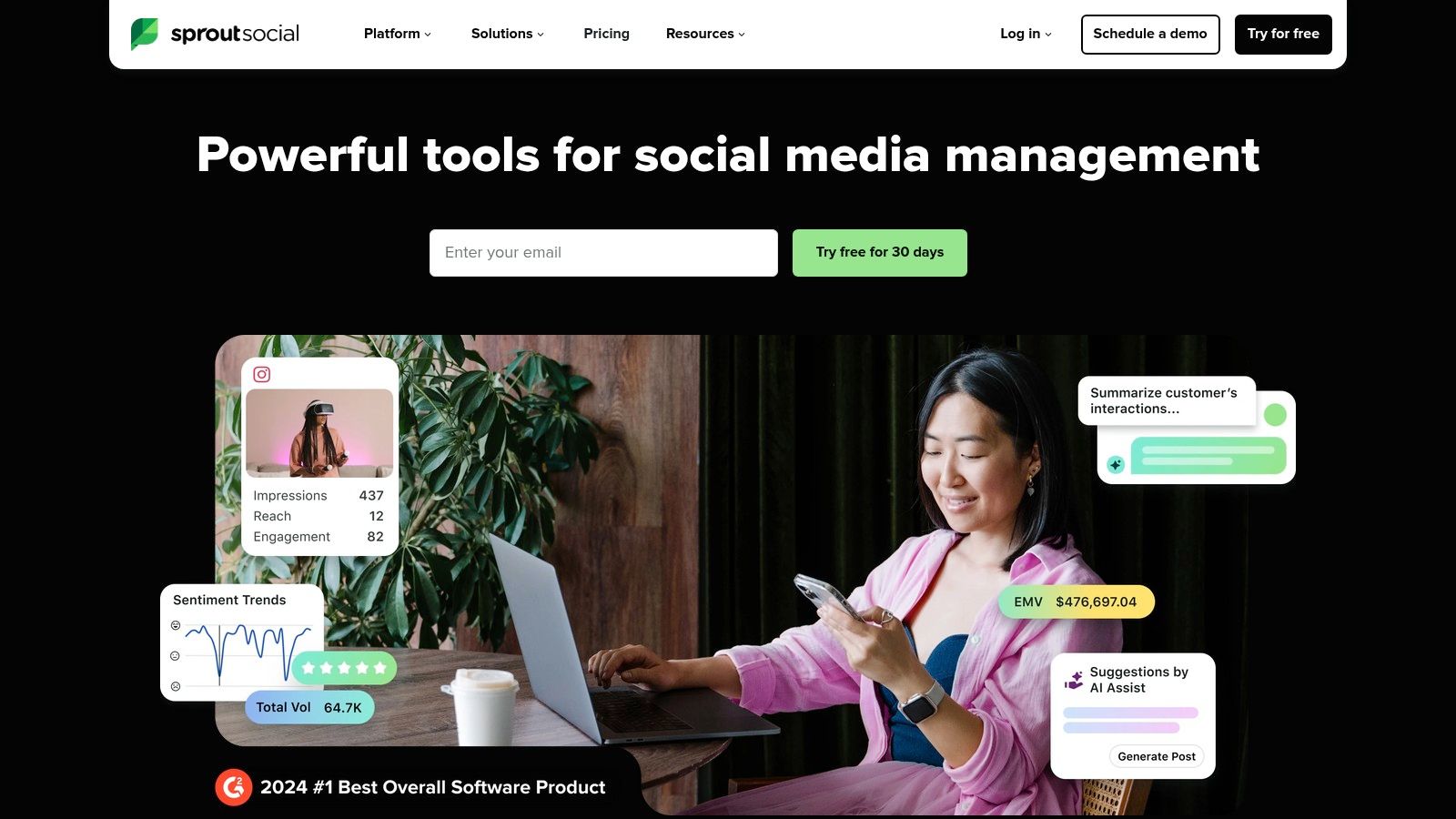
Best for: Large teams and enterprises needing unified, cross-network social media reporting and management.
Key Features & User Experience
The platform is robust and polished, clearly built for professional teams who live and breathe social media management. It’s powerful, but expect a learning curve to master all its features.
- Cross-Network Reporting: Seamlessly integrate TikTok data with metrics from other major social platforms for a complete performance overview.
- Paid vs. Organic Splits: Clearly distinguish the performance of your paid campaigns from your organic content to better allocate your budget.
- Advanced Collaboration Tools: Features like a unified inbox, scheduling, and custom workflows make it ideal for multi-person teams.
Pro Tip: Use Sprout’s custom report builder to create dashboards tailored to your specific KPIs. You can create a master report that pulls TikTok video views, Instagram engagement, and Twitter impressions into one view. For a head start, you can build on a solid foundation with a ready-to-use social media reporting template. For daily trendspotting, the Trendy iOS application can provide quick insights to fuel your content calendar.
Pros & Cons
- Pros: Powerful, enterprise-grade analytics and mature team workflows. Excellent for cross-platform campaign analysis and holistic reporting.
- Cons: The per-seat pricing can get expensive quickly for larger teams. It might be overkill if you only need TikTok analytics.
Website: https://sproutsocial.com
7. Hootsuite
If you're juggling more social media profiles than a circus performer has flaming torches, then Hootsuite might be your sanity-saving safety net. It’s not just a TikTok tool; it's a full-blown social media command center. Think of it as the mission control for your entire online presence, allowing you to schedule posts, engage with your community, and analyze performance across multiple networks, all from one dashboard. This all-in-one approach is what makes it one of the best TikTok analytics tools for busy teams and small businesses.
Instead of hopping between apps, Hootsuite brings TikTok into a unified workflow alongside your other profiles. You can schedule your videos, get recommendations on the best times to post, and track key metrics without ever leaving the platform. It's designed for efficiency, turning the chaotic art of multi-platform management into a streamlined science.
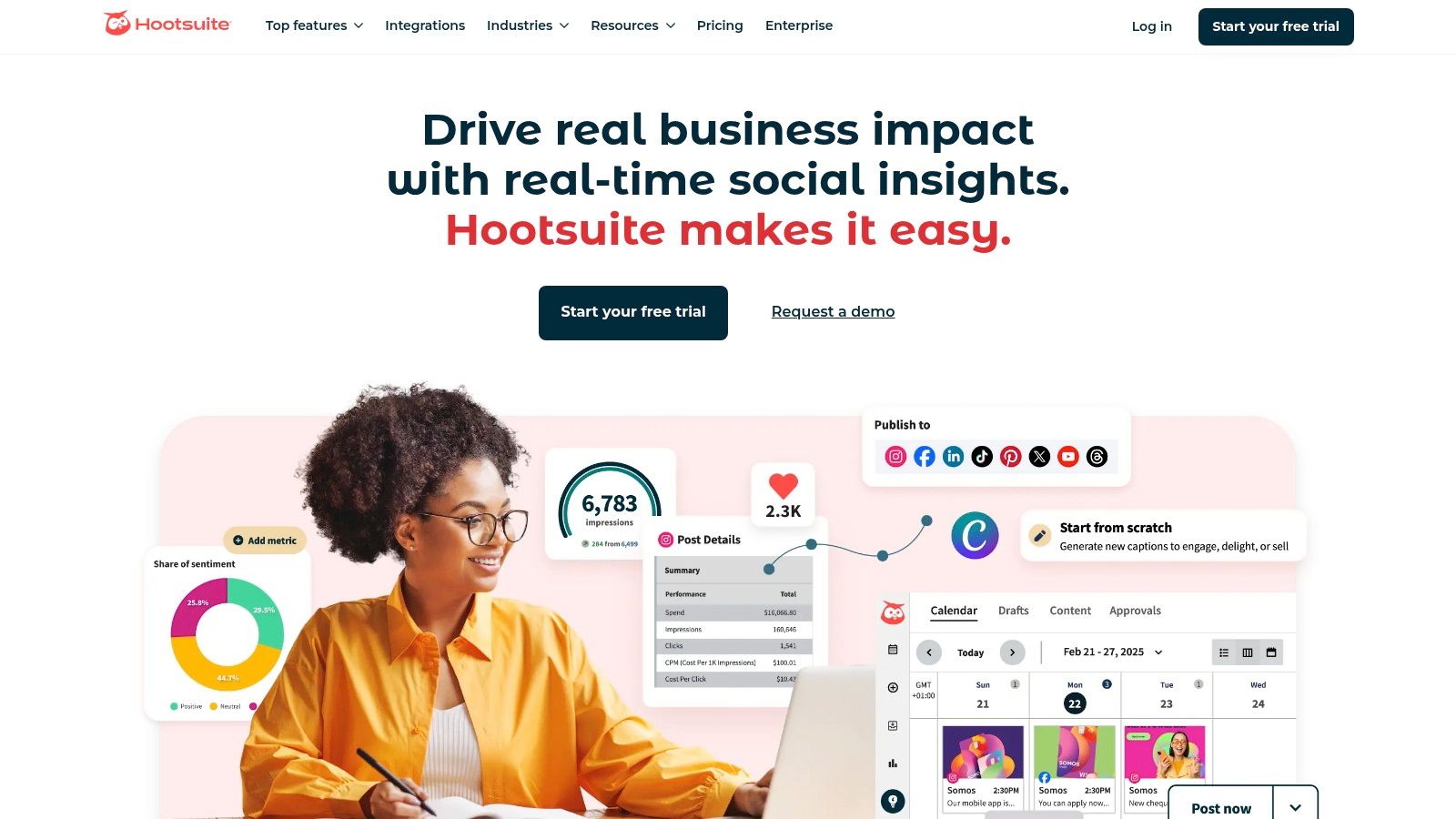
Best for: SMBs and marketing teams looking to manage TikTok alongside other social networks in a single, unified platform.
Key Features & User Experience
Hootsuite is a mature platform, and its interface reflects a focus on comprehensive team-based workflows. It's less about viral trend discovery and more about consistent management and reporting.
- Multi-Network Management: The core strength is scheduling, publishing, and monitoring TikTok right next to Instagram, Facebook, and more.
- Best Time to Post: The platform analyzes your past performance to suggest optimal posting times, taking the guesswork out of your schedule.
- Unified Inbox: Manage comments and engagement from multiple platforms, including TikTok, in one stream, saving you time and effort.
- Competitor Benchmarking: Higher-tier plans allow you to see how your TikTok performance stacks up against the competition.
Pro Tip: Pair Hootsuite’s broad management capabilities with a specialized tool for deeper creative insights. For instance, while Hootsuite handles scheduling, you could use an app like the Trendy iOS application to discover trending sounds and content ideas before you plan your calendar.
Pros & Cons
- Pros: Excellent all-in-one solution for managing multiple social networks. Powerful scheduling and team collaboration features.
- Cons: The depth of TikTok-specific analytics can be limited on lower-priced plans. Its pricing is higher than dedicated, single-network tools.
Website: https://www.hootsuite.com
8. Later
If your social media strategy feels like juggling flaming torches, Later is the tool that lets you put a few of them down. Known primarily as a top-tier scheduling platform, Later has evolved into a robust tool that packs some serious TikTok analytics punch, especially for creators and small businesses who live and die by their content calendar. It’s designed to streamline your workflow, letting you plan, schedule, and analyze your TikToks all in one visually pleasing place.

Unlike hyper-focused analytics deep-dive tools, Later's strength is its integration of planning and performance. You can see how your scheduled content performs over time, including key metrics like views, engagement rates, and audience growth, directly alongside your calendar. This makes it one of the best TikTok analytics tools for users who prioritize efficient, cross-platform content management without sacrificing essential performance data. It turns analytics from a reactive chore into a proactive part of your content creation process.
Best for: Creators and small businesses who need an all-in-one content scheduling and performance tracking solution.
Key Features & User Experience
Later’s user interface is famously clean and drag-and-drop simple, making it incredibly approachable for beginners while still offering depth for seasoned marketers.
- Integrated Analytics & Scheduling: View your post performance, best times to post, and audience metrics within the same dashboard you use to plan your content calendar.
- Auto-Publish for Business Accounts: A huge time-saver, allowing you to set and forget your TikTok video uploads (for Business accounts), ensuring consistent posting.
- Cross-Platform Management: It’s not just for TikTok; manage your Instagram, Facebook, Pinterest, and more from a single hub, providing a holistic view of your social presence.
Pro Tip: While Later provides great historical data, pairing it with a real-time trend tool gives you the ultimate advantage. Use an app like Trendy on iOS to spot viral sounds and hashtags before they peak, then plug those insights directly into your Later content calendar to schedule trend-forward posts. You can download the Trendy app on the App Store to start discovering your next viral video idea.
Pros & Cons
- Pros: Very affordable starting plans and a user-friendly interface. The auto-publish feature for TikTok is a game-changer for consistency.
- Cons: The most detailed analytics are locked behind higher-priced tiers. Audience analytics require you to have at least 100 followers, and mobile analytics are limited compared to the web version.
Website: https://later.com
9. Iconosquare
For the social media managers juggling multiple accounts and feeling like they need an extra set of hands, Iconosquare steps in as the calm, organized co-pilot. This platform isn't just about TikTok; it's a multi-network command center known for its clean dashboards and powerful reporting capabilities, making it a favorite for agencies and brands that demand clarity and efficiency.
What sets Iconosquare apart is its focus on streamlined, multi-profile management. You can group client accounts or regional profiles together, pull comprehensive reports in minutes, and stop drowning in a sea of spreadsheets. It’s one of the best TikTok analytics tools for those who value a polished user experience and need to present data to stakeholders without a headache. Plus, its transparent pricing means you know exactly what you’re getting into.
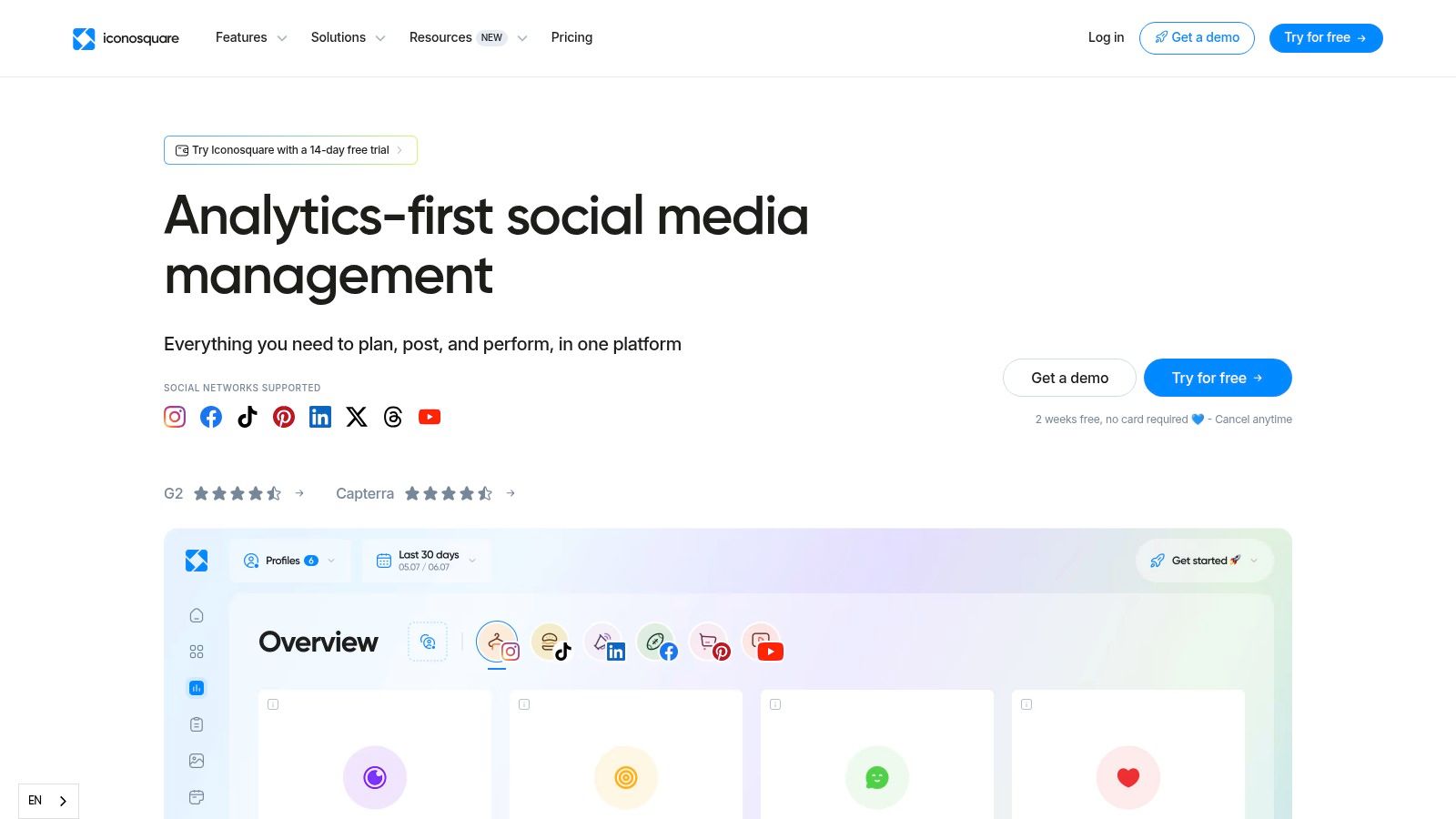
Best for: Agencies and social media managers who need robust, multi-profile reporting and analytics across several platforms.
Key Features & User Experience
The interface is famously intuitive and report-centric, designed to get you the data you need without a steep learning curve. The setup is straightforward, and the dashboards are a breath of fresh air.
- Multi-Profile Reporting: A game-changer for agencies. Group different TikTok profiles together to generate unified reports for clients or internal teams.
- Best Time to Post: The platform analyzes your audience's activity to give you data-backed recommendations on when to publish for maximum engagement.
- AI-Powered Tools: Includes an AI Caption Writer to help overcome creative blocks and generate ideas for your next post.
Pro Tip: Use the free trial to its fullest potential. Connect all your profiles and generate a few sample reports to see if the workflow and export quality meet your agency's or brand's standards before committing. For more personalized insights on the go, the Trendy iOS application can provide quick profile reports right from your phone.
Pros & Cons
- Pros: Excellent reporting UX and multi-profile capabilities. The pricing tiers are transparent, and a free trial is available to test the waters.
- Cons: The entry-level plan has limits on users and profiles. Some of the more advanced analytics and reporting features are reserved for higher-tier plans.
Website: https://www.iconosquare.com
10. Socialinsider
If you've ever felt like you're creating content in a vacuum, wondering how your TikTok presence stacks up against the competition, Socialinsider is here to turn on the floodlights. This platform is a competitive analysis powerhouse, designed for marketers and agencies who need to see the bigger picture beyond their own metrics. It peels back the curtain on competitor strategies, letting you benchmark your performance across multiple social networks, not just TikTok.
Where it truly shines is in its ability to generate sleek, automated, and white-label reports. Imagine effortlessly showing a client exactly how their TikTok engagement crushes the industry average. That’s the kind of firepower Socialinsider brings to the table. For teams needing to pull and present data without hassle, its reporting and exporting capabilities make it one of the best TikTok analytics tools for demonstrating ROI and strategic wins.
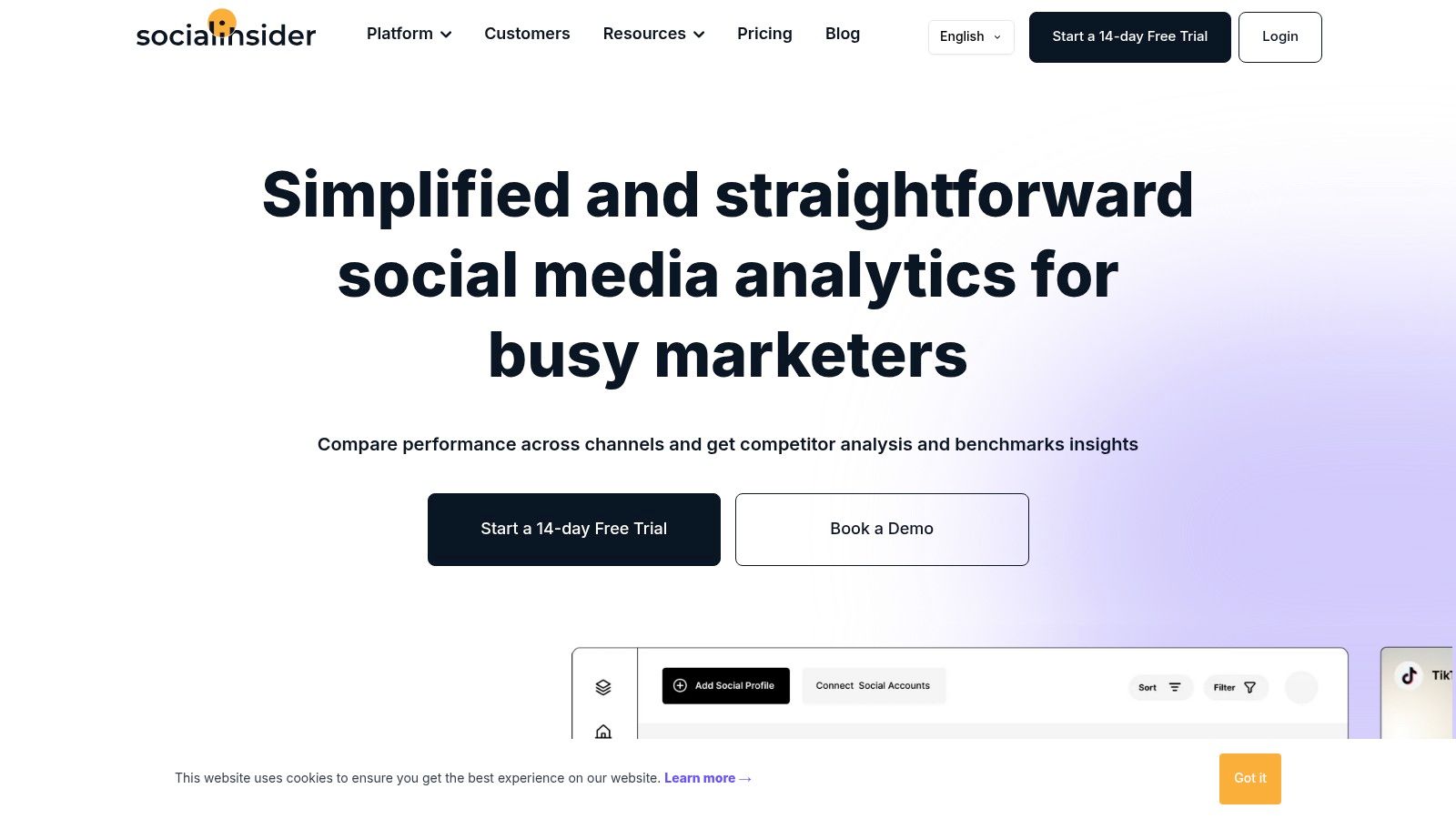
Best for: Agencies and social media managers who need deep competitive benchmarking and automated client-ready reports.
Key Features & User Experience
The platform is built for professionals, offering a data-rich environment that connects performance metrics to strategic goals. It’s less about viral trends and more about sustained, data-driven growth.
- Cross-Platform Benchmarking: Compare your TikTok performance not only against direct competitors but also against industry-wide averages.
- Automated & White-Label Reports: A massive time-saver for agencies, allowing for the creation of branded, professional reports for clients with minimal effort.
- Unlimited Exports: Paid plans remove the friction of data extraction, letting you pull all the raw numbers you need for custom analysis.
Pro Tip: Take advantage of their 14-day free trial to run a full competitive analysis. While the platform offers deep insights, pairing them with a mobile-first tool like the Trendy iOS application can help you monitor your own profile’s real-time performance on the go, bridging the gap between high-level strategy and daily content execution.
Pros & Cons
- Pros: Exceptional competitor and industry benchmarking features. The unlimited exports and white-label reporting on paid plans are a game-changer for agencies.
- Cons: The depth of historical data and the number of user seats are tied to higher-priced plans. Its payment system is handled through a third-party vendor, which may be an unfamiliar checkout process for some users.
Website: https://www.socialinsider.io
11. Brandwatch
If you're a major brand or agency looking to wield the social media equivalent of Thor's hammer, Brandwatch is your Mjolnir. This isn't just an analytics tool; it's an enterprise-grade social intelligence suite. As an official TikTok partner, Brandwatch offers a level of data access that most other platforms can only dream of, including the coveted TikTok Mentions API. This means you can track every conversation about your brand across the platform, not just on your own profile.
This platform is built for large-scale operations, providing deep analytics, publishing tools, and comment moderation with workflows designed for big teams. Instead of just tracking vanity metrics, Brandwatch allows you to measure share of voice, consumer sentiment, and competitive benchmarks across networks. For organizations that need robust governance and security, it’s one of the best TikTok analytics tools because it combines deep data with enterprise-level control.
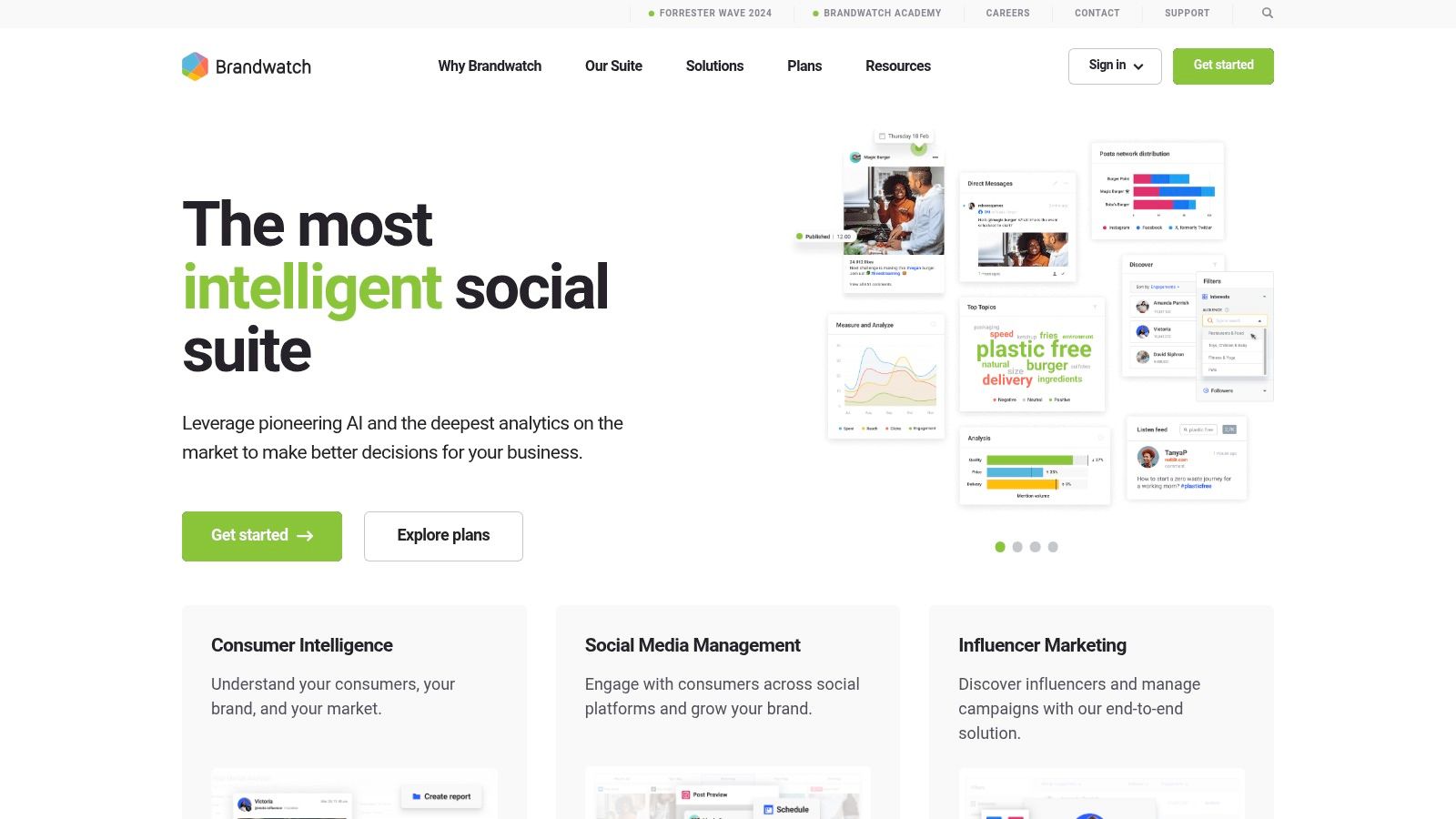
Best for: Large brands and agencies needing comprehensive social listening and enterprise-level analytics with official TikTok partner data.
Key Features & User Experience
The interface is powerful and complex, reflecting its enterprise focus. It's designed for data analysts and social media teams who need to generate custom, in-depth reports rather than quick, surface-level insights.
- Official TikTok Partner: Gains early access to new TikTok partner APIs and capabilities, ensuring cutting-edge data analysis.
- TikTok Mentions API: A huge advantage for brand monitoring, allowing you to track and analyze mentions of your brand anywhere on TikTok.
- Enterprise-Grade Suite: Includes publishing, comment moderation, governance workflows, and cross-network measurement for holistic social media management.
Pro Tip: Enterprise tools like Brandwatch provide an incredible amount of raw data. To make it actionable for content creation, you'll still need a strong creative strategy. For on-the-go trend analysis and profile tracking to complement this data, check out the Trendy app on iOS to keep your finger on the pulse of what's working right now.
Pros & Cons
- Pros: Unparalleled access to official TikTok data, including brand mentions. Enterprise-level governance, support, and workflows for large organizations.
- Cons: Pricing is quote-based and aimed at enterprise budgets, making it inaccessible for SMBs or individual creators. The platform has a steep learning curve.
Website: https://www.brandwatch.com
12. Social Blade
Think of Social Blade as the OG of public social media stats, a quick-and-dirty tool that’s been around since the early days of YouTube fame. It’s the digital equivalent of peeking over a competitor’s shoulder to see their report card. You just type in a TikTok username, and it pulls up a public-facing dashboard with follower counts, likes, and upload numbers, all presented in straightforward graphs. It's completely free for this basic level of snooping, which is its main superpower.
While it won't give you deep, private analytics, it excels at providing a snapshot view. You can quickly see if a creator is on an upward trend, experiencing a sudden drop, or maintaining steady growth. This makes it one of the best TikTok analytics tools for rapid, high-level competitor or influencer vetting without needing to connect an account or pay a dime.
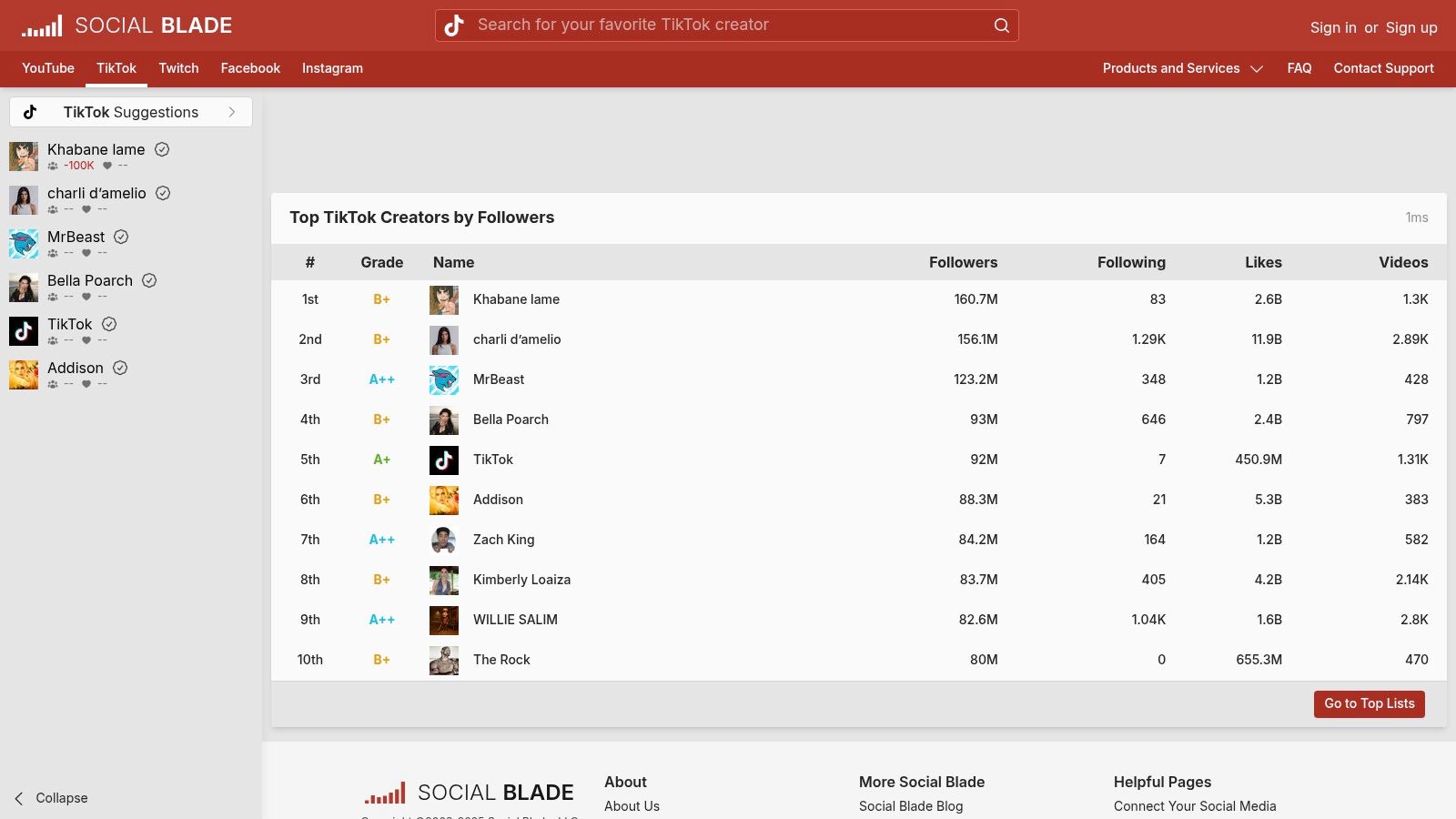
Best for: Quick, free, and public-facing competitor analysis and creator growth tracking.
Key Features & User Experience
The interface is data-heavy and a bit dated, but it's incredibly fast and functional. You're there for the numbers, and it delivers them without any fluff.
- Public Profile Stats: Instantly view any public TikTok profile's follower, following, and like counts, along with historical data charts.
- Future Projections: A unique feature that uses current data to estimate an account's growth over the coming days, weeks, and months.
- Ranking System: Social Blade ranks accounts based on its own internal metrics, giving you a rough idea of where a creator stands in the global hierarchy.
Pro Tip: Use Social Blade for initial influencer discovery, then plug your top candidates into a more powerful tool like the Trendy iOS app to get deeper, more actionable insights. Social Blade shows you what is happening, while Trendy can help you understand why. You can download the Trendy app on iOS to analyze profiles in more detail.
Pros & Cons
- Pros: It’s 100% free for basic lookups and requires no login. It's perfect for a fast overview of any public account’s top-line metrics.
- Cons: The data is based on public API scrapes and should be treated as estimates. It lacks any deep analytics for engagement, video performance, or audience demographics.
Website: socialblade.com/tiktok
Top 12 TikTok Analytics Tools Comparison
| Product | Core features ✨ | Quality ★ | Price/Value 💰 | Target 👥 | USP / Why choose |
| Trendy 🏆 | AI personalized post ideas, trend matching, weekly plan & performance analytics ✨ | ★★★★☆ | 💰 Beta / pricing TBA | 👥 Creators, brands, social teams | ✨ Personalized AI strategist — data-driven, repeatable growth |
| TikTok Creative Center | First‑party trends, songs/hashtags/creatives dashboard, playbooks ✨ | ★★★★☆ | 💰 Free (browser) | 👥 Creators, marketers, researchers | ✨ Official TikTok trend data for creative research |
| TikTok Ads Manager | Campaign metrics (CPC/CPM/CTR), custom reports & exports ✨ | ★★★★★ | 💰 Free to access (requires ad spend) | 👥 Advertisers, performance teams | Ground‑truth paid-media analytics and reporting |
| Exolyt | Account/hashtag/sound analytics, influencer tracking, exports ✨ | ★★★★ | 💰 Tiered pricing + free trial | 👥 Brands, agencies, analysts | ✨ Deep TikTok specialization with historical exports |
| Pentos | Track songs/hashtags/users, trend lists, roster reporting ✨ | ★★★★ | 💰 Clear plan tiers | 👥 Labels, agencies, creators | ✨ Music/hashtag-first monitoring and reporting |
| Sprout Social | Cross-network reporting, scheduling, paid vs organic splits ✨ | ★★★★☆ | 💰 Per-seat (enterprise pricing) | 👥 Enterprises, social teams | Enterprise-grade workflows & unified reporting |
| Hootsuite | Multi-network publishing, best-time suggestions, monitoring ✨ | ★★★★ | 💰 Mid–high (tiered) | 👥 SMBs, teams, agencies | ✨ Consolidated scheduling + listening across platforms |
| Later | Calendar-driven scheduling, TikTok auto-publish & analytics ✨ | ★★★☆ | 💰 Affordable tiers | 👥 Creators, small businesses | ✨ Easy scheduling + auto-publish for TikTok Business |
| Iconosquare | TikTok reporting, multi-profile grouping, best-time & ideation tools ✨ | ★★★★ | 💰 Transparent tiers | 👥 Brands, agencies, multi-account teams | ✨ Clean reporting UX and multi-profile reporting |
| Socialinsider | Cross-platform benchmarking, automated/white‑label reports ✨ | ★★★★ | 💰 Scalable plans (14‑day trial) | 👥 Agencies, competitive analysts | ✨ Strong competitor benchmarking & unlimited exports |
| Brandwatch | Enterprise listening, Mentions API, moderation & governance ✨ | ★★★★★ | 💰 Quote/demo (enterprise) | 👥 Large enterprises, global brands | ✨ Official TikTok partner + enterprise workflows |
| Social Blade | Public follower/like estimates, rankings & projections ✨ | ★★☆ | 💰 Free | 👥 Quick competitor checks, public research | ✨ Fast, no-account public stats (estimates) |
From Analytics to Action: Your Next Viral Hit Awaits
And there you have it, the ultimate toolkit for graduating from a TikTok hopeful to a TikTok heavyweight. We've journeyed through a dozen of the best TikTok analytics tools, from the free, built-in powerhouses like TikTok's Creative Center to the all-in-one social media command centers like Sprout Social and Hootsuite. The days of throwing content spaghetti at the digital wall and seeing what sticks are officially over. Your path to viral fame and sustainable growth is no longer a mystery; it’s a science, and you now have the lab equipment to start experimenting.
We've seen that data isn't just a collection of boring numbers. It's the secret language of your audience, a roadmap to the next big trend, and the blueprint for your content strategy. It tells you that your followers are night owls who love a good "get ready with me" video, or that a specific audio clip is about to explode in your niche. The difference between a video that gets a few hundred views and one that hits a million is often found in these details.
Choosing Your Data-Driven Co-Pilot
Navigating this list might feel like trying to pick a single snack in a giant candy store, so let's break it down. Your choice of tool should be a direct reflection of your goals, budget, and where you are on your creator journey.
- For the budget-conscious beginner: Start with the free resources! Get intimately familiar with TikTok's Creative Center and TikTok Ads Manager. These platforms are your foundational training ground, teaching you the basics of trend-spotting and audience demographics without costing a dime.
- For the ambitious solo creator or small business: This is where specialized tools like Exolyt, Pentos, and of course, the Trendy iOS application, truly shine. They offer a perfect balance of deep-dive analytics, competitor tracking, and trend forecasting at a price point that won't require you to sell a kidney. Trendy, in particular, acts like an AI-powered strategist right in your pocket, making sophisticated analysis accessible and actionable for every content creator.
- For the established agency or large brand: When you're managing multiple accounts and need a seamless workflow, the heavy hitters are your best bet. Sprout Social, Hootsuite, Later, and Brandwatch offer the robust, multi-platform integration, team collaboration features, and comprehensive reporting that a professional operation demands.
From Insight to Implementation: Making It Happen
Remember, subscribing to one of the best TikTok analytics tools is only step one. The real magic happens when you translate those insights into action. Don't just look at the data; have a conversation with it.
Ask yourself critical questions every week:
- What was my top-performing video and why? Was it the hook, the audio, the format, the editing style?
- What was my worst-performing video and why? Be honest. Was the trend already dead? Was the audio quality poor?
- What is one key insight I learned about my audience this week? Do they engage more in the morning? Do they prefer tutorials over skits?
- What upcoming trend can I adapt to my niche? Use your tool's trend forecaster to get ahead of the curve.
By consistently asking these questions, you create a feedback loop that continually refines and improves your content. You stop guessing and start creating with intention and confidence. The data doesn't just show you what worked in the past; it illuminates the path to what will work in the future. Your next viral video isn't a matter of luck, it's a matter of listening to the data and taking decisive action.
Ready to stop guessing and start growing with a personal AI strategist in your pocket? Trendy leverages powerful AI to analyze your profile, track your competitors, and deliver personalized content ideas and trend predictions directly to you. Download the Trendy iOS app today and turn powerful analytics into your next viral hit.