

Reorder an Instagram Carousel After Posting
Move photos and videos in an Instagram carousel after posting. Learn when to edit the slide order, how to check the cover, and what to do if drag fails.
Trendy / Field notes
Clear thinking on trends, content, and building an audience without the noise.
437 published notes
Move photos and videos in an Instagram carousel after posting. Learn when to edit the slide order, how to check the cover, and what to do if drag fails.

Find the Spark Ads code for a TikTok post, choose the authorization period, and help the ad buyer verify the correct video in TikTok Ads Manager.

Freeze a frame in CapCut on your phone, choose a sharp moment, adjust the hold, and keep audio and captions in sync for your next Reel or TikTok.

Create a TikTok playlist, add and reorder your public videos, check why the option is missing, and give viewers a clear route through your best episodes.

Build a UGC rate card with a cost worksheet, video and package examples, and a message template for quoting revisions, extra files, and paid usage.

Learn how to use the Add Yours sticker on Instagram Stories, write a prompt people can answer with one photo, and turn responses into your next useful post.
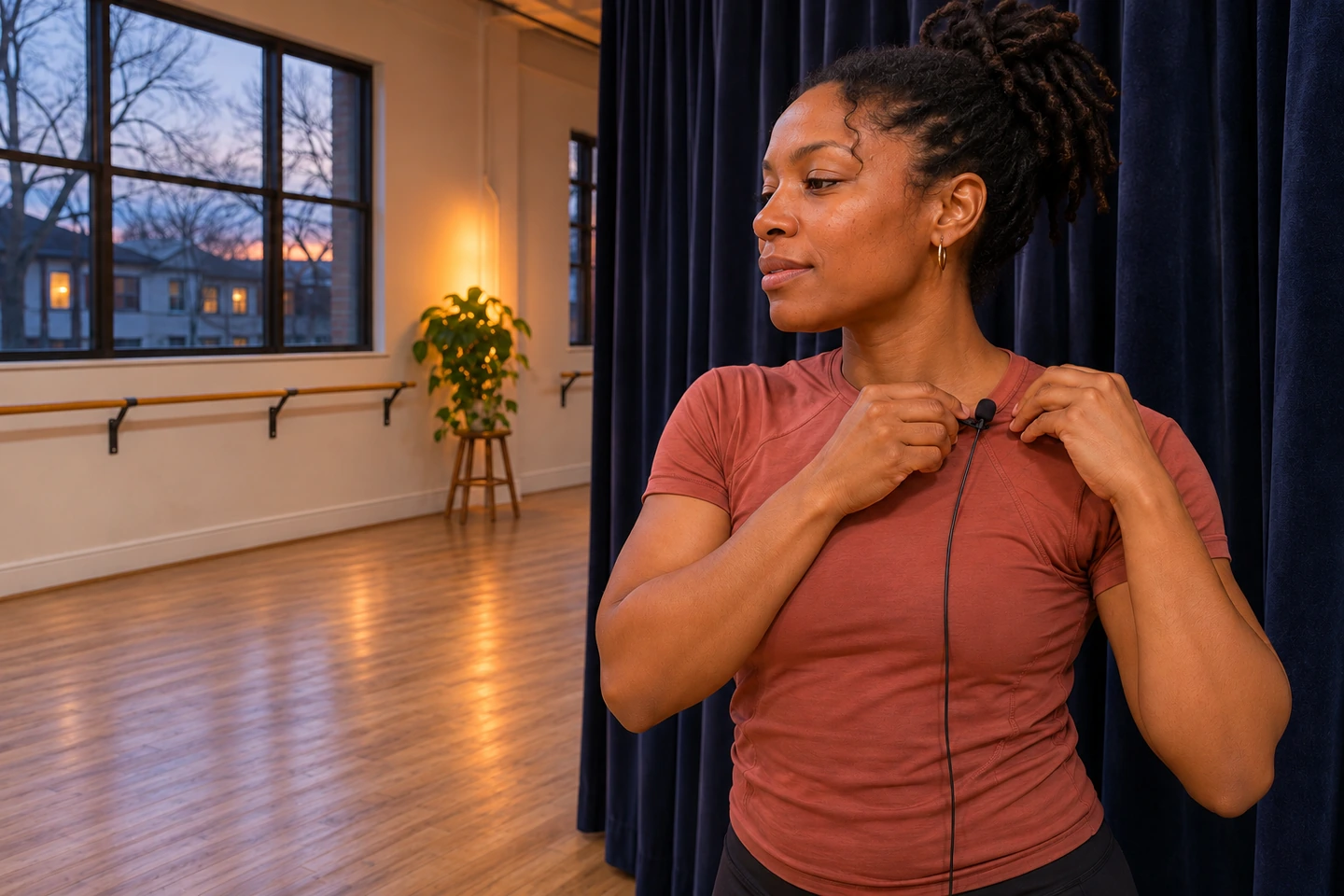
Record clear phone audio for Reels and TikTok. Use five checks for mic distance, echo, wind, external input and playback before you finish your next video.

Learn how to film overhead videos with a phone, choose a stable mount, light your hands, and capture a clear step-by-step shot list for Reels and TikTok.

Agree on UGC usage rights for paid ads with a clear asset list, launch dates, approved edits and a practical plan for stopping or renewing the campaign.

Learn where to place text and subtitles in Reels and TikTok, frame important action, and check a 9:16 video in both apps before you publish.

Learn seven match cut transitions for Reels and TikTok: paired shots, phone filming, a complete script, editing fixes and a practical workflow with Trendy.

Give clear UGC video feedback with timestamps, a revision template and practical replies. Learn how to review the next cut and use Trendy for creative drafts.
Notes 1—12 of 437