
The best way to find trending hashtags today is to combine a current platform signal with niche relevance, audience intent, and the actual format of your post. Then validate a small set through repeatable testing instead of copying the biggest hashtag list.
A hashtag can look enormous and still be a poor choice for your next Reel or TikTok. Academic research found that broad TikTok discovery tags such as #fyp, #foryou, #viral, and #trending were associated with stronger views and likes in the sampled data, but the apparent advantage weakened in more recent years as usage became saturated. The study's findings point to the practical answer: momentum matters, but fit, timing, and content quality matter more.
The seven options below solve different creator problems, from personalized cross-platform planning to first-party TikTok signals, live hashtag grading, Instagram tracking, safety checks, and rapid generation. The workflow moves from Profile Audit to Trends & Ideas, Content Creation, scheduling, and Performance Analysis, with ready-to-shoot scripts, hooks, scene structures, carousels, visual post concepts, Instagram and TikTok content, LinkedIn posts, and Threads/X posts along the way.
1. Trendy
Best for: Personalized cross-platform planning that connects hashtag discovery with publishable content.
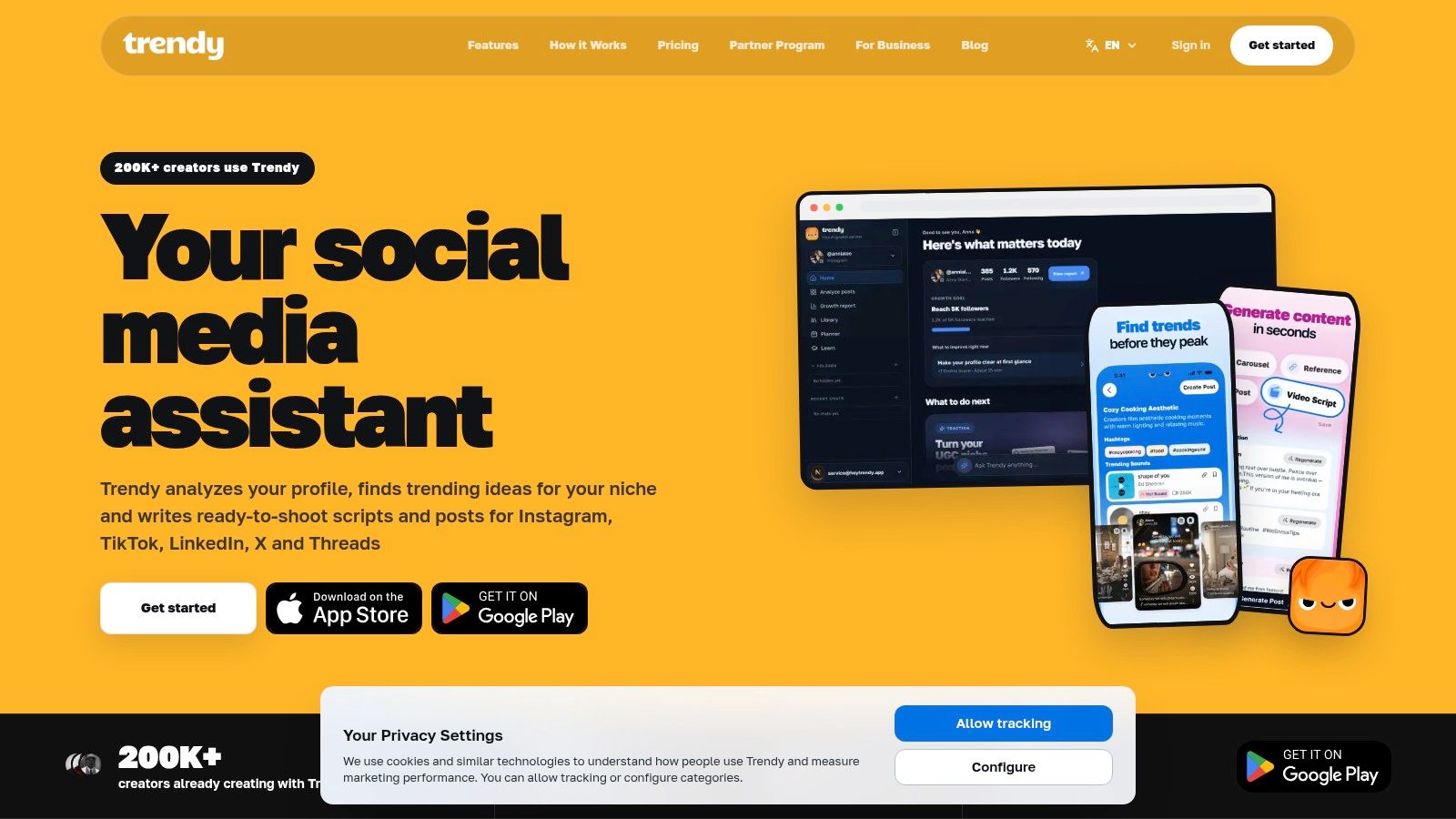
Trendy helps solve the creator decision behind a hashtag: which trend fits the account, and what should be made with it? The platform combines profile context, trend research, content creation, planning, and performance analysis across Instagram, TikTok, Threads, X, and other relevant formats. Trendy is available on web, iOS, and Android.
Begin with the Profile Audit. Trendy reviews your niche, audience, and recent performance to surface opportunities that match the account. A popular tag can still attract the wrong viewers if it has little connection to your subject, product, location, or publishing format. That fit matters more than adding every broad term currently receiving attention.
Use Trends & Ideas to turn emerging hashtags, sounds, and formats into production directions. The useful output is a workable concept with an angle, an attention-grabbing hook, a short script, and a scene structure you can record. A small business could shape that direction into a product demonstration. A creator could develop a reaction, tutorial, comparison, or recurring series.
Where Trendy earns its place
The Content Creation stage covers more than video. From the same strategic direction, you can develop carousel ideas, visual post concepts, Instagram and TikTok scripts, LinkedIn posts, and Threads/X posts. This reduces the gap between finding a hashtag and producing a post that gives it meaningful context.
The planning layer turns those ideas into a repeatable calendar. Instagram says Reels can contain one or multiple clips totaling up to 3 minutes, so a script can follow a hook, explanation, proof, and closing prompt without stretching beyond the format's limit. Instagram's Reels guidance supports that concise production approach.
Pros
- Personalized workflow: Connects profile context, trend discovery, scripts, planning, and feedback.
- Cross-format support: Covers Reels, TikTok videos, carousels, visual posts, LinkedIn, and Threads/X.
- Practical output: Provides hooks, scene structures, and ready-to-shoot directions alongside hashtag ideas.
- Creator-friendly coaching: Helps identify what worked and what to change next.
Cons
- No guaranteed reach: Distribution still depends on execution, audience response, and platform recommendation systems.
- AI needs editing: Add brand voice, factual review, and real audience context before publishing.
- Plan details can change: Check the current options in the web app before selecting a workflow.
Trendy is also offered through its iOS application and Android application. For a niche example of applying TikTok strategy to karaoke content, read this TikTok viral guide for karaoke makers.
2. TikTok Creative Center
Best for: First-party TikTok signals before you write a script or select a hashtag.
Start with TikTok Creative Center when your decision depends on current TikTok activity, a specific market, or a defined time period. Its country- and period-specific hashtag views prevent “trending” from becoming a single generic list that ignores regional differences.
Set the target country and time period, then review a hashtag's related terms, audience insights, top regions, and connected creative examples. The official TikTok hashtag page for #live shows this structure, with related terms including #livehighlights, #tiktoklive, #twitch, and #livestream.
Creators aiming to get more TikTok Live viewers can use that regional context to shape both the session topic and its promotion. A broad label may offer wider exposure, while a narrower related term can give the broadcast clearer context. The trade-off is reach versus relevance, so check whether the audience and market match your planned LIVE content.
Read the format behind the hashtag
Open related videos and identify the repeated creative pattern. Look for reveals, tutorials, reactions, challenges, product tests, or a distinctive editing rhythm. The hashtag indicates the conversation, while the recurring format can explain how creators are earning attention within it.
Use the tool for discovery, not automatic publishing.
A useful checklist:
- First-party discovery: Signals come from TikTok's own trend surface.
- Regional context: Research trends by country and period.
- Creative references: Related videos and terms can speed up idea development.
- LIVE planning: Related hashtags can support session themes and promotion.
- Platform limit: TikTok insights do not directly settle Instagram hashtag choices.
- Changing interface: Search behavior and available hashtag details may change.
- Required judgment: A rising tag still needs to fit the content and audience.
Move the relevant findings into Trendy's Profile Audit → Trends & Ideas → Content Creation → Performance Analysis workflow. Use Profile Audit to check fit, Trends & Ideas to select the subject and angle, Content Creation to turn the signal into a ready-to-shoot TikTok script, and Performance Analysis to compare the published result with future choices. Before adapting a TikTok idea for Reels, read Trendy's guide to how to find trending hashtags on Instagram, then rebuild the hashtag set for Instagram's search behavior instead of copying the TikTok package.
3. RiteTag by RiteKit
Best for: Live grading while you're writing a post.
RiteTag by RiteTag gives creators rapid feedback after a caption, image, or topic is ready. Its immediate suggestions and visual strength indicators suit publishing sessions where a long research process would slow execution.
Color-coded guidance separates tags that may help immediately from those better suited to longer-term use or worth avoiding. Relevance and timing are separate judgments: a tag can describe the post accurately while attracting little current attention, or trend actively while adding little value for the account.
Paste in the caption, start with an image, and compare the suggested options against the actual post. Identify a small group of tags that reinforces the topic already visible in the caption, image, spoken words, or video. Remove anything that describes a broader conversation than the content can credibly join.
Practical rule: Treat a live grade as a screening signal. Keep tags that fit the post, audience, and platform.
Fit RiteTag into the publishing decision
RiteTag becomes useful once the concept has shape. Trendy's Profile Audit checks whether the subject and audience fit the account. Trends & Ideas helps choose the angle and format. During Content Creation, RiteTag pressure-tests the wording around the post and helps narrow the final set. Save that selection in the content calendar, then use Performance Analysis to compare the result with later choices.
The workflow keeps the tool in its proper role. RiteTag grades candidate hashtags quickly, while Trendy supplies the account context and the later performance loop.
Pros
- Fast suggestions: Helpful when a post is nearly ready to publish.
- Visual guidance: Color-coded indicators reduce guesswork for less experienced creators.
- Workflow compatibility: Browser extensions, mobile access, and saved tag sets support repeated publishing.
- Broad utility: Particularly useful for Instagram and X-related workflows.
Cons
- Reports may be separate: Deeper hashtag reporting may sit outside basic suggestions.
- Advanced features may require payment: Confirm the current plan before building a team process.
- Limited strategic scope: It does not replace a profile audit, script, hook, or post concept.
For a platform-specific check, pair the tool with Trendy's guide to whether hashtags work on TikTok. A grade can show which tags appear active. It cannot judge whether the video belongs in that conversation.
4. Flick
Best for: Instagram creators who need to measure hashtag performance after publishing.
Flick solves a specific decision: which tags are worth testing again for this account? Its Instagram-first toolkit combines hashtag search, tracking, management, scheduling, analytics, and writing support. The value appears after publication, when you can compare selected tags across posts instead of recycling a large list of popular terms.
That makes Flick a practical choice for creators and social managers who publish consistently. A single post provides limited evidence. Repeated tests can reveal which combinations fit particular formats, topics, or audiences, although performance still depends on the creative, timing, and distribution.
Start with niche-relevant candidates, review them for safety, and group the final tags around one content route. Flick can then attach those choices to a scheduled Reel or post for later review. Instagram supports feed posts and Reels scheduled up to 30 days ahead. Eligible public accounts with a Meta One subscription can schedule them up to 365 days ahead. Meta's scheduling documentation also states that follower active times are based on activity from the previous 28 days.
Test the decision, not just the tag
Hashtag results vary by account and post context. One analysis reported that posts without hashtags reached 23% more people than posts using large hashtag sets, while another study found no statistically significant advantage from adding hashtags. The Instagram trends analysis supports a measured approach. Treat those findings as directional, then test the choices against your own posts.
A useful operating loop is simple: Trendy's Profile Audit establishes account and audience fit, Trends & Ideas identifies a timely angle, Flick supports hashtag selection and scheduling during Content Creation, and Trendy's Performance Analysis helps compare the outcome with later tests. Flick measures the hashtag decision. Trendy keeps that decision connected to the wider content plan.
Where Flick helps
- Post-level tracking: Connects hashtag sets with publishing outcomes.
- Instagram focus: Fits Reels, feed posts, and niche discovery.
- Integrated planning: Scheduling and analytics reduce tool switching.
- Safety support: The banned hashtag checker adds a pre-publish review.
Trade-offs
- Paid positioning: The cost makes more sense when scheduling and reporting are also needed.
- More than casual creators need: Occasional publishers may prefer native search and a basic test log.
- No proof of causation: A tag on a successful post may accompany the result without causing it.
Choose Flick when measurement is the problem to solve. For format-specific planning, use Instagram Reels hashtag guidance before building the next test.
5. IQ Hashtags
Best for: Instagram creators and small brands that need hashtag generation, planning, captions, and safety checks in one workspace.
IQ Hashtags combines AI hashtag research with caption generation, saved collections, content-calendar tools, profile analytics, and prompts for banned hashtag and account-safety checks. The practical benefit is consolidation: research a set, shape the caption, schedule the post, and review the account without switching among a generator, notes app, calendar, and analytics dashboard.
That convenience suits creators who spend too much time assembling a workflow from separate lightweight tools. The trade-off is focus. IQ Hashtags is Instagram-centric, so it will not solve a cross-platform planning problem involving TikTok, Instagram, Threads, and X.
Build a set around the post
Start with the post's subject and audience intent. For a product Reel, divide candidates into product category, use case, customer problem, and location where relevant. For a carousel, align the hashtag language with the caption and slide text so the post reflects the terms people may search.
For product categories such as print-on-demand apparel, review these POD apparel hashtag examples, then apply the same category, use-case, and location split to your own Reel.
Safety requires a manual pass. A relevant-looking tag can carry an unrelated or risky meaning, so search it on Instagram, inspect connected posts, and remove anything that misrepresents the content or brand. IQ Hashtags can flag possible issues, but it cannot replace human review.
Pros
- Simple planning flow: Research, captions, collections, calendar, and analytics share one workflow.
- Safety prompts: Adds a review step before publishing an Instagram post or Reel.
- Accessible for small teams: Reduces the need to maintain several disconnected tools.
- Caption support: Keeps keyword context around the selected hashtag set.
Cons
- Instagram-centric: Less suitable for comparing trends across platforms.
- Lower plans may limit analytics: Check current feature access before committing.
- AI output still needs review: Generated captions may sound generic without brand editing.
Use IQ Hashtags to assemble and organize candidates during Trendy's Content Creation stage. Trendy's Profile Audit checks account and audience fit, Trends & Ideas supplies a timely angle, and Performance Analysis shows whether the set deserves another test. For measurement guidance, consult this social media hashtag analytics guide.
6. MetaHashtags
Best for: Rapid Instagram discovery when you need activity filters without adopting a full social suite.
MetaHashtags suits creators who want to generate, compare, and organize Instagram tags quickly. Its filters narrow candidates by tag size, activity, posts per hour, and engagement indicators. Banned-hashtag checks, competitor extraction, and CSV export can shorten the path from an initial topic to a usable research list.
The main decision it solves is speed. Enter a topic, review the suggested tags, remove options that are too broad or off-topic, then export a set for the content calendar. That workflow fits a same-day Instagram post when you need focused hashtag research rather than writing, scheduling, or reporting features.
Activity still requires judgment. A tag with heavy posting volume may be crowded, repetitive, or connected to an audience outside your target. Smaller community labels can perform better when they match the customer's problem, location, interest, or content format.
Popularity shows that a tag is active. Relevance shows that it belongs on your post.
Run a manual safety check before publishing. Search each shortlisted tag on Instagram, inspect connected posts, and remove anything with an unrelated or risky meaning. The tool can speed up screening, but brand context remains a human decision.
Use MetaHashtags as one input in Trendy's workflow. Profile Audit checks account and audience fit. Trends & Ideas helps connect the hashtag research to a timely topic. Content Creation turns the selected angle into an Instagram Reel, carousel, or visual post, while Performance Analysis shows whether the set merits another test. Trendy can also adapt the underlying topic for LinkedIn or Threads/X instead of carrying one Instagram set across every channel.
Pros
- Fast daily research: Useful for a quick, post-specific search.
- Activity filters: Separates active tags from simple popularity signals.
- Safety checks: Helps identify unsuitable candidates before publishing.
- Low-friction basics: Basic research can work without connecting an Instagram account.
Cons
- Instagram-only: It does not support TikTok or cross-platform trend planning.
- Limited content workflow: A separate calendar, script tool, and analytics system may still be needed.
- Metrics need context: Posts per hour says little about audience quality or conversion value.
MetaHashtags is a sensible specialist choice when hashtag discovery is the immediate bottleneck. If the harder problem is deciding what to publish or learning from results, Trendy provides the broader workflow.
7. Inflact Hashtag Generator
Best for: Building a same-day Instagram hashtag shortlist from a keyword, photo, or URL.
Inflact starts with the asset or idea already in front of you. Enter a keyword, upload a photo, or provide a URL, and it generates related and trending hashtag suggestions for an Instagram post. This suits a product page, campaign concept, or finished image that needs publishing support quickly.
The photo and URL inputs give small businesses a useful starting point when research time is limited. A product image or landing page provides more context than an empty search field, though the output still needs editorial review. Check each candidate against the post's subject, audience, market, and tone before publishing.
A fast shortlist still needs a clear content decision. Use Trendy's Profile Audit to check account and audience fit, then take a promising topic into Trends & Ideas. Content Creation can turn that direction into an Instagram Reel, carousel, or visual post, while Performance Analysis shows which combinations deserve another test. Inflact supplies candidate tags at the selection stage, and Trendy connects that choice to planning and learning.
Best for same-day shortlists
Inflact is most useful when a finished image, product page, or landing page is the starting point. It reduces the time spent assembling initial options, while the marketer remains responsible for relevance and brand safety. Its wider set of Instagram utilities, including research and messaging functions, may also appeal to teams that want several capabilities in one ecosystem. Module-based packages can make the purchase harder to assess when you need only hashtag generation.
Pros
- Quick input options: Keywords, photos, and URLs fit different publishing situations.
- Useful for same-day posts: Produces a practical starting list without extended manual research.
- Broader toolkit: Other Instagram utilities may suit teams with related needs.
Cons
- Package complexity: Pricing and access can vary by module.
- Instagram focus: Cross-platform planning still requires another workflow.
- Generated tags require validation: Relevance depends on the post and audience context.
Reach for Inflact when a finished image or landing page needs a tag shortlist today. If the larger task is choosing what to publish next and learning from results, a full co-pilot workflow is the better fit.
Trending Hashtags Today: 7-Tool Comparison
| Tool | 🔄 Implementation complexity | ⚡ Resource requirements | ⭐ / 📊 Expected outcomes | 💡 Ideal use cases | Key advantages |
| Trendy | Low, guided, fast onboarding (~30s) | Web + mobile; username connect; paid tiers for advanced | Personalized post ideas, hooks, and engagement predictions; improved consistency ⭐⭐⭐⭐ 📊 | Solo creators, small brands, social managers seeking end-to-end coaching | End-to-end workflow; niche trend detection; strong social proof |
| TikTok Creative Center (official) | Low, browser access, minimal setup | Free (login optional); first‑party TikTok data | Authoritative, real‑time TikTok trends and examples ⭐⭐⭐⭐ 📊 | TikTok trend discovery and creative modeling | First‑party continuous data; deep drill‑downs; free to use |
| RiteTag by RiteKit | Low, install extension/app | Browser extension / mobile app; some paid reports | Instant hashtag suggestions with strength grading ⭐⭐⭐ 📊 | In‑workflow hashtag selection for Instagram and X/Twitter | Fast, visual grading; live engagement signals; integrations |
| Flick | Medium, integrates scheduling & analytics | Paid tool; official Instagram API access | Post‑level hashtag performance and testable insights ⭐⭐⭐⭐ 📊 | Instagram‑first marketers who track and schedule content | Hashtag tracking + scheduling; analytics for refinement |
| IQ Hashtags | Low, simple onboarding | Free trial + paid tiers; Instagram‑focused | AI hashtag sets, captions and safety checks; practical results ⭐⭐⭐ 📊 | Creators and small brands needing affordable research & captions | AI generation + banned‑hashtag protection; creator‑friendly plans |
| MetaHashtags | Low, lightweight tool | Low cost; basic use without login | Quick balanced tag sets with activity metrics ⭐⭐⭐ 📊 | Rapid daily hashtag discovery for Instagram posts | Simple workflow; activity filters; CSV export |
| Inflact Hashtag Generator | Low, module within suite | Part of Inflact packages; variable pricing | Fast keyword/photo/URL‑based tag suggestions ⭐⭐⭐ 📊 | Users wanting quick tag ideas or already using Inflact | Quick discovery; bundles with other Instagram utilities |
Turn Today's Hashtags Into Tomorrow's Signals
The right tool depends on the decision in front of you. If you need personalized direction across Instagram, TikTok, Threads, and X, start with Trendy. If you need a first-party TikTok signal, open Creative Center. If a post is nearly ready and you want live grading, use RiteTag. For Instagram tracking, Flick is the stronger measurement choice. IQ Hashtags adds planning and safety checks, MetaHashtags keeps rapid research focused, and Inflact is convenient when you want immediate ideas from a keyword, image, or URL.
The daily routine should stay simple:
- Start with the platform signal: Check TikTok Creative Center for a country- and period-specific trend, or use native Instagram search to inspect relevant posts and tags.
- Run a Profile Audit: Confirm that the topic fits your niche, audience, recent performance, and brand voice.
- Filter for post fit: Remove every hashtag that doesn't describe the actual subject, format, audience, or location.
- Create a focused test set: Use a small group rather than a copied block. TikTok research found that hashtagged posts received nearly 5% more views and over 9% more interactions in one analysis, while an Instagram analysis found hashtagged posts received 31.70% fewer views and 33.89% fewer interactions. The cross-platform comparison shows why a TikTok approach shouldn't be copied automatically onto Instagram.
- Publish a native asset: Turn the trend into a ready-to-shoot script, hook, scene structure, carousel, visual post, Reel, TikTok video, LinkedIn post, or Threads/X post that belongs on that platform.
- Review the outcome: Compare qualified reach, watch behavior, shares, saves, profile visits, comments, and follows instead of treating cumulative hashtag views as success.
Trendy connects those steps in one workflow. Its Trends & Ideas stage can help identify relevant hashtags, sounds, and formats. Content Creation can turn the chosen angle into scripts, hooks, scenes, carousels, and platform-specific copy. Calendar planning supports scheduled Instagram posts and Reels, while Performance Analysis gives you a reason to keep, revise, or retire a trend.
Remember that trend data is time-sensitive. TikTok's hashtag ecosystem is globally distributed, and broad discovery labels can lose their advantage as adoption grows. Pew Research Center's 2025 survey found that 50% of U.S. adults used Instagram and 37% used TikTok, with 24% using TikTok daily, which helps explain why a trend can spread quickly while competition rises. The Pew survey supports the broader strategic point, not a promise of reach.
Verify current features, limits, integrations, and plan details on each tool's official site before building a production process. For a cross-format workflow that connects profile auditing, trend discovery, content creation, scheduling, and performance review, try the Trendy web app, or use the Trendy iOS app and Trendy Android app. No tool guarantees distribution. The advantage comes from choosing a relevant signal, making a strong platform-native post, and learning from what your audience does.
Use Trendy to audit your profile, find niche-relevant trends, and turn today's hashtag signals into ready-to-shoot scripts, hooks, carousels, and platform-specific posts. Start with one idea, publish it where it fits, and use the performance feedback to plan your next stronger piece of content.