Tired of guessing? We review the best social media planning tools for TikTok & IG growth in 2026. Find your perfect scheduler and strategist.
It’s 9 PM. You’re calling TikTok scrolling “research,” your Instagram drafts are a mess, and tomorrow’s post still does not exist.
That routine burns people out because the hard part of social media is rarely scheduling. It’s deciding what deserves to be posted at all. Your audience isn’t sitting politely on one app waiting for your next carousel. They bounce between TikTok, Instagram, YouTube, LinkedIn, and whatever else earns ten seconds of attention.
Analysts cited by Dreamgrow’s social media statistics roundup show just how scattered that attention has become. More users across more platforms sounds like opportunity until you’re the one trying to turn that chaos into a weekly plan.
“Post more” is lazy advice.
The core planning question is sharper than that. What should go out next? Is the idea strong enough for a Reel? Does it fit TikTok better? Should it become a carousel, a story sequence, or stay in your Notes app until it grows up?
That’s the lens for this guide. I’m not giving extra credit to tools just because they can queue posts neatly. Plenty of schedulers can do that. I’m looking for platforms that help with the part social teams get stuck on: finding trends early, turning them into usable angles, building repeatable content pillars, and creating a strategy that survives longer than one good week. If you’re working through that challenge, this piece on AI for social media content creation adds useful context.
The familiar names are here. Buffer, Later, Hootsuite, Sprout Social. But the ranking favors tools that help answer “what should we post?” instead of only “when should we publish?”
That matters even more for TikTok and Instagram, where relevance has a short shelf life and generic planning workflows break fast.
Trendy deserves attention from that angle. It focuses on the question many planning tools still avoid: what should this account post next, and why is that idea a fit? It’s available on iOS and Android, as noted earlier.
1. Trendy
Monday morning. You have a posting slot to fill, a TikTok account that needs momentum, and an Instagram Reel that cannot be another recycled talking-head clip. The calendar is not the problem. The idea is.
That is the lane Trendy is trying to own.
A lot of social media planning tools help once the content already exists. Trendy starts earlier. After you connect your Instagram or TikTok account, it analyzes your niche, recent posts, and audience response to suggest ideas that fit the account. It focuses on answering, “What is likely to work for this creator?” rather than just listing what is popular online.
That difference matters more than software demos usually admit. Social teams do not stall because they forgot how to drag a post onto a calendar. They stall because trend research is messy, ideas get generic fast, and platform context matters. A meme that works on TikTok can feel dead on arrival as an Instagram Reel.
Why Trendy earns a spot here
Trendy is built around content direction, not just publishing logistics. You get suggested hooks, caption angles, hashtag guidance, posting time recommendations, and a weekly workflow that helps turn scattered ideas into an actual plan.
I like tools that reduce tab chaos. This one clearly aims to do that.
It also reflects a real shift in how creators and small social teams work. TikTok and Instagram reward relevance, timing, and format fluency. A generic scheduler can still be useful, but it will not tell you whether your next idea should be a short reaction video, a contrarian carousel, or a trend-led Reel with a stronger first line.
If the blocker is “what do we post next,” Trendy solves a more valuable problem than another dashboard full of publishing buttons.
What it gets right
Personalized ideas: It surfaces concepts, hooks, sounds, and formats based on your niche instead of serving the same trend list to everyone.
Fast planning: The workflow is designed to move from idea to draft without a lot of manual sorting.
Strong platform fit: It makes the most sense for TikTok and Instagram creators, growth-stage brands, and lean social teams.
Useful feedback loop: Performance data feeds the next round of ideas, which is how planning should work.
Trendy is narrower than an enterprise social suite, and that is both the appeal and the limitation. If you run a multi-client agency, need heavy approvals, or manage every major network from one place, you will probably pair it with a bigger operations tool.
Pricing is also not publicly listed because the product is in beta. Some teams will hate that. Others will care more about whether it helps them build a better content pipeline this week.
Website: Trendy
Also available on iOS and Android, as noted earlier.
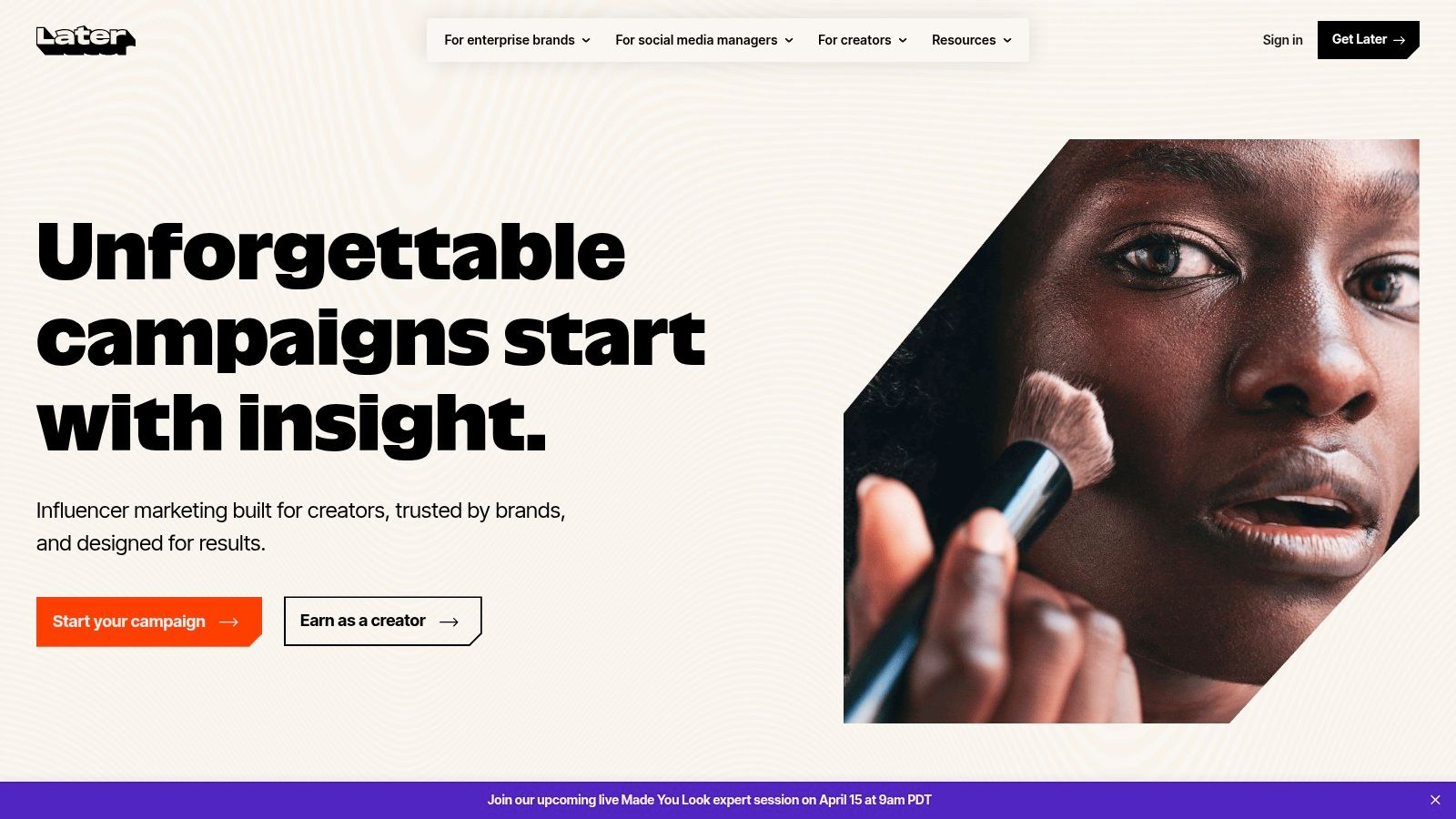
2. Later
Later has always made sense to visually driven brands. If your brain works in grids, Reels, thumbnails, and “does this look coherent together,” Later usually clicks fast.
It is one of the cleaner social media planning tools for creators who live mostly on Instagram and TikTok and want a planning environment that feels content-first rather than corporate.
Where Later shines
The visual calendar is the primary selling point. You can lay out a week or month of content and see if your plan has rhythm instead of discovering too late that you posted four near-identical talking-head clips in a row.
Later also helps with the mechanics that eat time: auto-publishing where supported, basic approvals, comment moderation, and link-in-bio tracking. For creator brands and lean teams, that bundle is often enough.
The practical catch is that some native platform extras still work better in the apps themselves. Music choices and certain post details can still force a notification-based workflow. That’s not Later’s fault. It’s the usual third-party platform nonsense.
Best for creators who think visually
Strong fit: Instagram-first brands, creators, small teams
Less ideal: Data-heavy agencies or brands that need deep listening and serious reporting
Main strength: Simple content planning without enterprise clutter
Planoly started with a very specific job. Make Instagram planning less annoying. It still carries that DNA, and that’s a good thing.
Some tools add every possible network and end up feeling like a junk drawer. Planoly still feels like it was designed by people who understand that creators often want a lightweight visual workspace, not a software cockpit.
Best for keeping the feed sane
Its strongest feature is still grid previewing. That matters more than the “aesthetic” crowd sometimes admits. Visual sequencing affects how a profile feels, how products are showcased, and whether your content looks deliberate or improvised.
Planoly has expanded beyond Instagram, so you can plan across more channels, but it remains most convincing for creators and brands that care about how their feed, Reels mix, and overall visual flow come together.
There are helpful extras too. AI caption support, media management, hashtag tools, and first-comment posting all reduce small bits of friction. Small bits matter. Most content systems fall apart because of repeated small annoyances, not dramatic failures.
Where it falls short
Planoly can still feel Instagram-centric. If that’s your home base, great. If you need one command center for a broad multi-platform team, the cracks show faster.
Upload caps and plan-tier limits can also be annoying if you’re producing at volume.
Planoly is not the most powerful tool on this list. It is one of the most pleasant when your brand lives or dies by visual consistency.
Buffer remains the easiest tool to recommend when someone says, “I need something simple that won’t make me hate my life.”
That simplicity is the product. Buffer does not try to impress you with a maze of dashboards. It gets you in, gets your posts scheduled, and stays out of the way.
Why Buffer still works
For solo creators and small teams, low friction matters more than feature abundance. Buffer gives you multi-platform scheduling, a visual calendar, some engagement tools, and analytics without making setup feel like a compliance exercise.
That’s enough for a lot of people.
The broader market also supports why tools like Buffer keep winning. Cloud deployment accounted for over 80% of new installations among scheduling tools in 2024, largely because teams want easy access, real-time collaboration, and lower setup burden. Buffer fits that logic perfectly. It is lightweight, accessible, and fast to adopt.
Good at the basics. Not pretending to be more.
Best for: Creators, founders, small teams, anyone testing a workflow
Not great for: Deep listening, advanced governance, large approval chains
Big plus: Broad channel coverage without much setup drama
Buffer also works well if you want to mix manual posting with scheduled consistency. That hybrid approach is underrated. Not every piece of content needs to be batch-scheduled into oblivion.
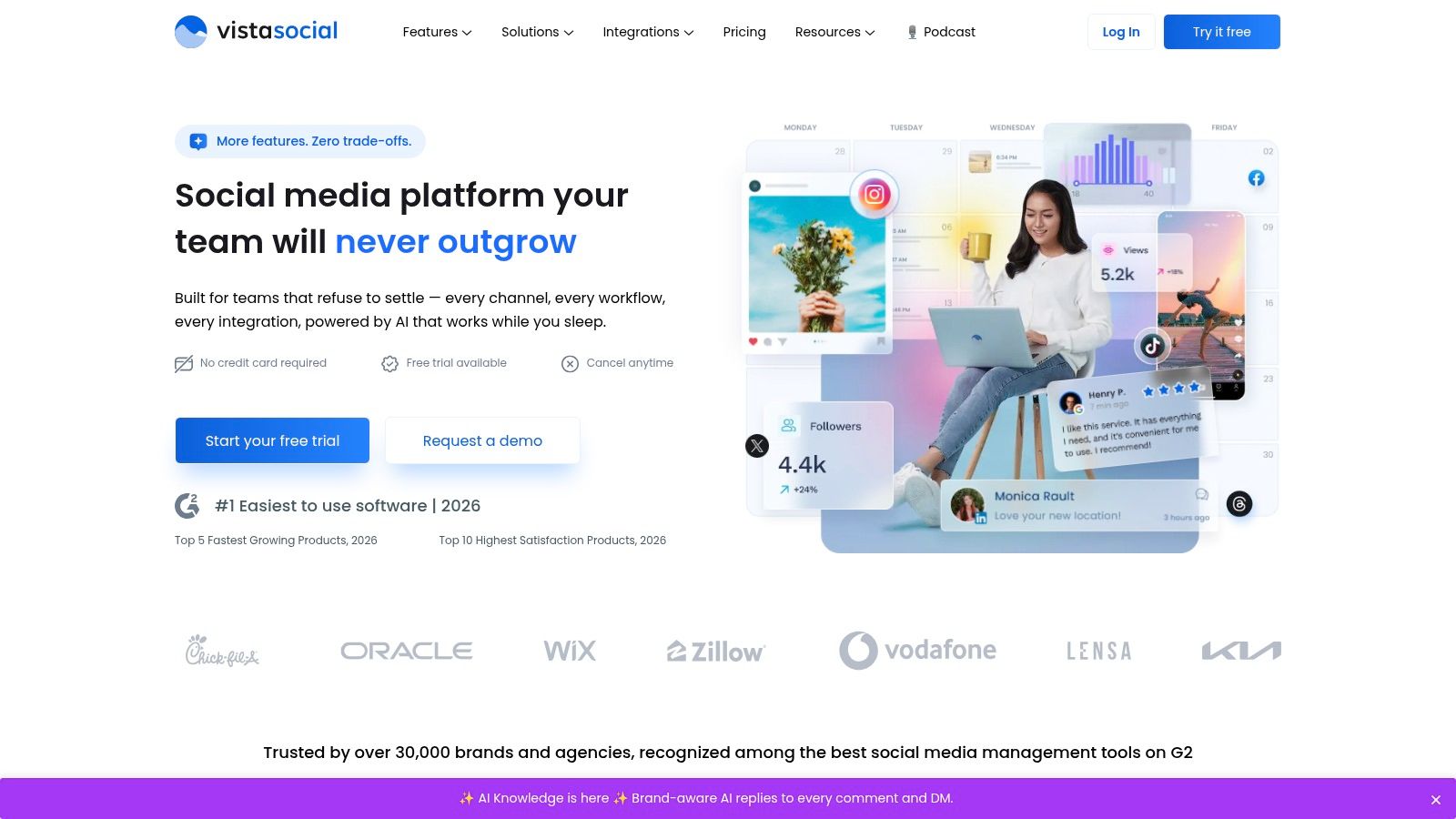
Vista Social is what I recommend when someone wants agency-style capability without immediately lighting the budget on fire.
It sits in a useful middle lane. More ambitious than a pure scheduler, less intimidating than enterprise software, and generally better suited to multi-brand setups than many creator-first tools.
Its practical appeal
Vista Social handles scheduling, approvals, engagement, reporting, link-in-bio, AI assistance, and optional listening. That combination matters if you manage several brands or clients and need enough structure to avoid chaos.
It also benefits from a broader market shift. Content management accounts for [over 40% of total usage in the scheduling tools market], which tells you what most buyers want from these platforms. They want efficient planning, scheduling, and distribution. Vista Social is tuned for exactly that work.
Its smart scheduling and custom fields are especially useful in client environments. You can build repeatable workflows without turning every campaign into a manual project.
Where to be cautious
Some advanced capabilities are add-ons. That can be fine if you only need them occasionally, but less charming if you expected an all-inclusive plan.
The platform also leans harder into capacities and flexible configurations than crystal-clear up-front pricing. Some buyers won’t care. Procurement people will roll their eyes.
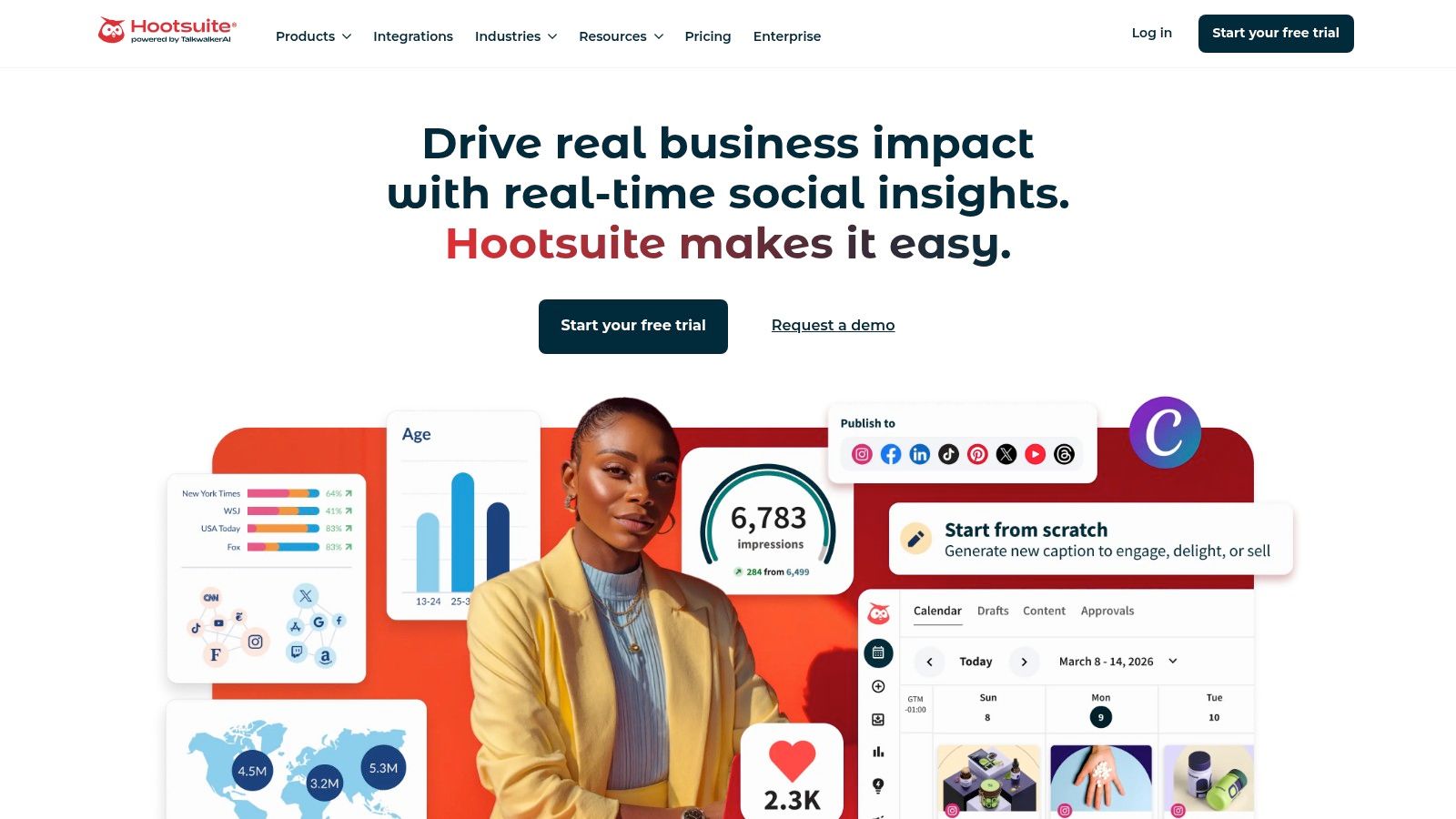
Hootsuite is still Hootsuite. Big, broad, capable, and sometimes more platform than a solo creator needs.
If you manage multiple brands, need publishing, listening, inboxes, reporting, and AI help in one place, Hootsuite remains a serious option. If you just want to plan next week’s Reels, it can feel like bringing a conference-room projector to a coffee date.
Where Hootsuite earns its keep
The appeal is consolidation. One place for scheduling, one place for monitoring, one place for team workflows. That matters for companies trying to tame messy operations.
There’s also a budget context here. Enterprise-grade platforms command premium pricing because of analytics depth and executive-ready reporting. One market overview noted that Sprout Social’s Standard tier is priced at 149/month for up to 2 users and 10 social profiles, while Professional reaches 349/month for up to 5 users and 25 social profiles. Hootsuite lives in that same premium conversation. You pay for breadth, governance, and data capability.
Its honest trade-off
Hootsuite is strongest when social is an organizational function, not just a posting task.
Worth it for: Teams that need one broad platform
Less worth it for: Solo creators and small brands focused mostly on TikTok and Instagram growth
Main issue: Cost and complexity can outpace actual need
This platform is powerful. Power is useful only if you use it.
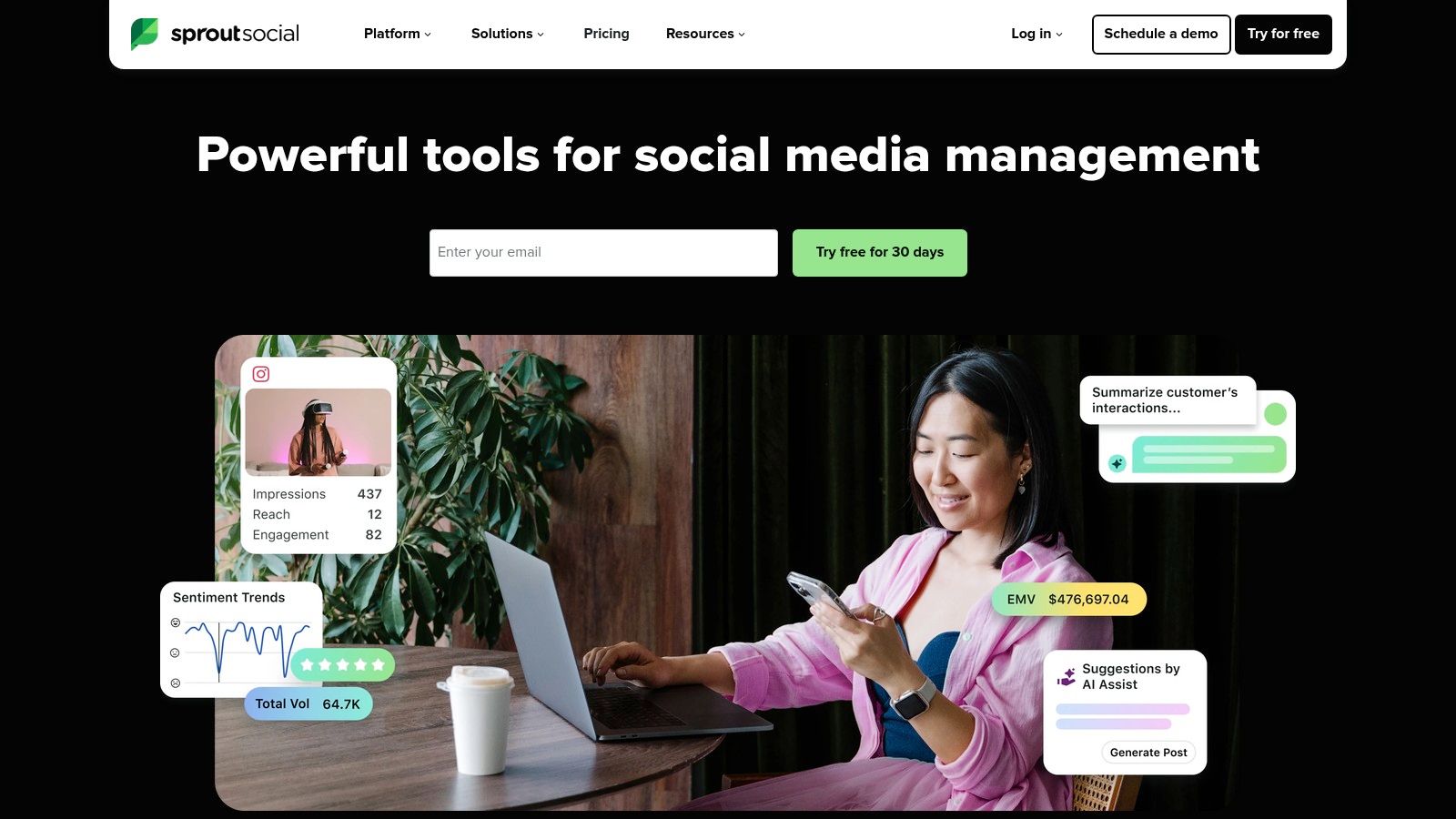
Monday morning, the CMO wants last quarter’s social performance in a deck by noon, legal wants cleaner approval flow, and the regional teams all want access without stepping on each other. That is the kind of day Sprout Social is built for.
Sprout earns its place with structure. The dashboards are clean, the reporting is client and executive friendly, and the collaboration features make sense for teams that need permissions, approvals, and a paper trail. If social sits inside a larger marketing org, that polish saves real time.
Where Sprout is less convincing is idea generation. This guide looks at planning tools through a simple lens. Do they help answer “what should we post next,” especially on TikTok and Instagram, or do they mainly help operate an existing process? Sprout is much stronger in the second category.
Best for teams with reporting pressure
Sprout works well when social managers have to justify budget, show trends over time, and hand leadership something sharper than a spreadsheet and a few screenshots. Agencies, in-house enterprise teams, and multi-stakeholder brands usually get the value fastest because reporting is part of the job, not an afterthought.
It also handles governance well. That matters when one accidental post can create a week of cleanup.
Where Sprout falls short for content planning
If your bottleneck is creative direction, Sprout will not magically fix it. It can schedule, organize, and report on content. It does far less to surface emerging TikTok angles, uncover Instagram content opportunities, or turn trend signals into a repeatable posting strategy.
That is the trade-off. Sprout helps teams run social responsibly. It is less helpful for creator-style teams trying to figure out what will earn attention this week.
If that is your sticking point, start with a practical process for how to plan social media content before paying for more reporting software.
Seat-based pricing is the other catch. Small teams can feel that cost quickly. Larger organizations often accept it because centralized reporting, approvals, and stakeholder visibility reduce enough operational mess to justify the bill.
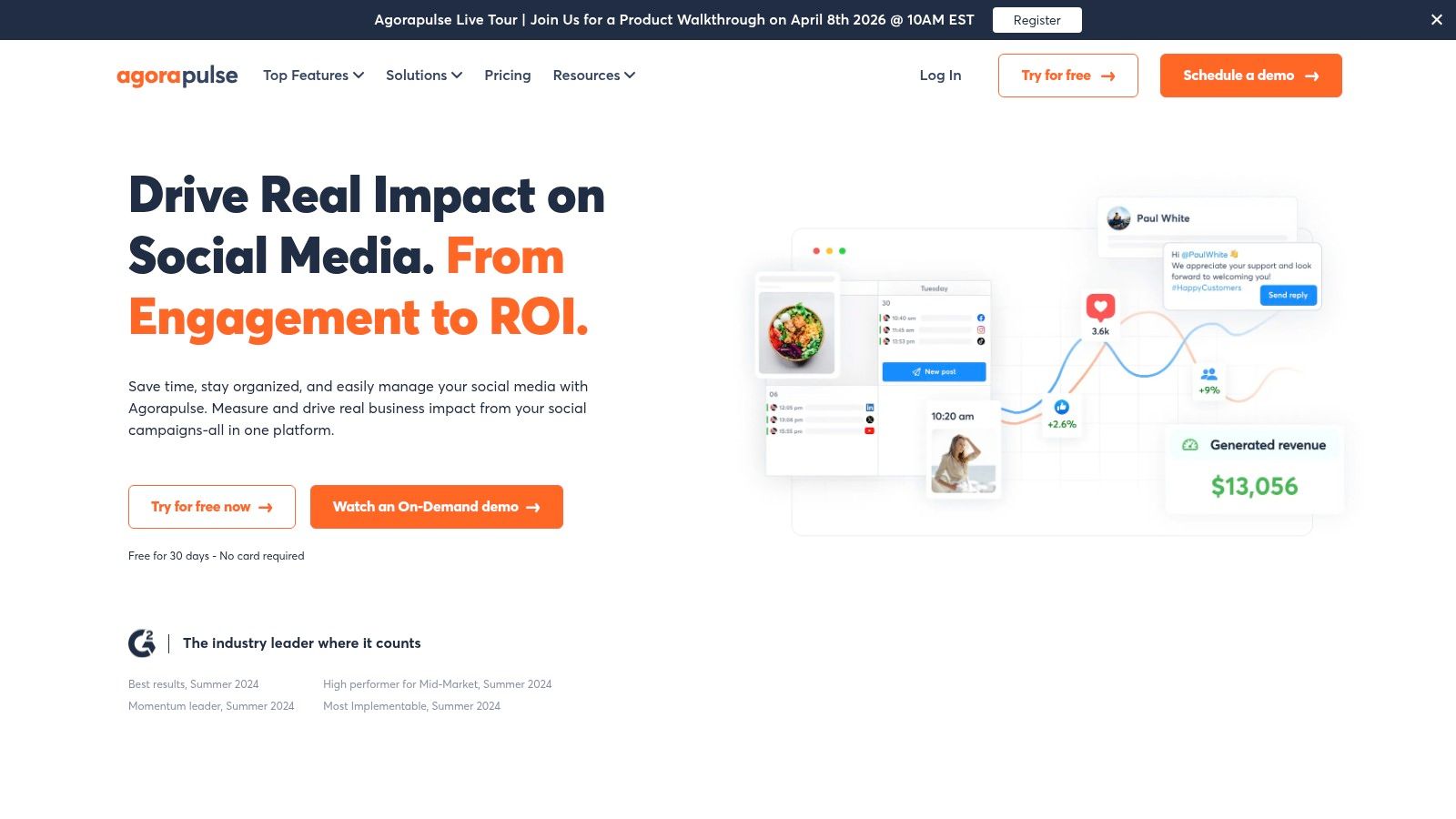
Agorapulse is one of those tools that gets more attractive the moment your comments and DMs stop being manageable by vibe alone.
Its planner is solid, but the inbox and moderation side are what make it stand out. If your team handles a lot of replies, ad comments, approvals, and client-facing reporting, Agorapulse starts looking much better than simpler schedulers.
Strong where many teams struggle
Direct publishing support across major Instagram formats is useful. The unified inbox is more useful.
A lot of planning tools help you publish. Fewer help you manage what happens after publishing, which is where many brands often struggle. Agorapulse gives teams better control over moderation and workflow, and that matters when content volume rises.
The trade-off is cost growth. Per-user pricing can scale into a headache if your team expands. Still, for agencies and brands with enough activity to justify a stronger inbox workflow, it can pay for itself in pure operational sanity.
Once your team spends more time cleaning up comments and assigning replies than planning posts, you no longer have a scheduling problem. You have a workflow problem.
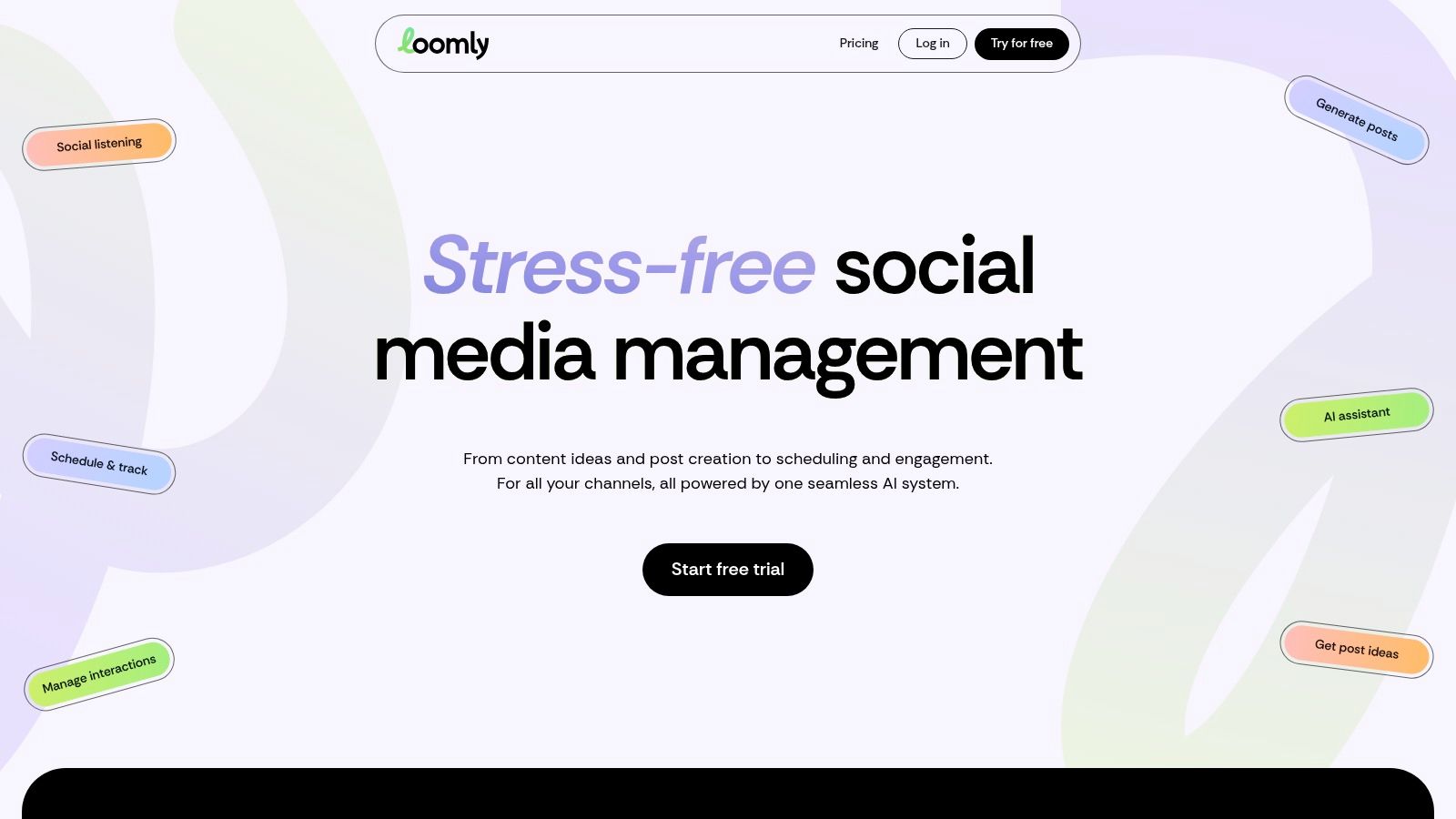
Loomly is for teams that love order. Not creativity-killing order. Useful order.
Some content operations are messy because nobody knows what is approved, what is scheduled, or who still needs to sign off. Loomly fixes that better than many flashier tools.
A planner built for approvals
Unlimited calendars, permission controls, approval flows, and direct publishing make Loomly especially handy for client work or in-house teams with multiple stakeholders. It gives enough structure without forcing a giant enterprise suite on a team that just needs content to move through a process cleanly.
The built-in AI tools are helpful, though not groundbreaking. They save time. They won’t invent a strategy for you.
That’s Loomly’s whole personality. Practical, orderly, no drama.
Who should choose it
Great fit: Agencies, growing marketing teams, client-approval environments
Weaker fit: Teams that need deep social listening or advanced competitive intelligence
Underrated benefit: Clear visibility into what is stuck and why
If your team’s biggest problem is internal bottlenecks, Loomly is often more useful than a platform with fancier analytics and worse process design.
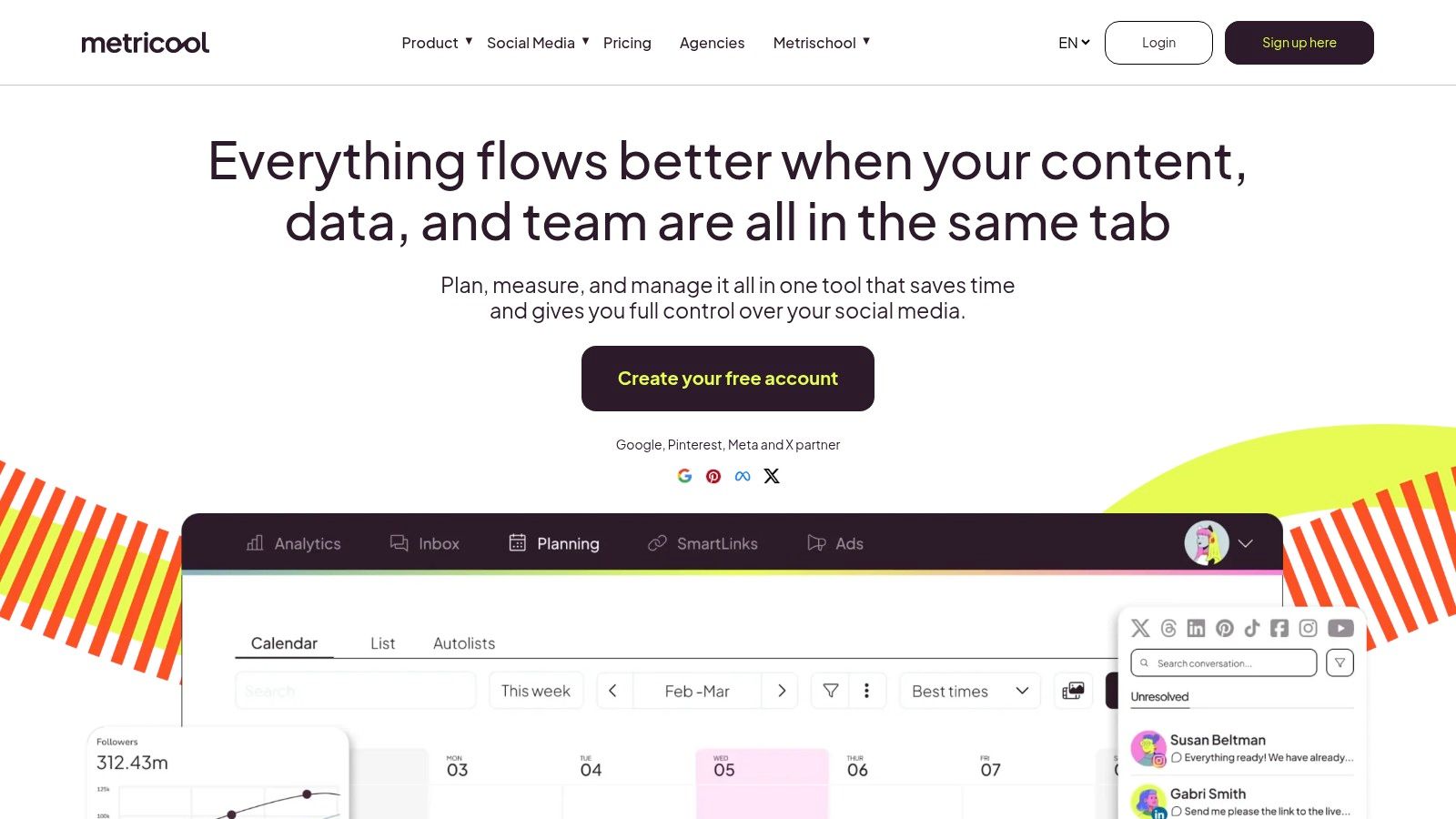
You post a month of content, the numbers come back weird, and now someone wants a clean report by Friday. That is the kind of job Metricool handles well.
Metricool is less about creative spark and more about operational clarity. It gives creators, agencies, and lean marketing teams a solid scheduling setup, then adds the reporting layer that many tools treat as an afterthought. If your content plan already exists and you need tighter feedback loops, it earns a serious look.
Better at performance analysis than content ideation
Best-time heatmaps, client-ready reports, Looker Studio connectivity, and API access make Metricool useful for teams that need to connect publishing with actual performance review. You can schedule the post, track what happened, and turn that into something a client or manager can read without building a separate reporting system from scratch.
That matters because this guide is not just about filling a calendar. It is about solving the "what should we post next?" problem. Metricool helps with the back half of that question. It shows what performed, when audiences were active, and which channels deserve more attention. It does less work on the front end than tools built to surface trends or generate fresh Instagram and TikTok angles.
That trade-off is fine if your strategy is already strong.
Who it fits, and where it falls short
Metricool makes sense for agencies, freelance social managers, and data-minded creators who report often and hate exporting screenshots into slides. It is weaker for teams that need a tool to actively feed them content ideas, trend opportunities, or a clearer creative direction.
X-related features can require paid add-ons, and some usage runs into fair-use limits. Neither is unusual, but both are the kind of detail that becomes annoying after purchase, not before.
Metricool is a planner with a strong reporting brain. If your biggest bottleneck is proving what worked, it is a smart pick. If your biggest bottleneck is figuring out what to post on TikTok or Instagram tomorrow, choose a tool with stronger discovery and ideation features.
Scheduling, AI captions/replies, Vista Page, listening add-on
★★★★
💰 Budget-friendly; high profile/user allowances
👥 Agencies & multi-brand creators
✨ Aggressive capacity + built-in AI tools
Hootsuite
Publishing, listening, analytics, unified inbox, AI ideas
★★★★
💰 Full-suite pricing (higher); all-in-one value
👥 Teams wanting broad capabilities
✨ Listening available at entry tiers
Sprout Social
Cross-channel planner, deep analytics, listening & advocacy add-ons
★★★★★
💰 Premium; per-seat pricing
👥 Enterprise teams & data-first agencies
✨ Enterprise-grade analytics & governance
Agorapulse
Direct IG publishing (Posts/Reels/Stories), TikTok scheduling, unified inbox, approvals
★★★★
💰 Per-user pricing; agency features
👥 Agencies & high-volume moderation teams
✨ Strong moderation, approvals & reporting
Loomly
Unlimited calendars, approvals/roles, AI caption tools, direct publishing
★★★★
💰 Mid-range; nonprofit discounts
👥 Growing teams & client workflows
✨ Structured approval flows for clients
Metricool
Planner, best-time heatmaps, bulk scheduling, Looker Studio connector
★★★★
💰 Scales by brands; agency reporting plans
👥 Creators → agencies needing reports
✨ Looker Studio & advanced reporting integrations
The Final Verdict: Scheduler vs. Strategist
Monday starts with a neat calendar and a false sense of control. By Tuesday, a new TikTok format is everywhere, Instagram has shifted what it rewards, and the posts you approved last week already feel a little stale.
That is the decision behind this category.
Some platforms are built to help teams publish on time. Others help teams decide what deserves to be published in the first place. If your creative engine is already strong, a scheduler can do the job. Buffer, Later, Planoly, and Loomly are solid picks for getting content out the door without turning the process into administrative theater.
The more difficult problem is usually upstream. Social teams do not stall because they forgot to schedule a Reel. They stall because the idea is weak, the angle is recycled, or the format does not match how people are consuming content right now.
TikTok and Instagram make that painfully obvious. A polished calendar cannot rescue a tired hook or a trend that your audience never cared about. It just helps you post the wrong thing more efficiently.
That is why Trendy stands out in this lineup. Its value is not another publishing queue. It focuses on the question many planning tools still treat as someone else's problem: what should we post next? As noted earlier, it helps turn audience signals, niche patterns, and recent performance into usable ideas, hooks, and formats for short-form content planning.
For creators and lean teams, that matters more than another color-coded calendar view.
The bigger suites still earn their place. Hootsuite, Sprout Social, Agorapulse, Vista Social, and Metricool make more sense when the primary headache is approvals, reporting, inbox coverage, permissions, or managing a lot of brands across a lot of channels. Those tools are built for operational complexity. They are less focused on helping a team spot the next good content angle before production starts.
So buy for the bottleneck. If your team already knows what to make and just needs a cleaner workflow, pick the scheduler that fits your budget and approval process. If your team keeps asking what to post, which trend is relevant, or why performance keeps flattening even though the calendar is full, pick the tool that improves editorial judgment.
A full queue looks productive. Good ideas perform better.
For that reason, the division is not simple scheduler versus enterprise suite. It is execution software versus strategy support. And if TikTok and Instagram are carrying your growth targets, the second group deserves a lot more attention than it usually gets.
10 Best Social Media Planning Tools for 2026 | Trendy