In 2026, winning on social media isn't about having the biggest budget; it's about being the smartest creator. You're juggling TikTok trends, Instagram aesthetics, and the constant pressure to post consistently, all while trying to actually grow your audience. It's exhausting, and let's be honest, a total creativity killer.
But what if you could automate the grind without spending a dime? That’s where the **best free social media management tools** come in, acting as your personal digital assistant. This isn't just another generic list. We've rolled up our sleeves and gone deep, testing the 'forever free' plans to find the platforms that actually deliver game-changing value for creators and small businesses. We'll break down hidden post limits, highlight the secret-weapon AI features you can access for free, and reveal which tool is your perfect match, whether you're a TikTok-first influencer or a product-based business.
Beyond just managing your posts, truly dominating social media requires high-quality content, and for many creators, exploring tools like [free AI video editors for YouTube creators](https://www.gling.ai/blog/the-best-free-ai-video-editors-for-youtube-creators) can significantly enhance their video output. This guide, however, focuses on getting that incredible content scheduled and analyzed without the headache.
We will provide a detailed look at each platform, from giants like Buffer to specialized tools like Trendy, which offers AI-driven insights specifically for TikTok and Instagram creators via its [iOS](https://apps.apple.com/us/app/trendy-profile-insight-report/id6754564423) and [Android](https://play.google.com/store/apps/details?id=com.socialvibe.trendy) apps. Each option includes screenshots, direct links, and a no-fluff breakdown of who it's for. Get ready to reclaim your time and supercharge your content strategy, for free.
## 1. Trendy: Your AI-Powered Content Strategist
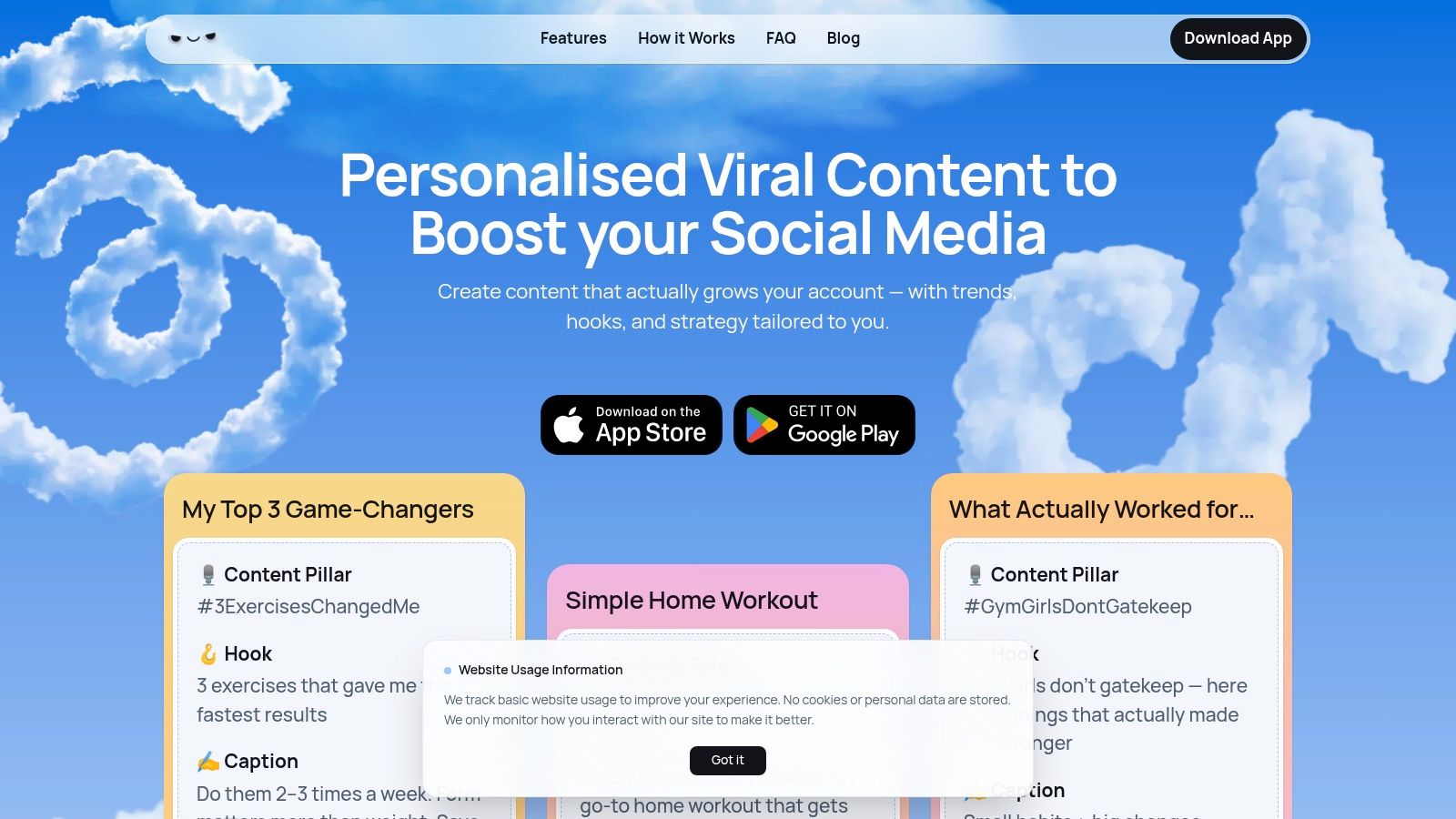
Trendy steps onto the scene not just as a tool, but as your personal AI content strategist, laser-focused on conquering the notoriously tricky algorithms of TikTok and Instagram. It’s the answer to the endless scroll for inspiration, turning random guesswork into a predictable formula for growth. If you're tired of throwing content spaghetti at the wall to see what sticks, Trendy provides the recipe, ingredients, and cooking instructions for a viral-worthy dish, making it one of the best free social media management tools for creators serious about scaling.
After a secure connection to your social profiles, Trendy’s AI gets to work, analyzing your specific niche, audience engagement patterns, and past performance. It doesn’t just spit out generic, overused trends. Instead, it serves up a personalized weekly content plan packed with ideas, hooks, hashtags, and emerging audio tailored *specifically* to resonate with your followers. This moves you from being a trend-chaser to a trendsetter in your category.
### Why It Stands Out
What makes Trendy a standout choice is its complete end-to-end workflow designed for speed and impact. It’s more than just an idea generator; it's a full-stack content creation partner.
* **Hyper-Personalized Strategy:** The platform delivers over 100 personalized content ideas, moving beyond generic advice to give you a data-driven roadmap for your unique brand voice.
* **Early Trend Detection:** Its system identifies emerging sounds, formats, and hashtags *before* they hit their peak, giving you a crucial first-mover advantage to maximize reach.
* **AI-Powered Creation Tools:** Features like the hook generator and ready-to-post drafts allow you to conceptualize and build trend-aligned content in minutes, not hours.
* **Actionable Analytics:** Trendy closes the loop by showing you what worked, why it resonated, and how to replicate that success, turning every post into a learning opportunity.
### Key Features for Content Creators
* **Trend Alerts & Insights:** Real-time detection of trending audio, challenges, and hashtags so you can jump on the next big thing before anyone else.
* **Hook & Caption Generator:** AI-crafted openings and captions designed to boost watch time and engagement from the very first second.
* **Personalized Content Calendar:** Auto-generated weekly schedules tailored to your audience’s peak activity times for maximum visibility.
* **Emerging Audio & Effect Suggestions:** Curated recommendations on the next viral sounds and effects to keep your content fresh and relevant.
* **Cross-Platform Strategy Tips:** Practical advice on adapting your pillar content between TikTok and Instagram for consistent branding.
Download the Trendy app on [iOS](https://apps.apple.com/us/app/trendy-profile-insight-report/id6754564423) or [Android](https://play.google.com/store/apps/details?id=com.socialvibe.trendy) today to see your content strategy transform.
**Website:** [heytrendy.app](https://heytrendy.app)
## 2. Buffer
Buffer is like that reliable, minimalist friend who always shows up on time and never complicates things. It's one of the original players in the social scheduling game, and its staying power comes from a laser focus on simplicity and a genuinely useful "forever-free" plan. If you're a solo creator or a small business just dipping your toes into social media management, Buffer is an excellent, unintimidating place to start.
The user interface is famously clean and intuitive, making it one of the best free social media management tools for beginners. You can connect up to three channels, including Instagram, TikTok, Facebook, and LinkedIn, and start queueing up content in minutes. The free plan also includes a handy AI Assistant to help you brainstorm ideas and rewrite captions when you're feeling stuck.
### Key Features & User Experience
Buffer’s free offering is surprisingly robust, designed to give you a real taste of organized social media without demanding a credit card.
* **Free Plan Generosity:** Manage 3 social channels with a queue of 10 scheduled posts per channel. This is perfect for maintaining a consistent, low-to-medium frequency posting schedule.
* **Intuitive Scheduling:** A simple, calendar-based drag-and-drop interface lets you visualize your content pipeline effortlessly.
* **AI Assistant:** A built-in helper to spark creativity, rephrase captions, or generate post ideas from scratch.
* **Cross-Platform Support:** Crucially, it supports scheduling for both Instagram (including Reels) and TikTok, a must-have for modern creators.
> **Why It's a Great Starting Point:** Buffer excels at its core job: scheduling. It strips away the overwhelming complexity found in other tools, allowing you to focus on creating and posting consistently. Its mobile apps are also top-notch, letting you manage your queue on the go.
### Limitations to Consider
The main drawback is the 10-post queue limit per channel. If you're a high-volume poster or prefer to batch-create content a month in advance, you'll hit that ceiling fast. For deeper analytics, team collaboration, and unlimited scheduling, you'll need to upgrade to a paid plan. While it's a solid tool, those looking for more advanced trend analysis might find it lacking compared to specialized platforms. For a deeper dive into how different tools stack up, you can explore more of the [best social media management tools of 2026](https://heytrendy.app/blog/best-social-media-management-tools) and see where Buffer fits in the broader landscape.
## 3. Zoho Social (Free Edition)
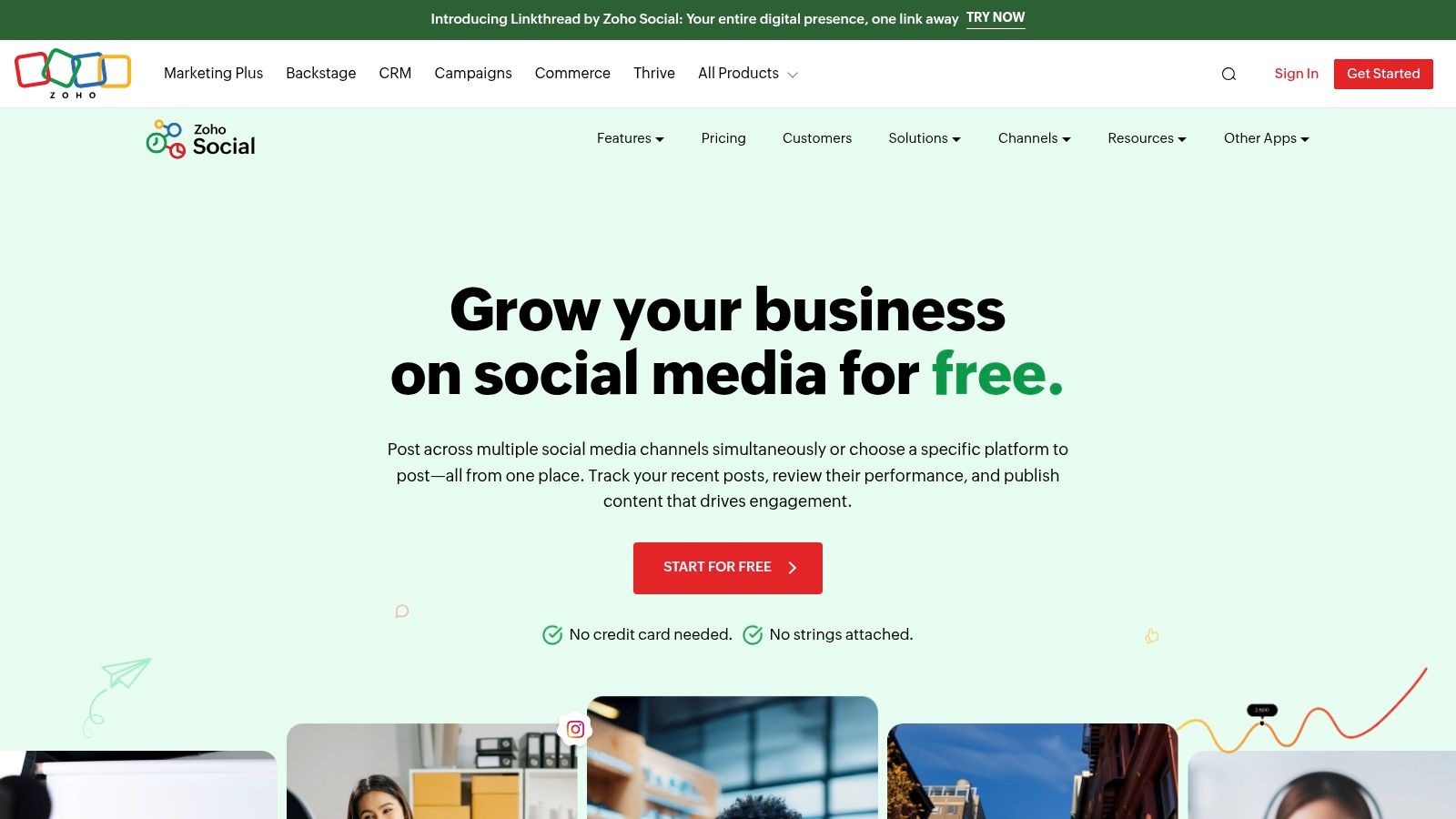
If you're looking for a free tool that feels more like a slice of a premium platform than a stripped-down version, Zoho Social is your answer. It's part of the massive Zoho business suite, and its free edition brings a surprising level of professionalism and power. For the solo entrepreneur or a single brand manager who needs robust functionality without a price tag, Zoho Social is one of the best free social media management tools available.
The platform stands out by offering uncapped posting, a feature almost unheard of in the free tier of social media tools. This means you can schedule as much content as you want across its supported channels without hitting a frustrating monthly limit. The interface is clean and business-oriented, making it easy to navigate your publishing calendar and monitor basic stats.
### Key Features & User Experience
Zoho Social’s free plan is designed for serious, single-brand management, providing tools that go beyond basic scheduling.
* **Unlimited Posting:** The biggest selling point. Schedule to your heart's content across one brand without ever worrying about a post limit.
* **Broad Channel Support:** Connect one of each: Facebook Page, X (Twitter), Instagram Business Profile, LinkedIn (Profile or Page), and Google Business Profile.
* **zShare Browser Extension:** A handy tool that lets you instantly share interesting content you find online, adding it directly to your publishing queue.
* **Basic Reporting:** Access summary reports to get a quick overview of how your audience is growing and engaging with your content.
> **Why It's a Great Starting Point:** Zoho Social is perfect for a business that needs to maintain a high-frequency posting schedule across multiple key platforms but isn't ready for a paid tool. The unlimited posts feature is a game-changer for active brands.
### Limitations to Consider
The primary limitation is its "one-of-each" rule. The free plan is strictly for one user managing one brand, which makes it unsuitable for agencies or freelancers. If you need to bring on a team member or learn how to manage multiple social media accounts effectively, you’ll have to upgrade. The analytics are also quite basic; for advanced features like a content calendar, monitoring dashboards, or in-depth reporting, a paid plan is necessary. For a full breakdown, check out Zoho Social's [Free Edition](https://www.zoho.com/social/free-edition.html) page.
## 4. Meta Business Suite
If you want to manage your social media straight from the source, Meta Business Suite is the official, no-nonsense command center for your Facebook and Instagram presence. Think of it as the backstage pass provided by the venue owner. It’s 100% free and built directly into the ecosystem, offering native tools that third-party apps often have to work around. For businesses and creators whose world revolves primarily around Facebook and Instagram, this is one of the best free social media management tools available.
The platform consolidates everything you need into one dashboard. You can schedule posts and Stories, respond to DMs and comments from both platforms in a unified inbox, and even set up simple automations like instant replies. It cuts out the middleman, giving you direct access to Meta’s own scheduling features and analytics without ever leaving their environment.
### Key Features & User Experience
Meta Business Suite is designed to be the definitive tool for its own platforms, offering deep integration you can't get elsewhere.
* **Completely Free Native Scheduling:** Plan and schedule posts, Stories, and Reels for your Facebook Page and Instagram Business profile. You can schedule content from 20 minutes up to 29 days in advance.
* **Unified Inbox:** Manage all your Facebook, Messenger, and Instagram direct messages and comments in one place, complete with automated replies.
* **Integrated Analytics:** Access native insights on reach, engagement, and audience demographics directly within the suite, providing reliable, first-party data.
* **Content Planner:** A helpful calendar view lets you see all your scheduled and published content at a glance, with recommendations for optimal posting times.
> **Why It's a Great Starting Point:** For anyone heavily invested in the Meta ecosystem, this tool is unbeatable. The reliability of native scheduling and the convenience of a unified inbox for two major platforms make it incredibly efficient for community management and content planning.
### Limitations to Consider
The most significant limitation is its laser focus: it only works for Facebook and Instagram. If your strategy includes TikTok, LinkedIn, or any other network, you'll need another tool to manage them. While powerful, some users report the user interface can feel a bit clunky or buggy at times compared to more streamlined third-party applications. It’s a fantastic, free solution for its intended purpose, but it's not an all-in-one social media manager for a multi-platform strategy.
## 5. TikTok (Video Scheduler via TikTok Studio)
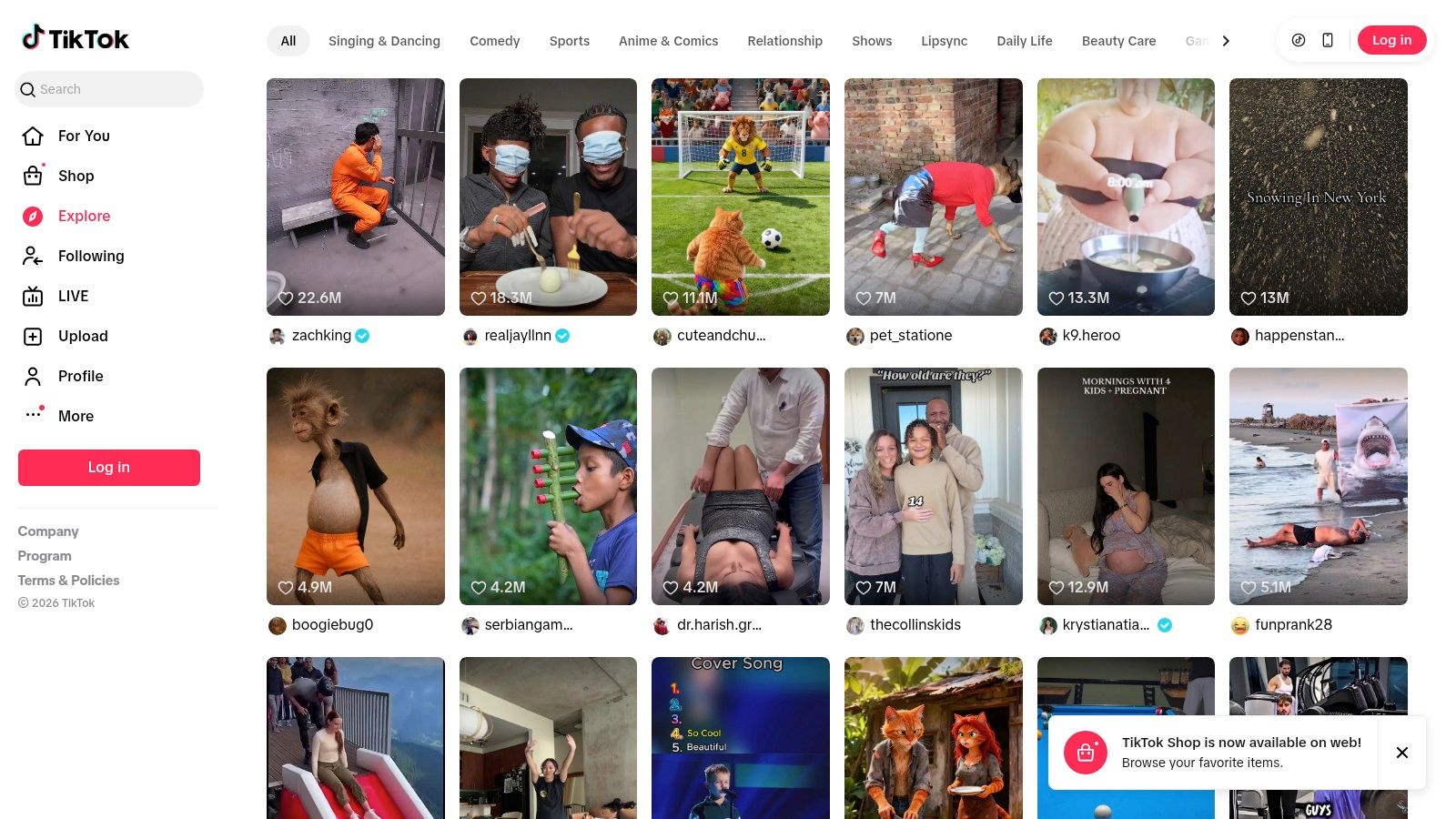
Sometimes the best tool for the job is the one that's already built-in. For creators who live and breathe TikTok, using the platform's native scheduler inside TikTok Studio is a surprisingly effective, no-frills way to manage content. It’s not a sprawling, multi-network command center; it's a focused, free feature designed to do one thing well: get your TikToks scheduled and posted directly from your desktop.
This isn’t about managing your entire social empire. It’s for the TikTok-first creator or business that needs a simple way to queue up a week's worth of videos without relying on external apps. If your strategy revolves around this one powerhouse platform, using the native scheduler keeps your workflow lean and efficient, making it one of the best free social media management tools for dedicated TikTokers.
### Key Features & User Experience
The TikTok Studio Video Scheduler is straightforward, offering just what’s needed to plan your content directly within the ecosystem you already know.
* **Completely Free & Native:** There are no third-party connections to authorize or fees to pay. It’s available to anyone with a Business or Creator account.
* **Simple Scheduling Interface:** The desktop uploader lets you select a date and time for your video to go live, up to about 10 days in the future.
* **Direct-from-Source Reliability:** Since it’s an official tool, you don't have to worry about API issues or posting errors that can sometimes plague other platforms.
* **Focused Workflow:** It's perfect for planning short promotional campaigns or ensuring consistent posting during a busy week without leaving the TikTok environment.
> **Why It's a Great Starting Point:** For solo creators or brands laser-focused on TikTok, it eliminates the need for another subscription or tool. It’s the most direct and reliable way to schedule your TikTok videos, period.
### Limitations to Consider
The primary limitation is its focus. This is a TikTok-only tool with a short scheduling window of around 10 days, making long-term planning impossible. The workflow is also desktop-first, which might not suit creators who do everything from their phones. Beyond just scheduling content, effectively managing your TikTok profile is crucial for creators. For tips on personalizing your presence, you might want to learn [how to change your TikTok username](https://handles.karesocial.com/blog/how-to-change-tiktok-username). For more details on the nuances of TikTok's scheduling capabilities, you can [explore the specifics of scheduling TikTok videos](https://heytrendy.app/blog/can-you-schedule-tiktok-videos).
## 6. Publer
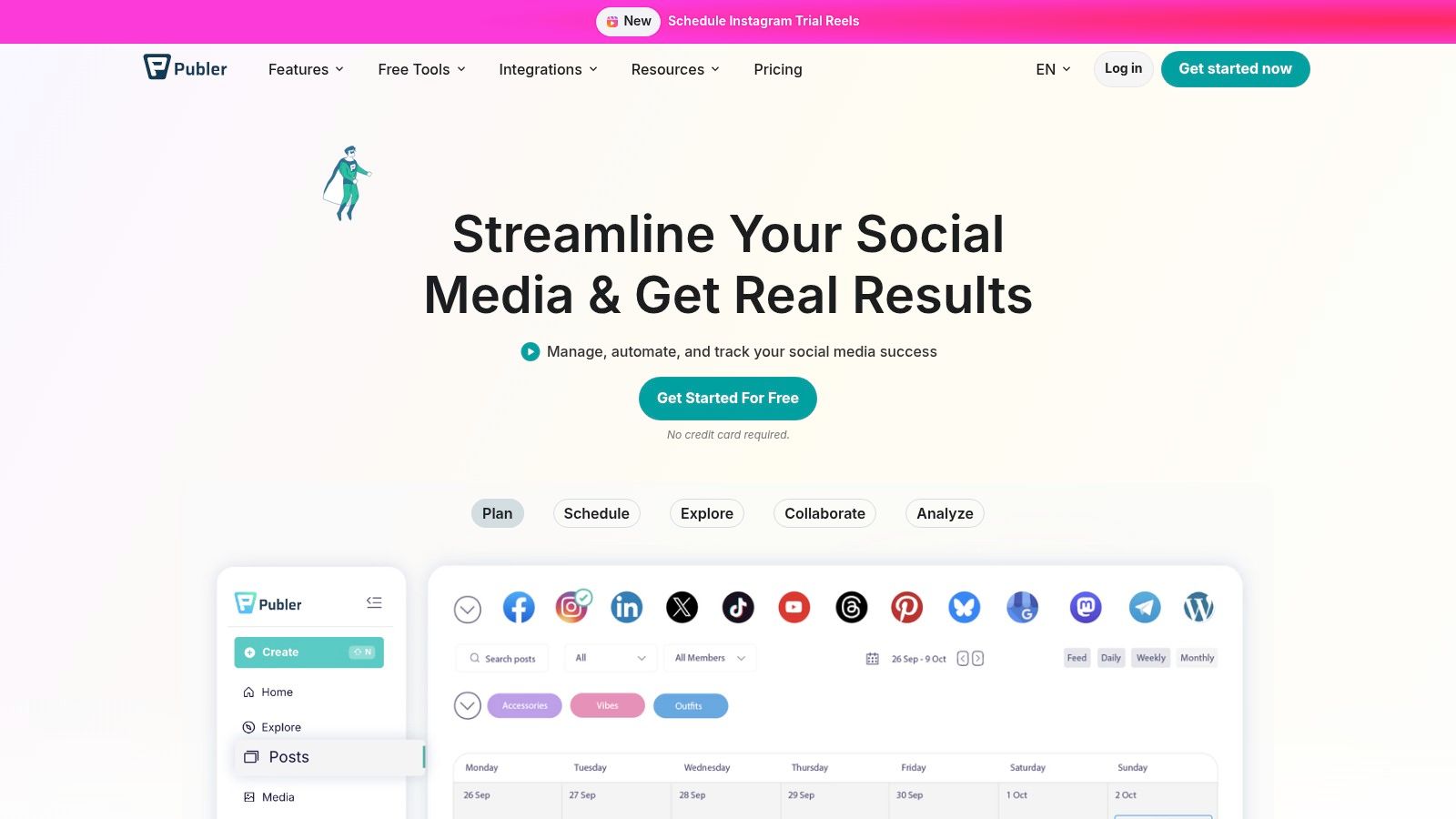
Publer is the scrappy, feature-packed contender that feels like it’s punching well above its weight class. It’s a fantastic choice for those who need a bit more than just basic scheduling, offering a free plan that includes a slick link-in-bio tool and integrations that streamline content creation. If you're a creator who wants to manage a few accounts and appreciates a modern, fast interface without opening your wallet, Publer is a seriously impressive option.
The platform stands out by bundling features that competitors often gate behind a paywall, making it one of the best free social media management tools for getting maximum value. You can connect three social accounts, schedule up to 10 posts per account, and even save 25 drafts for future inspiration. Its native integrations with Canva and VistaCreate are a huge bonus, allowing you to design and schedule your visuals all in one seamless workflow.
### Key Features & User Experience
Publer’s free plan is built for practical, everyday use, focusing on efficiency and a smooth user experience. It's designed to feel like a powerful command center for your core social media channels.
* **Generous Multi-Account Plan:** Connect 3 social accounts (Facebook, Instagram, TikTok, LinkedIn, etc.) within 1 workspace.
* **Integrated Link-in-Bio:** Create and manage a custom link-in-bio page directly within the platform, a feature often sold as a separate service.
* **Design Tool Integrations:** Seamlessly pull your designs from Canva and VistaCreate right into the post composer.
* **Modest Scheduling and Drafts:** The free plan allows for 10 scheduled posts per account and a bank of 25 saved drafts to capture your ideas.
> **Why It's a Great Starting Point:** Publer offers incredible bang-for-your-buck (or lack thereof). The combination of scheduling, a link-in-bio tool, and design integrations makes it a mini-marketing suite for creators and small businesses on a zero-dollar budget.
### Limitations to Consider
The most notable limitation is that scheduling to X (formerly Twitter) is reserved for paid plans. The free plan also has a very short post history, only showing the last 24 hours of published content, which makes performance review tricky. While you get 10 scheduled posts per account, this can still be restrictive for those planning content weeks in advance. For advanced features like bulk scheduling and comprehensive analytics, an upgrade is necessary. Discover how Publer’s features compare to other top-tier options in our complete guide to the [best social media management tools of 2026](https://heytrendy.app/blog/best-social-media-management-tools).
## 7. Planoly
For the aesthetically obsessed Instagram creator, Planoly is the digital equivalent of an art director. It was built from the ground up with a visual-first approach, making it less of a brute-force scheduler and more of a meticulous canvas for curating the perfect grid. If your brand lives and dies by its Instagram feed's look and feel, Planoly’s free plan is an indispensable tool.
The platform’s core strength lies in its drag-and-drop grid planner, which lets you see exactly how new posts will look next to your existing content before you publish. This focus on visual harmony makes it one of the best free social media management tools for designers, photographers, and lifestyle brands. While the free plan is limited, it provides the essential tools to maintain a polished and cohesive Instagram presence.
### Key Features & User Experience
Planoly’s free "Personal" plan is tailored to give solo creators the visual planning power they need without the clutter of more complex platforms.
* **Instagram Grid Preview:** The star of the show. Drag and drop your media to arrange your future grid, ensuring a flawless aesthetic flow.
* **Monthly Upload Limit:** You get 10 uploads per month for one social profile (including Instagram, TikTok, and Pinterest), which is a hard cap but resets monthly.
* **Basic Analytics & Comments:** The free plan includes access to one month of Instagram analytics and lets you manage comments on your 5 most recent posts.
* **Visual-First Workflow:** The entire user experience is designed around how your content looks, not just when it posts.
> **Why It's a Great Starting Point:** Planoly is unmatched for its dedicated focus on Instagram grid planning. If your primary goal is to create a visually stunning feed, no other free tool offers such an intuitive and specialized experience for that specific task.
### Limitations to Consider
The most significant drawback is the strict 10 uploads per month limit on the free plan, which is very restrictive for anyone posting more than twice a week. It’s also heavily Instagram-centric; while it supports other platforms, its best features are built for the grid. For a more comprehensive scheduling strategy across multiple networks, you'll need to look elsewhere or upgrade. Perfecting your grid is only half the battle; learning how to create a content calendar that feeds it is just as crucial.
## 8. Tailwind
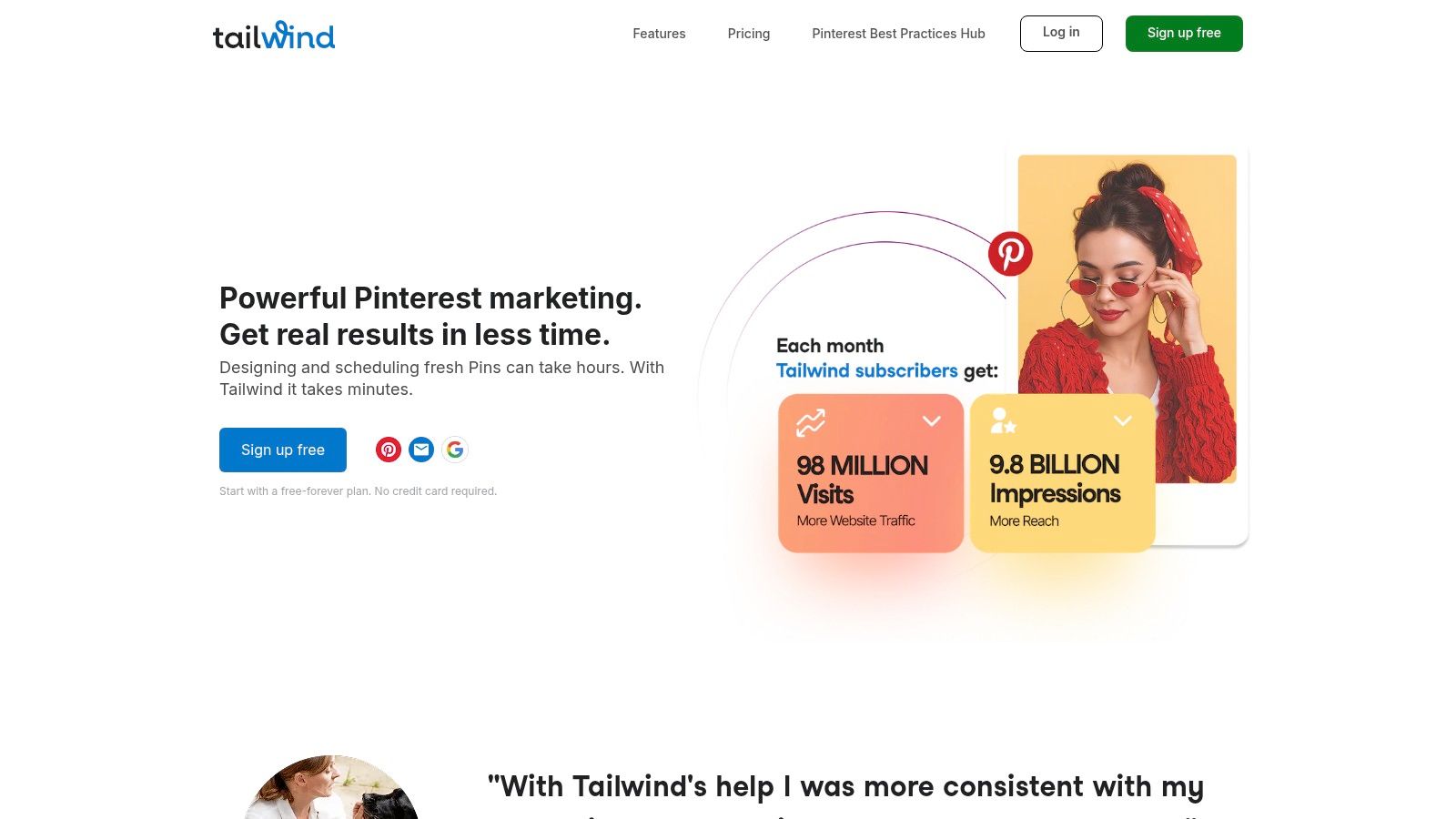
Tailwind is the secret weapon for visual-first creators, particularly those who live and breathe on Pinterest and Instagram. It started as a Pinterest powerhouse and has since evolved into a smart marketing assistant for visual brands. If your strategy relies heavily on stunning images, graphics, and visual discovery, Tailwind offers a workflow that other, more generalized tools simply can't match.
Its "Free Forever" plan acts as a perfect gateway, allowing you to connect one profile each for Pinterest, Instagram, and Facebook. The platform integrates post creation directly into its scheduler with its Tailwind Create feature, helping you design beautiful posts in minutes. This makes it one of the best free social media management tools for those who need design and scheduling in one place.
### Key Features & User Experience
Tailwind’s free plan is designed to showcase its unique, visually-driven workflow, even with its tight limitations. It’s less about volume and more about optimizing the quality and reach of each visual post.
* **Platform Focus:** Connect 1 Pinterest, 1 Instagram, and 1 Facebook account to get a feel for the core scheduling experience.
* **Integrated Design Tool:** The built-in Tailwind Create feature gives you a handful of free credits to generate post designs, saving you from bouncing between different apps.
* **Smart.bio Link-in-Bio:** Includes a customizable link-in-bio tool to drive traffic from your social profiles to your most important content.
* **Community Engagement:** Provides access to Tailwind Communities, which are niche groups where you can share your content and discover content from others to reshare.
> **Why It's a Great Starting Point:** Tailwind is unparalleled for Pinterest marketing. Its intelligent scheduling recommends the best times to pin for maximum engagement, and the integrated design tools streamline the entire visual content creation process.
### Limitations to Consider
The most significant drawback of the free plan is the **extremely low 5 posts per month limit**. This is more of a trial than a sustainable management plan. The true power of Tailwind, especially its SmartSchedule and deep analytics, is locked behind its paid plans. While fantastic for Pinterest and Instagram, its functionality for other platforms like Facebook feels less developed. If you're looking for broader network support or higher posting volumes, this free plan won't suffice.
## 9. Metricool
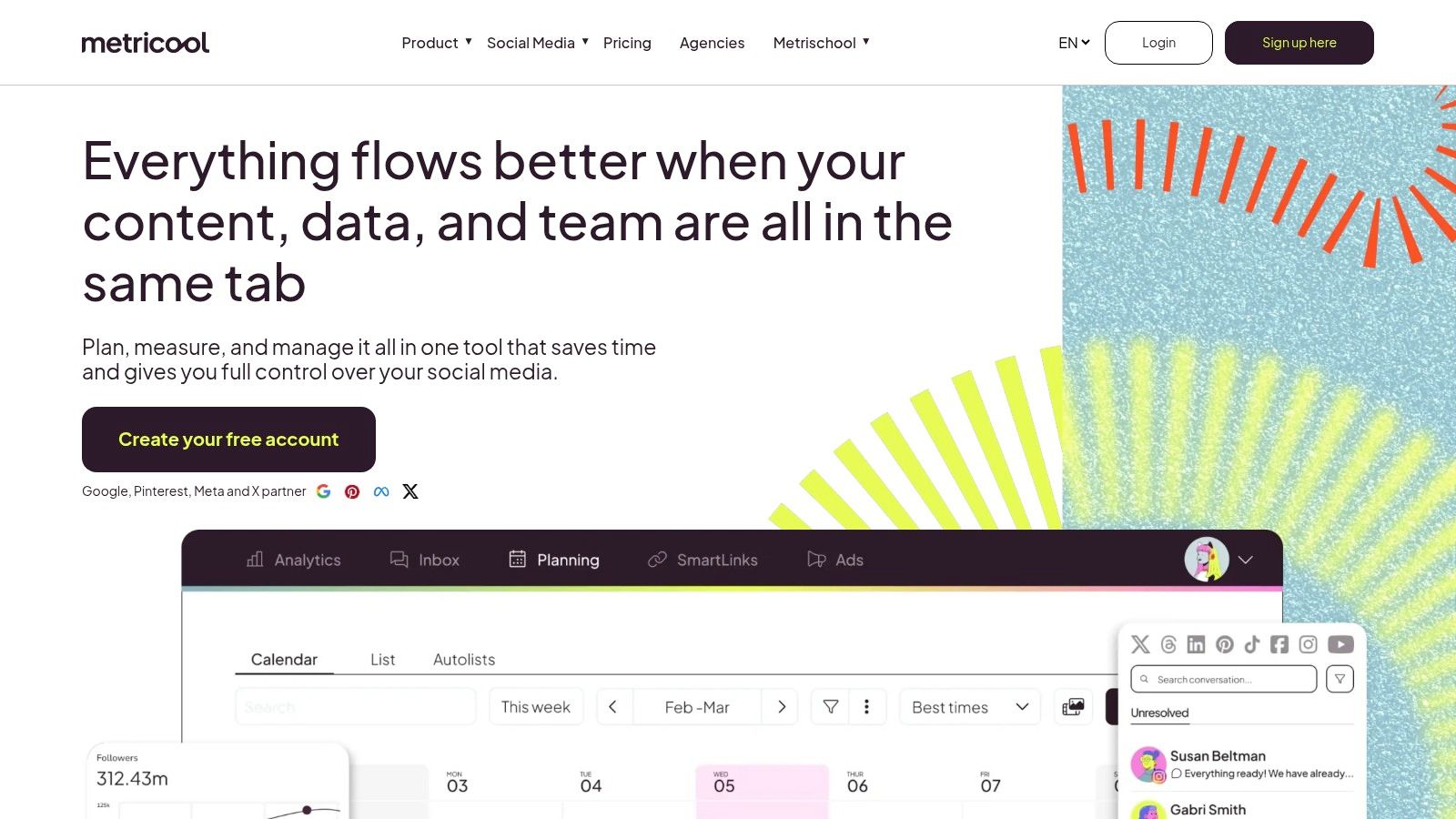
Metricool is the data-savvy friend who not only helps you plan the party but also tells you exactly who came, what they liked, and how you can make the next one even better. It positions itself as an all-in-one powerhouse, but its free plan truly shines by offering a surprisingly deep level of analytics and competitor tracking that many others lock behind a paywall. For solo creators or businesses who want to start making data-driven decisions from day one, Metricool is an exceptional choice.
The platform allows you to manage one brand on its free tier, covering major networks like Instagram, TikTok, and Facebook. While the post limit is modest, the real value comes from the robust reporting features and the ability to benchmark your performance against others in your niche, making it one of the best free social media management tools for analytical minds.
### Key Features & User Experience
Metricool’s free plan is designed for those who crave insights just as much as scheduling convenience, providing a clear path to growth.
* **Analytics-Forward Free Plan:** Get 30 days of performance data and the ability to track up to 5 competitors. This is a game-changer for understanding your position in the market without paying a cent.
* **One-Brand Management:** The free plan supports one brand across a variety of key platforms, which is perfect for a single business or personal brand.
* **AI Assistant:** Like other modern tools, it includes an AI helper to assist with generating captions and content ideas.
* **SmartLinks Page:** Create a "link in bio" page directly within the tool, consolidating your tech stack.
> **Why It's Great for Data-Driven Creators:** Metricool demystifies analytics for beginners. Instead of just scheduling posts into the void, you can immediately see what's working and how you stack up, empowering you to refine your strategy quickly.
### Limitations to Consider
The primary limitation is the 20 posts-per-month scheduling cap, which can feel restrictive for active accounts. The free plan also notably excludes LinkedIn and X (formerly Twitter), which could be a dealbreaker for B2B brands or those focused on text-based engagement. Advanced features like unlimited scheduling and downloadable reports are reserved for paid tiers. For a more complete picture of your performance, you should understand [how to track social media analytics](https://heytrendy.app/blog/how-to-track-social-media-analytics) across different platforms.
## 10. Planable
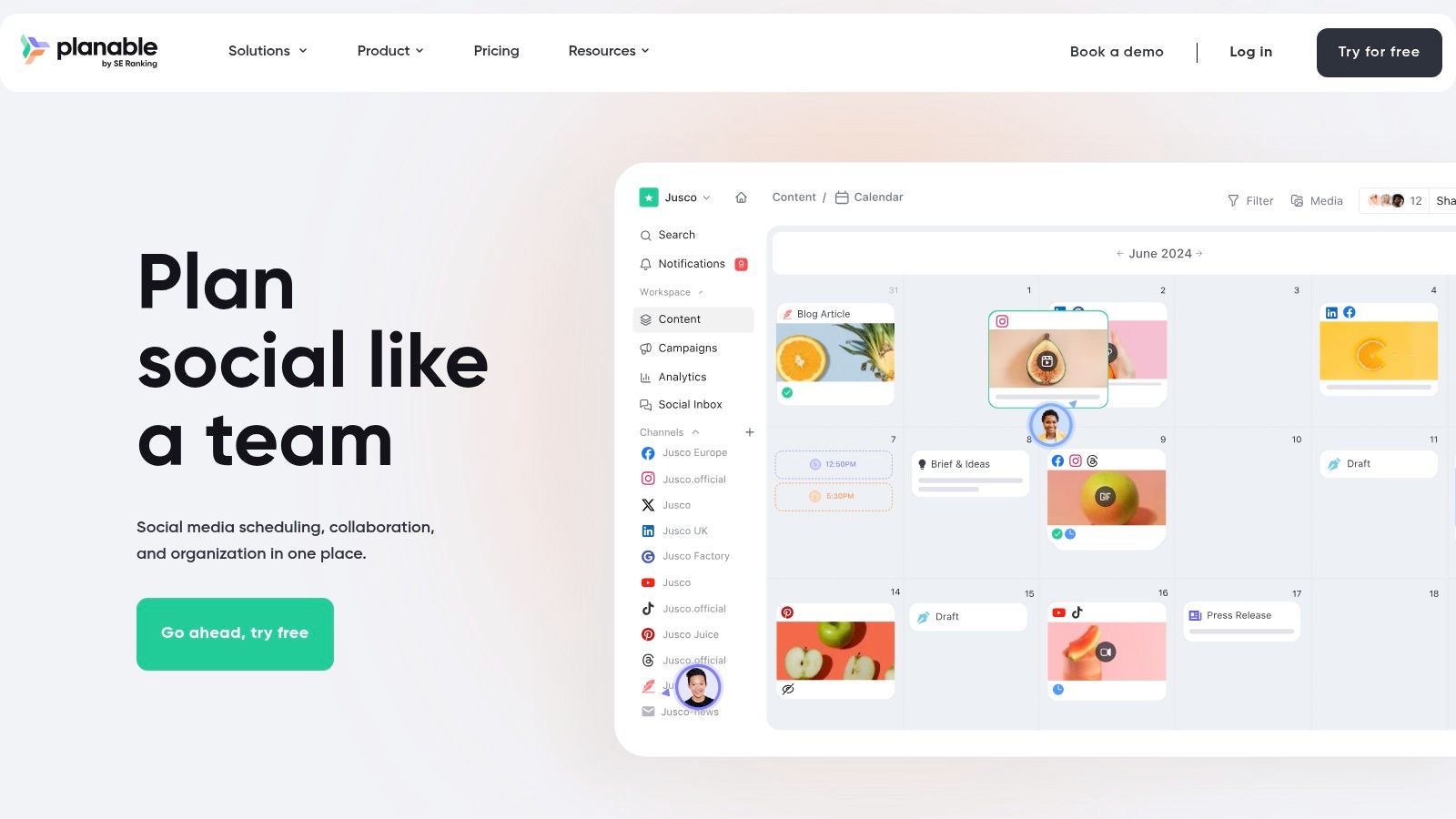
Planable is designed for the messy, collaborative reality of creating social media content, especially when you have clients or team members who need to give the final "okay." It shines as a visual playground where you can create, preview, and get feedback on posts before they ever go live. Think of it less as just a scheduler and more as a collaborative command center for your content creation workflow.
If your process involves a lot of "what do you think of this?" back-and-forths, Planable’s free plan offers a taste of a more organized life. It’s one of the best free social media management tools for teams and agencies that prioritize the approval process above all else, ensuring everyone is on the same page.
### Key Features & User Experience
Planable’s free offering is uniquely focused on the pre-publishing workflow, giving you access to powerful collaboration features that are typically locked behind a paywall.
* **Generous Collaboration Features:** The free plan allows unlimited users and workspaces, making it perfect for teams or freelancers managing multiple clients who need to review and approve content.
* **Pixel-Perfect Previews:** See exactly how your post will look on Facebook, Instagram, LinkedIn, and other platforms before you publish. This eliminates embarrassing formatting surprises.
* **Multiple Content Views:** Organize your workflow with different views, including a traditional calendar, a grid view (perfect for Instagram aesthetics), and a simple feed layout.
* **Internal & External Approvals:** Streamline feedback with internal comments and shareable links for clients to approve posts with a single click, no account needed.
> **Why It's a Great Starting Point:** Planable excels at solving the collaboration headache. For agencies or teams where every post requires a sign-off, its free plan provides an invaluable framework for a smooth and transparent approval process.
### Limitations to Consider
The major limitation is the free plan's lifetime cap of 50 total scheduled posts. This isn't a recurring limit; once you’ve created and scheduled 50 posts, you’re done and must upgrade to continue using it. This makes it more of an extended trial or a tool for very low-volume, high-collaboration projects. Advanced analytics and community engagement tools are also reserved for paid tiers. For creators who need ongoing scheduling and AI-powered trend insights to keep their content fresh, exploring a tool like [Trendy](https://heytrendy.app/) might be a more sustainable long-term solution. You can also download the Trendy app for [iOS](https://apps.apple.com/us/app/trendy-profile-insight-report/id6754564423) and [Android](https://play.google.com/store/apps/details?id=com.socialvibe.trendy).
## 11. SocialOomph
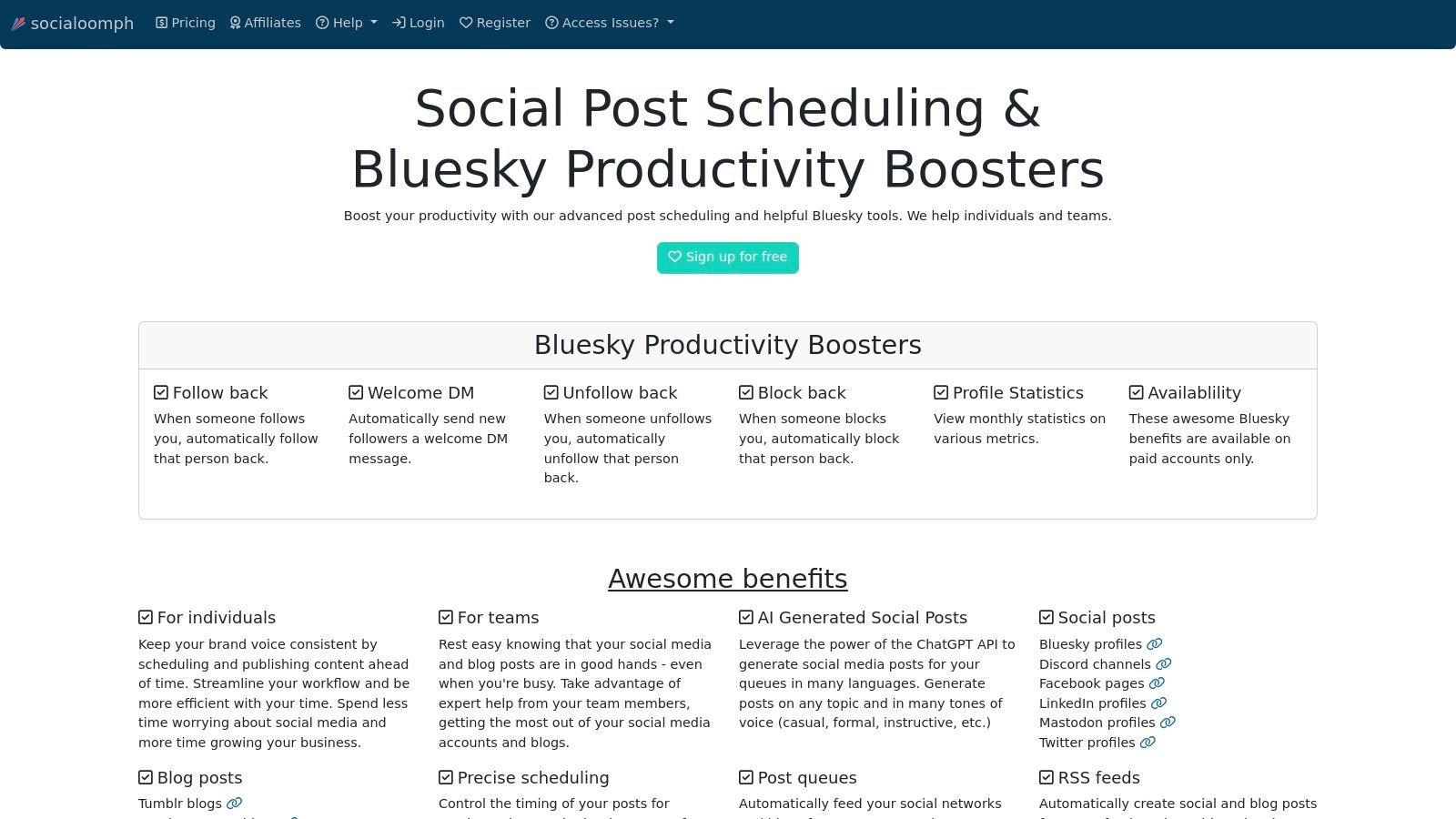
SocialOomph is the grizzled veteran of social media scheduling, a tool that was automating posts before some of today's top platforms even existed. It skips the flashy dashboards and modern aesthetics in favor of a utilitarian, no-nonsense approach. Its free plan is a throwback to a simpler time, offering a powerful, if highly specific, feature for the disciplined solo creator.
If your goal is to automate a single social profile with an endless stream of content without paying a dime, SocialOomph is a hidden gem. It’s not designed for the multi-platform influencer, but for someone who wants to “set it and forget it” for one primary account, its unlimited scheduling capability is unmatched among other free social media management tools.
### Key Features & User Experience
While the user interface feels dated, its functionality is rock-solid. SocialOomph’s free plan is built for one purpose: relentless, automated posting.
* **Unlimited Scheduled Posts:** The standout feature. You can schedule as many posts as you want for your single connected profile, a huge perk compared to the queue limits on most free tools.
* **Hourly Post Limit:** To keep things fair, the free plan caps you at a maximum of three posts per hour. This is more than enough for maintaining a consistent presence.
* **Single Profile Focus:** You can connect one social profile, making it ideal for a dedicated brand account, a personal project, or a niche-specific feed.
* **Reliable Automation:** It’s a lightweight and dependable scheduler that does its core job without fuss.
> **Why It's a Great Niche Tool:** For the user who just needs to bulk-schedule content for a single account indefinitely, SocialOomph is unbeatable. It’s perfect for running a Twitter bot, an automated Facebook page, or a LinkedIn profile with a deep content library.
### Limitations to Consider
The trade-off for unlimited posts is a bare-bones experience. The free plan is strictly limited to one profile, and the user interface can feel clunky and unintuitive compared to modern platforms. Advanced features like a unified content calendar, analytics, RSS feed integration, and AI-powered post generation are all locked behind paid tiers. It’s a powerful scheduler but not a comprehensive management suite. For those needing smarter insights and trend-based content ideas, exploring tools like the Trendy app on [iOS](https://apps.apple.com/us/app/trendy-profile-insight-report/id6754564423) or [Android](https://play.google.com/store/apps/details?id=com.socialvibe.trendy) might offer a more modern advantage for 2026.
## 12. Loomly
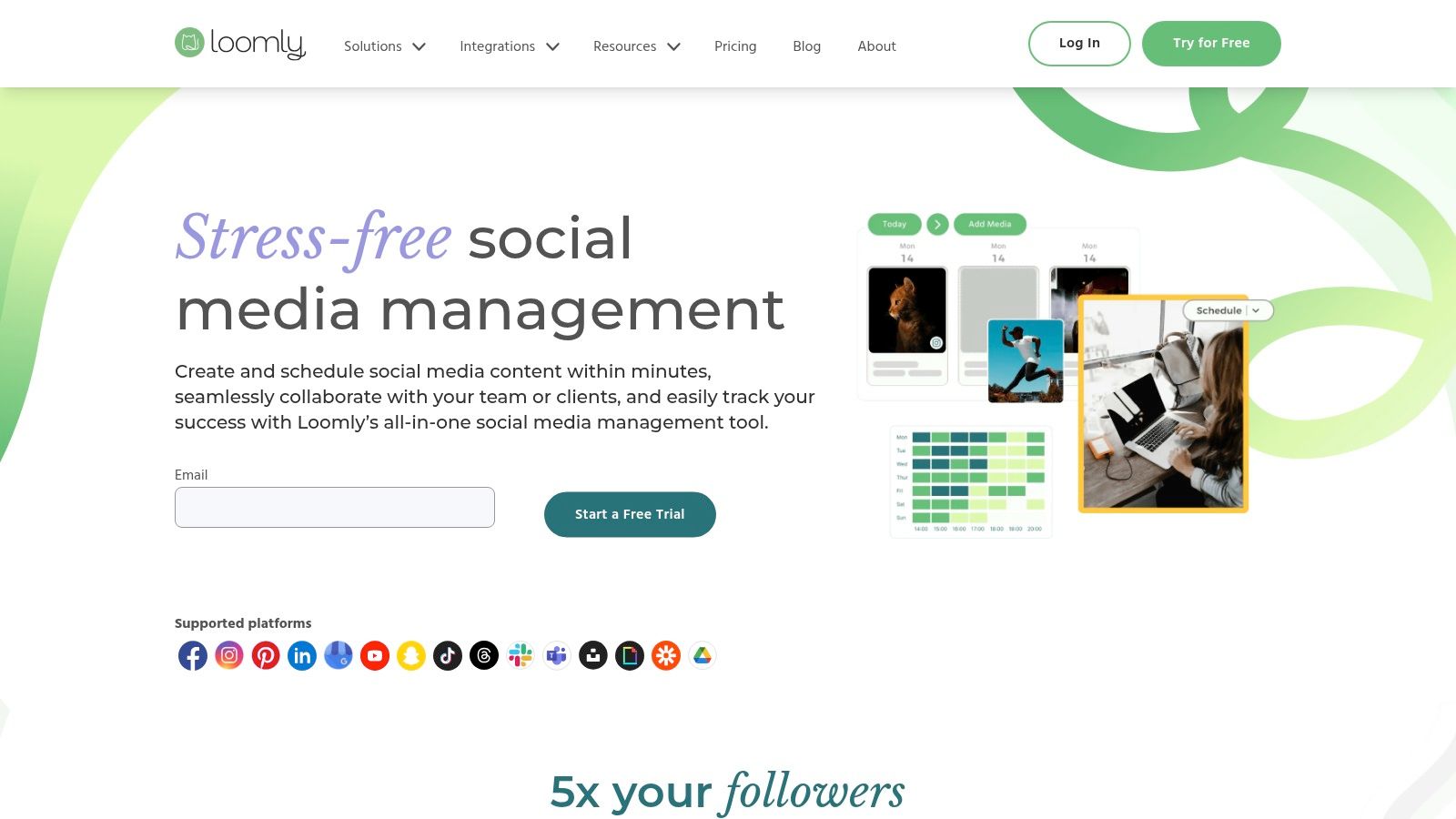
Loomly presents itself as a brand success platform, and even its newer, limited free plan feels polished and professional. It’s like getting a taste of a premium, all-in-one content studio without the immediate investment. For solo creators or marketers who value a meticulous planning process and high-quality user experience over high-volume posting, Loomly’s free offering is a surprisingly sophisticated entry point.
The platform guides you from content idea to approval and publication with a clean, workflow-oriented interface. Unlike some tools that just focus on scheduling, Loomly encourages a more thoughtful approach with built-in idea generation and post previews. This makes it one of the best free social media management tools for those who want to elevate the quality and consistency of their brand's voice, even on a small scale.
### Key Features & User Experience
Loomly’s free plan is designed as a high-quality trial, showcasing its premium features on a limited basis. It's perfect for low-volume users who want to experience a top-tier workflow.
* **Free Plan Access:** Manage 3 social accounts with a strict limit of 5 scheduled posts per month for one user. This is best suited for testing the platform or for a very minimal posting schedule.
* **Content Creation Aids:** Includes access to "Ideas" for content inspiration, plus handy integrations with Canva and Giphy directly within the post editor.
* **Live Post Previews:** See exactly how your post will look on each platform before you publish, ensuring brand consistency and preventing formatting errors.
* **Basic Analytics:** Get a simple dashboard to track fundamental performance metrics for your published posts.
> **Why It's a Great Starting Point:** Loomly excels in its structured content creation process. The platform’s emphasis on planning, collaboration (in paid tiers), and post-optimization makes it feel more like a strategic tool than a simple scheduler.
### Limitations to Consider
The most significant limitation is the 5-post-per-month cap, which is restrictive for almost any active social media strategy. This makes the free plan more of an extended trial than a long-term solution. The plan's availability can also be inconsistent, as it's a newer offering. For bulk scheduling, advanced analytics, and the powerful collaboration and approval workflows that are Loomly's main strengths, upgrading to a paid plan is necessary. For a more comprehensive analytics solution, consider tools like Trendy ([iOS](https://apps.apple.com/us/app/trendy-profile-insight-report/id6754564423) and [Android](https://play.google.com/store/apps/details?id=com.socialvibe.trendy)), which offer deeper insights into platform-specific trends and performance.
## Top 12 Free Social Media Management Tools — Comparison
| Product | Core Features | Quality ★ | Price/Value 💰 | Best For 👥 | Standout ✨ |
|---|---|---:|---|---|---|
| **🏆 Trendy** | AI-tailored post ideas, hook generator, hashtags, weekly posting plan, analytics | ★★★★☆ (data-driven) | 💰 Beta / invite (contact) | 👥 Creators & small brands scaling fast | ✨ 100+ personalized ideas; early trend alerts; end-to-end workflow |
| Buffer | Cross-platform scheduling, AI caption drafts, mobile apps | ★★★★☆ (reliable UX) | 💰 Free: 3 channels, 10 posts/channel; paid tiers | 👥 Solo creators & small teams | ✨ Forever-free starter plan; clean UI |
| Zoho Social (Free) | Publishing, basic analytics, zShare extension, uncapped free posting | ★★★☆☆ (robust free features) | 💰 Free forever (1 brand, 1 user) | 👥 Small brands needing uncapped posts | ✨ Uncapped posting on free tier; wide channel coverage |
| Meta Business Suite | Native FB & IG scheduling, insights, unified inbox & automations | ★★★☆☆ (official tools) | 💰 Free (native for Pages/IG Business) | 👥 FB & IG business profiles | ✨ Native analytics + inbox automations |
| TikTok (Video Scheduler) | Desktop video scheduling (~10 days), native publishing | ★★★☆☆ (TikTok-first) | 💰 Free (native) | 👥 TikTok-first creators | ✨ Official TikTok scheduler for short campaigns |
| Publer | Multi-network scheduling, Canva/VistaCreate integrations, drafts | ★★★☆☆ (modern UI) | 💰 Free: 1 workspace, 3 accounts, 10 posts/account | 👥 Early-stage creators & SMBs | ✨ Design tool integrations; link-in-bio |
| Planoly | Instagram visual planner, grid preview, basic IG analytics | ★★★☆☆ (visual-first) | 💰 Free Personal: 10 uploads/month | 👥 IG-first creators focused on aesthetics | ✨ Grid preview & visual planning tools |
| Tailwind | IG & Pinterest scheduling, post design, Smart.bio, hashtag tools | ★★★☆☆ (Pinterest-strong) | 💰 Free Forever: 5 posts/month | 👥 Pinterest & visual-content creators | ✨ Best-in-class Pinterest workflows |
| Metricool | Scheduling + 30-day analytics, competitor tracking, AI assistant | ★★★★☆ (analytics-forward) | 💰 Free: 1 brand, 20 posts/month | 👥 Data-focused creators & SMBs | ✨ Competitor benchmarks on free tier |
| Planable | Collaboration-first planner, approvals, multi-view calendar | ★★★★☆ (team-friendly) | 💰 Free: unlimited users/workspaces, 50 posts lifetime | 👥 Teams, agencies & client workflows | ✨ Post previews + approval workflows |
| SocialOomph | Simple queueing, unlimited scheduled posts for 1 profile (hourly cap) | ★★★☆☆ (reliable, dated UI) | 💰 Free: 1 profile, unlimited posts (3/hr cap) | 👥 Single-profile automation users | ✨ Truly unlimited scheduling for one profile |
| Loomly | Polished planner, post previews, Ideas, Canva & Giphy integrations | ★★★★☆ (polished UX) | 💰 Free: 1 user, 3 accounts, 5 posts/month | 👥 Solo users testing a premium planner | ✨ High-quality UX & preview + integrations |
## Choosing Your Perfect Free Tool: Beyond the Feature List
And there you have it, the ultimate lineup of the **best free social media management tools** for 2026. We've navigated the digital landscape, from the all-in-one powerhouses like Buffer and Zoho Social to the laser-focused visual planners like Planoly and Tailwind. You now have a battle-tested roster of options to reclaim your time, banish the "oh no, I forgot to post today" panic, and bring a professional rhythm to your online presence.
But here’s the secret no feature list will ever tell you: the *best* tool isn’t the one with the most bells and whistles. It's the one that seamlessly slots into your unique creative process and eliminates your biggest bottleneck. It's the one you actually *use*. Poring over spec sheets is one thing, but the real test is getting your hands dirty.
### Your Path to Social Media Zen: A Practical Checklist
Feeling overwhelmed by the options? Don't be. Choosing your digital co-pilot is simpler than you think. Let's boil it down to what truly matters. Ask yourself these critical questions before you commit, even to a free plan:
* **Platform Priority:** Where does your audience live and breathe? If you're an Instagram-first creator, a tool with a stellar visual grid planner like Planoly is non-negotiable. If you're a small business owner juggling Facebook, LinkedIn, and X, a multi-channel scheduler like Publer or Metricool is your hero. Don’t pay (even with your time) for features you won't use.
* **Workflow Reality:** Are you a batch-creation wizard who needs to schedule 30 posts at once? Or are you a spontaneous creator who just needs to queue up tomorrow's content? Your answer will guide you toward a tool with a simple, intuitive calendar (like Meta Business Suite for its native platforms) or a more robust content library and approval system (like Planable).
* **The "Good Enough" Analytics Test:** Free tools often skimp on deep analytics. Be honest with yourself. Do you need granular, custom-report-level data right now, or do you just need to know which posts are getting the most love? For many, the basic performance metrics offered by tools like Buffer are more than enough to get started.
### The Missing Piece: Bridging Scheduling and Strategy
Here's the most important takeaway from this entire guide: **scheduling is not a strategy**. A social media management tool is like a world-class delivery truck; it ensures your package arrives on time, every time. But if the package itself is empty, nobody cares. These free tools are fantastic at automating consistency, but they can't answer the million-dollar question: *what content will actually move the needle?*
This is the critical gap where most creators and businesses get stuck. They have the delivery system, but they're still guessing what to put inside the box. This is precisely where a specialized AI-powered tool becomes an unfair advantage.
While a scheduler handles the *when*, a tool like Trendy tackles the *what*. Instead of just giving you a calendar, Trendy's AI analyzes your specific niche on TikTok and Instagram to become your personal content strategist. It delivers a data-backed roadmap filled with viral hooks, trending audio recommendations, and hyper-specific content ideas tailored to your audience. It bridges the gap between aimless posting and intentional, strategic growth.
Your next move is a simple two-step process. First, pick one or two schedulers from this list that align with your platform and workflow needs. Use them for a week to get a feel for automating your publishing schedule. Then, supercharge your content by downloading the Trendy app for [iOS](https://apps.apple.com/us/app/trendy-profile-insight-report/id6754564423) or [Android](https://play.google.com/store/apps/details?id=com.socialvibe.trendy). By combining a top-tier free scheduler with Trendy’s AI-driven insights, you create a powerful, cost-effective system built for predictable, explosive growth in 2026. Stop guessing and start growing.
---
Ready to transform your social media from a daily chore into a growth engine? While the tools on this list help you schedule your content, **Trendy** uses AI to tell you exactly *what* content to create for viral growth on TikTok and Instagram. Visit the [Trendy](https://heytrendy.app) website or download the Trendy app on [iOS](https://apps.apple.com/us/app/trendy-profile-insight-report/id6754564423) and [Android](https://play.google.com/store/apps/details?id=com.socialvibe.trendy) today.
