
You can feel it the minute you open Instagram or TikTok and stare at a blank profile. The bio is vague, the link goes nowhere useful, the last few posts don't match, and every new idea feels like it needs a different camera setup, editing style, and posting schedule. That's not a content problem, it's a creator setup problem.
Fix the setup first and the rest gets easier. A strong profile, a tight video format, a sane workflow, and a real review loop turn random posting into a content engine you can keep running.
Optimizing Your TikTok and Instagram Profiles
A visitor should understand your niche, your value, and the next action within seconds of opening your profile. If those answers are unclear, strong videos will struggle to convert attention into followers, leads, or sales. Build the profile as the front end of a sustainable content engine, so every post has somewhere useful to send people.
Start with the account type and the name people search for
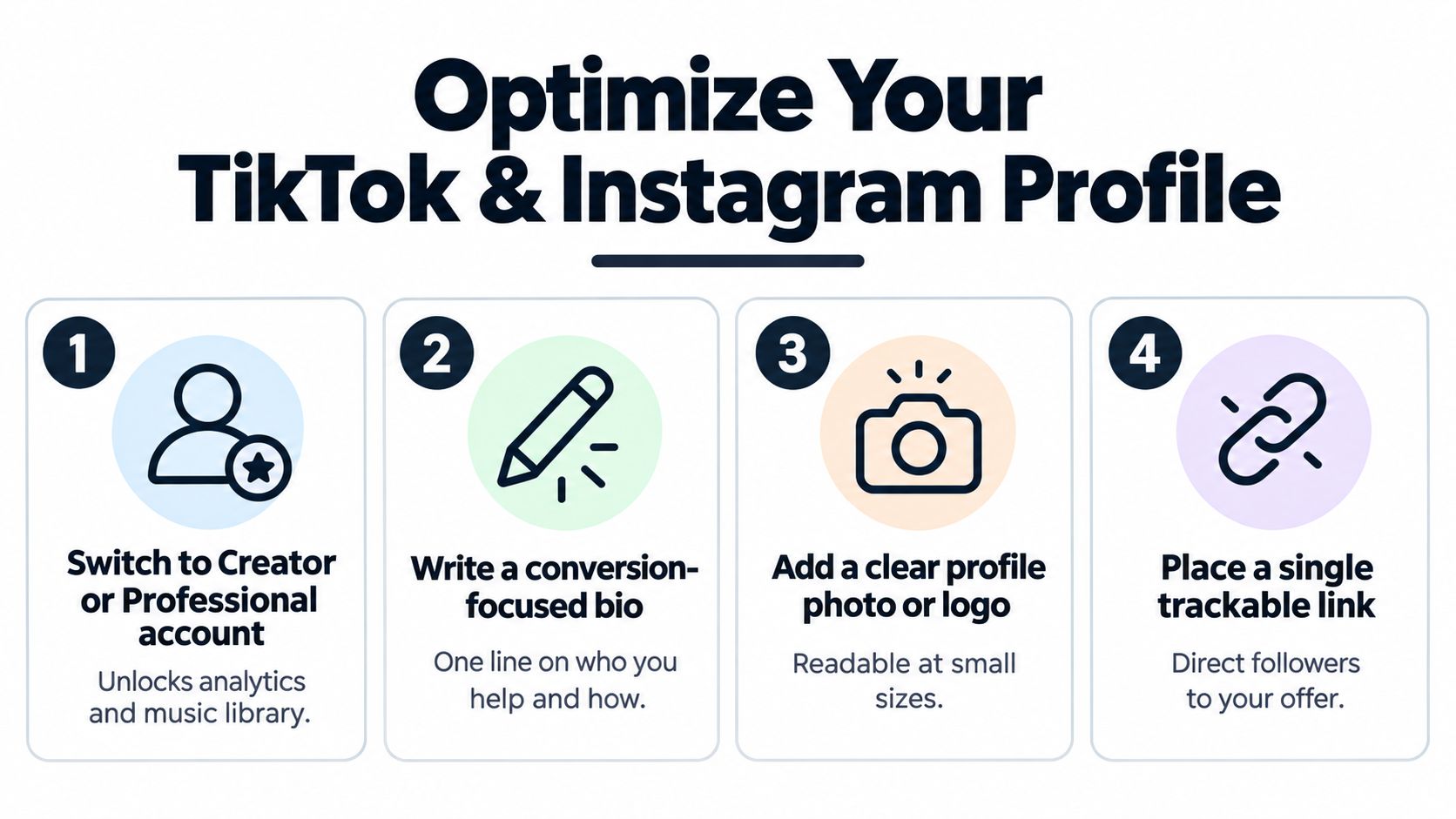
Use a Creator or Professional account on both platforms. These account types provide analytics and growth features that support better decisions as your audience develops. Creator setup now connects with platform thresholds and monetization readiness, so configure the account before your publishing workflow becomes difficult to change. The creator economy grew from early platform experiments into a larger labor market, while the 2007 YouTube Partner Program and later monetization rules show how account structure can shape opportunity creator economy milestone.
Make your display name searchable. A fitness coach, travel creator, or social media consultant should state that category plainly, rather than relying on a clever phrase. Keep the username clean, choose a profile photo that remains readable at small sizes, and write a bio around one clear benefit.
Practical rule: one profile, one promise. A bio that tries to be funny, mysterious, and broad at once gives visitors no reason to continue.
Write for the click, then send people somewhere useful
Your bio should identify who you help and what they receive. Give visitors one next step, usually a trackable link to your offer, lead magnet, or primary landing page. Several competing links, a podcast, a newsletter, and a shop create extra decisions and weaken the path to action.
Campaign profiles follow the same principle described in social media tips for Kickstarter projects. The profile earns the click, while the landing page handles the detailed explanation and conversion.
Audit the setup with Trendy's Profile Audit through the iOS app, the Android app, or its web app. Use the results to identify weak profile elements and create a short fix list instead of guessing. If you need to change the Instagram account type, keep this guide to switching to a business account open while configuring it.
Mastering Reel and TikTok Video Requirements
A creator can spend an hour editing a useful video, then lose viewers because the frame is wrong or the opening arrives too late. Treat platform requirements as part of production, not a final export check. A reliable format gives your content a better chance to earn attention while your workflow stays repeatable through algorithm changes.
Use the platform's format, not your camera's default
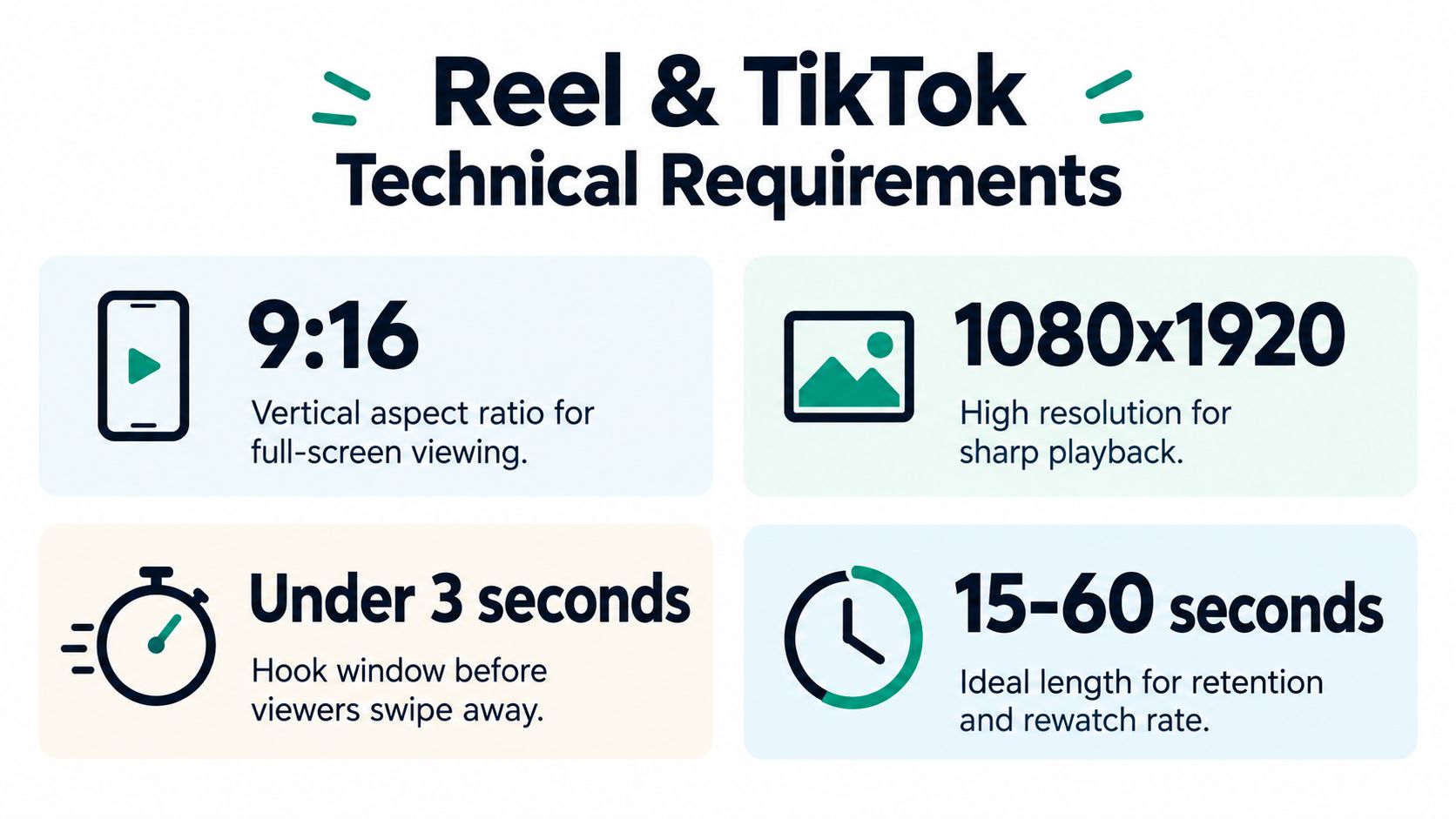
Instagram Reels support videos from 3 seconds up to 20 minutes, with a recommended aspect ratio between 1.9:1 and 9:16, a minimum frame rate of 30 fps, and a minimum resolution of 720 pixels Instagram Reels guidance. For discovery, shorter clips usually create a clearer path to completion, especially when every second serves the viewer.
TikTok also rewards a full-screen vertical presentation. Keep the subject centered, leave room for interface elements, and check that captions remain readable on a phone. A wide crop, black space, or tiny text makes the video harder to understand before the viewer has a reason to stay.
Treat the first frame as a thumbnail in motion. If the scene does not make sense instantly, the view is already at risk. Build a reusable export preset for vertical video, then review the file on your phone before publishing. That small check prevents avoidable formatting errors from reaching your audience.
Hook the first seconds or accept weak retention
Creator workflow guidance emphasizes the first 3 seconds as the point where viewers decide whether to continue Instagram Reels timing. Open with the payoff, tension, or promise. Remove greetings, slow introductions, and background explanation from the first beat.
Write hooks like headlines, not diary entries. “Here's the setup that fixed my shaky phone videos” gives viewers a clear outcome. “Stop filming Reels this way if you want people to watch past the first swipe” creates a direct reason to continue. Follow the hook with the proof or instruction immediately.
Use Trendy's AI video script generator as a planning assistant, not a replacement for your voice. Give it the niche, format, and desired outcome, then use its suggestions for opening lines, scene order, and a tighter transition into the main point. Keep the Instagram Reel length guide available when choosing a duration and shaping the edit around retention.
Building Content Pillars and Trend Workflows
A creator who starts each day by asking “What should I post?” is building burnout into the workflow. Set a few content pillars first, then create variety inside that structure. Your audience gets a clearer reason to follow, and you spend less time forcing weak ideas into captions.
Pick pillars that can carry a month of ideas
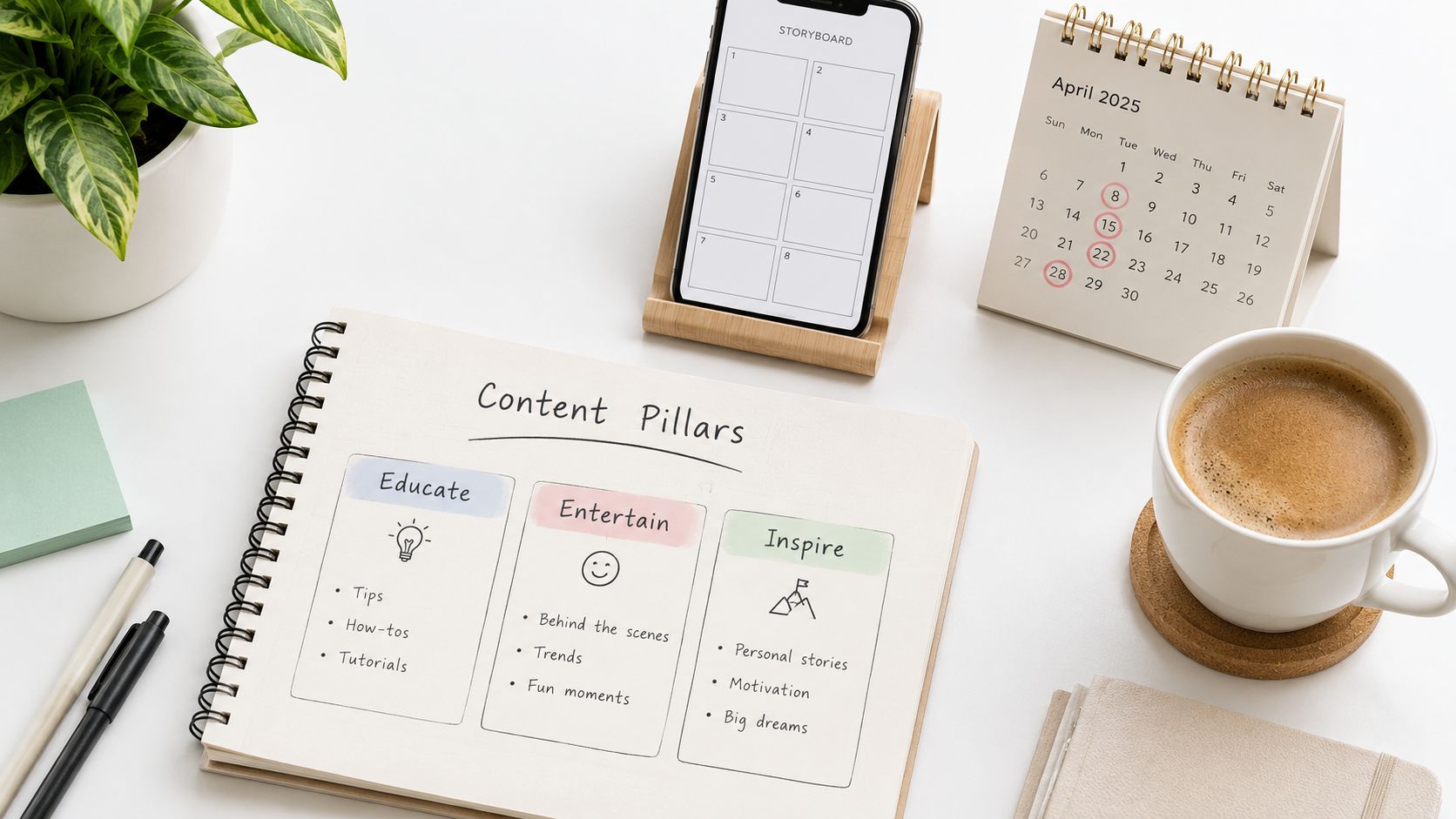
Use three or four pillars. A practical mix includes education, personal or behind-the-scenes content, trends, and product or proof-based posts. This range supports consistent publishing without making every video sound identical.
Pillars are a decision filter. If an idea fits none of them, drop it or revise it before investing time. That rule reduces caption overthinking and gives an AI-assisted content engine clear boundaries to work within.
Map each pillar to repeatable formats:
- Educational pillar: tutorials, teardown posts, “how I do it” videos, and carousels.
- Trust pillar: before-and-after results, workflow screenshots, behind-the-scenes clips, and creator notes.
- Discovery pillar: trending sounds, short hooks, and rapid-fire video formats.
- Conversion pillar: product demos, comparisons, and direct calls to action.
Review the mix after a few weeks. If one pillar produces ideas easily while another stalls, narrow its topic or replace it. A sustainable system should make planning faster, not create four new obligations.
Use trends as fuel, not as your identity
Trending audio and formats work when they serve a pillar you already own. They weaken your content when you copy them without a point of view. The creator economy has moved through multiple platform eras, from YouTube, Instagram, and Patreon to a larger commercial market tied to roughly 104 billion in 2020** and a **480 billion projection for 2027 creator economy growth. That scale favors creators with repeatable systems rather than panic-posting habits.
Apply a strict trend filter: use a trend only if you can name the pillar it serves and the hook you will publish within 24 hours. If you cannot connect it to your audience's problem, skip it. A trend should add reach to your message, not replace the message.
Trendy can surface ideas, sounds, hashtags, and video formats for your niche, then shape them into ready-to-shoot scripts for Instagram, TikTok, LinkedIn, or Threads/X. Use it to reduce research time, then edit every suggestion until the language matches your voice.
Build the pillars first. Let trend discovery feed them. Keep this content pillar guide open when planning the next batch.
Scheduling Posts and Managing Your Calendar
A creator who films eight videos on Sunday and queues them by Tuesday posts more consistently than one who films every day. Batch production protects your energy, keeps your setup consistent, and gives your content engine enough structure to survive busy weeks and algorithm changes.
Batch once, schedule twice, review weekly
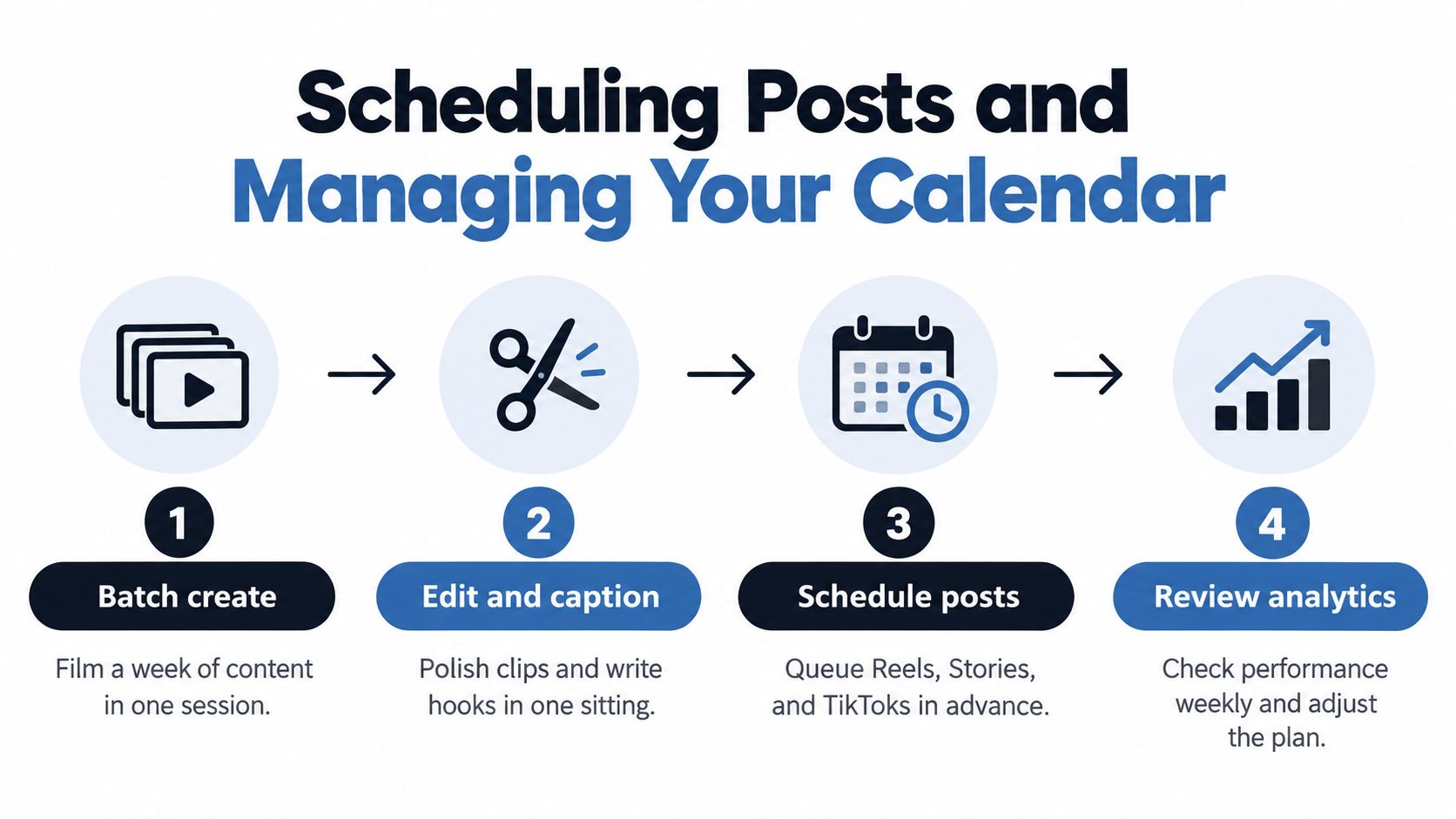
Film several videos in one session, then edit and caption them in the same block when possible. Keep the same lighting, camera position, and background. Anchor your seat, place lighting around your face or workspace, route cables once, and mark your tripod or webcam position so framing stays stable across sessions. This practical creator setup workflow removes repeated setup decisions and leaves more attention for the content itself.
Native Instagram scheduling covers posts and Reels through More options and Schedule this post or Schedule this reel, while Stories are handled through Meta Business Suite Instagram scheduling workflow. Set the publishing time during your batch session, then check captions, tags, audio, and previews before the queue goes live.
Operational rule: build one content block that feeds the week. Do not depend on daily posting motivation.
Build the calendar around your real life
A monthly calendar should match your available energy. Place your strongest themes on busy days, assign lighter formats to low-energy days, and reserve space for a trend only when it serves a defined content pillar. Leave enough flexibility to respond to timely conversations without letting them disrupt the entire plan.
Use a practical guide to scheduling posts on Instagram before you queue content. The objective is simple: spend less creative energy on distribution and more on stronger hooks, cleaner framing, and useful comment replies.
Trendy can serve as the planning layer. It assembles posting suggestions for posts, Reels, and short-form ideas, giving you a starting calendar instead of another blank page. Review every suggestion, adapt it to your voice, and keep final approval with a human. AI should reduce planning friction, not flatten your perspective.
Analyzing Performance and Refining Your Strategy
A post can collect views and still fail to build a durable audience. Review performance for decisions, not reassurance. Track which formats earn saves and shares, which topics drive profile visits, and which videos bring viewers back. Those signals show whether your content is attracting attention, creating intent, or building repeat interest.
Read the signals that predict real growth
Start with retention. A sharp drop early in a video points to a weak opening or slow setup. Shares show that viewers found the idea useful enough to pass on, while profile visits reveal whether the post creates interest beyond the feed. Likes can support the picture, but they should not decide your strategy alone.
Set a monthly review with one clear outcome: choose what to repeat, revise, or stop. Keep pillars that produce meaningful engagement, test a new hook or format where retention falls, and retire posts that create activity without useful action. Record the decision beside the result so your next batch reflects evidence rather than memory. This creates an AI-assisted content engine that improves through each cycle and stays useful when algorithms change.
Trendy's performance analytics can show which posts resonated, which themes recur, and which ideas deserve another version. Use this analytics guide to define the numbers you review and the questions each metric should answer.
Use the data to edit your system, not your ego
A weak post is a diagnostic, not a verdict on your ability. Check the angle, first seconds, format, audience fit, and call to action before repeating the same structure. Change one variable at a time when possible, then compare results across a small group of posts.
Connect performance findings to your wider setup. A strong pillar with a mismatched bio needs clearer positioning. Views without profile visits call for a sharper CTA. Strong results from a draining format call for a simpler production workflow, not more pressure. Keep the winning insight, update the system, and let automation handle repeatable review work so your creative energy lasts.
Scaling Your Creator Business for the Long Term
A creator business becomes durable when the workflow can survive a missed post, a platform change, or a busy production week. The market's scale is why durable systems matter more than any single viral post. Build for repeatable output, portable assets, and decisions you can review without relying on memory.
Build like a business before the pressure forces you to
If you plan only one post ahead, an algorithm shift can force you to rebuild everything. Separate your content pillars from your revenue logic, keep original files and audience insights accessible, and use a workflow that can move across platforms.
A creator publishing three pillars each week can absorb an algorithm change by shifting pillar weights, not by rebuilding the calendar from scratch. Keep the same planning structure, then adjust the format, hook, or publishing emphasis based on what the platform rewards.
Burnout usually points to broken operations, too many manual steps, or a strategy that demands constant attention. Use one source of truth for planning, one place to review performance, and one clear method for turning ideas into posts across formats. Automate repeatable tasks so creative work stays focused.
Merchandising belongs in that operating plan. If you are deciding how physical products fit into the wider business, use this guide to planning branded merch kits before treating a product launch as a one-off project.
Keep one system across iOS, Android, and web
Avoid scattering your strategy across disconnected tools. Apply the same planning logic on your phone, laptop, and during quick reviews between shoots. Trendy works across iOS, Android, and the web app, helping you keep profile audits, trend ideas, scripts, and performance notes in one place.
The operating loop is simple: audit the profile, define the pillars, batch content, schedule posts, review results, and update the next batch. A consistent loop gives you a creator setup that can adapt without demanding more hours every time the algorithm changes.
Open Trendy, run a profile audit, and build your next week from evidence instead of guesswork. For profile gaps, post ideas, scripts, and performance review in one workflow, visit Trendy and start there.