
So, can you actually schedule your TikTok videos? The short answer is a resounding yes, and honestly, it’s one of the best things you can do for your sanity and your channel’s growth. It's the difference between frantically trying to post on the fly and building a solid, reliable content machine.
You've basically got two main paths to choose from: sticking with TikTok's built-in scheduler on your desktop or grabbing a more powerful third-party tool.
Why Scheduling TikToks Is a Total Game Changer
Let's be real. Nobody wants to set an alarm for 2 AM just because their analytics say that's a hot time to post. Scheduling frees you from that grind. It lets you batch-create your content and then set it and forget it, ensuring you maintain a consistent presence—something the TikTok algorithm absolutely loves—without burning yourself out.
Ultimately, scheduling transforms your content strategy from a reactive mess into a proactive masterplan.
Find Your Audience's "Golden Hour"
The biggest win? Scheduling allows you to drop your videos at the exact moment your audience is glued to their phones. Guesswork just doesn't cut it. To nail this, you need to get your hands on some real data about when your followers are most active.
This is where a good analytics tool comes into play. For instance, the Trendy iOS application is fantastic for digging into follower activity and pinpointing those peak engagement windows. Trendy's powerful features help you analyze performance, predict viral trends, and understand your audience on a deeper level. Armed with that info, you can schedule your content to land precisely when your community is ready to jump on it with likes, comments, and shares.
This whole workflow—planning, scheduling, and analyzing—is the secret sauce for consistent growth.
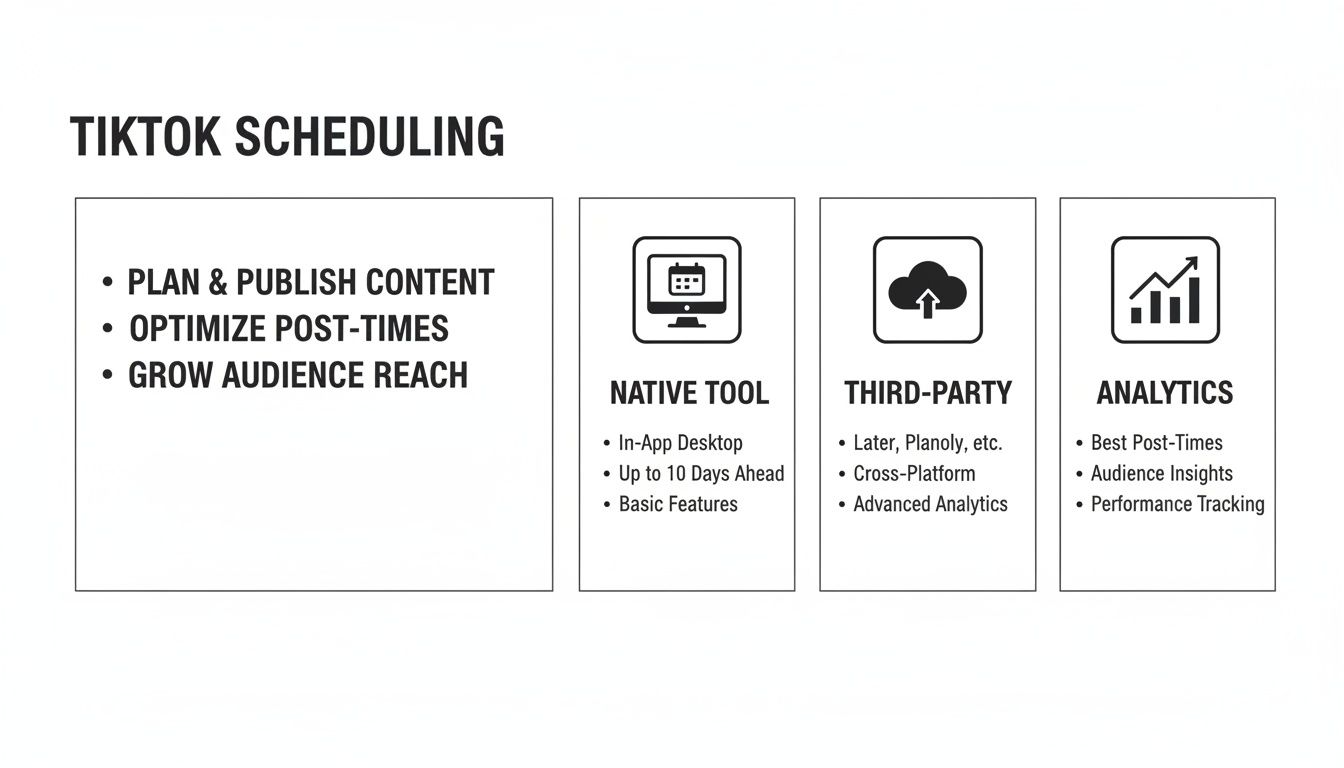
As you can see, it's all about picking your weapon of choice (native vs. third-party) and then using data to guide your timing.
Before we dive into the "how," let's quickly compare the two main scheduling methods so you can figure out which one is right for you.
TikTok Scheduling Methods At a Glance
| Method | Platform | Best For | Key Feature |
| Native TikTok Scheduler | Desktop Browser | Individuals and small creators who want a simple, free solution. | Directly integrated into TikTok's platform; no extra cost. |
| Third-Party Schedulers | Desktop & Mobile | Brands, agencies, and creators who need advanced features. | Post to multiple platforms, advanced analytics, team collaboration. |
Both options are fantastic, but they serve different needs. If you're just getting started, the native scheduler is perfect. If you're managing multiple accounts or need more firepower, a third-party tool is the way to go.
Stay Consistent and Keep the Algorithm Happy
The TikTok algorithm is a hungry beast, and it needs to be fed consistently. To stay on its good side and maximize your chances of hitting the For You Page, the platform itself suggests posting anywhere from 1 to 4 times a day. Trying to do that manually is a recipe for disaster.
Scheduling is what makes this kind of cadence possible. By planning your content in advance, you can ensure a steady stream of videos goes live without you having to lift a finger at posting time. You can learn more about the impact of posting frequency straight from the source to really fine-tune your approach.
The real magic happens when you pair automated posting with real-time engagement. When your scheduled video goes live, you're free to jump into the comments, reply to DMs, and interact with your community. That combination is a powerhouse for building a loyal following.
When you use the tools TikTok provides, you're essentially playing the game by their rules. By embracing scheduling, you’re not just making your own life easier—you’re aligning your workflow with the very strategies TikTok itself recommends for success.
Using TikTok's Native Desktop Scheduler
So you want to get into scheduling? Good news—you don't need a fancy, expensive tool to get started. TikTok actually has a fantastic, free scheduler built right in. The only catch? It’s a desktop-only affair.
That’s right, you’ll have to fire up your laptop for this one. But before you even open your browser, there's one small hoop to jump through.
This handy feature is only available for Business or Creator accounts. If you're still using a Personal account, you'll need to make a quick switch in your settings. It literally takes seconds and unlocks a world of goodies, including the scheduler and the analytics you'll need to figure out when to post.
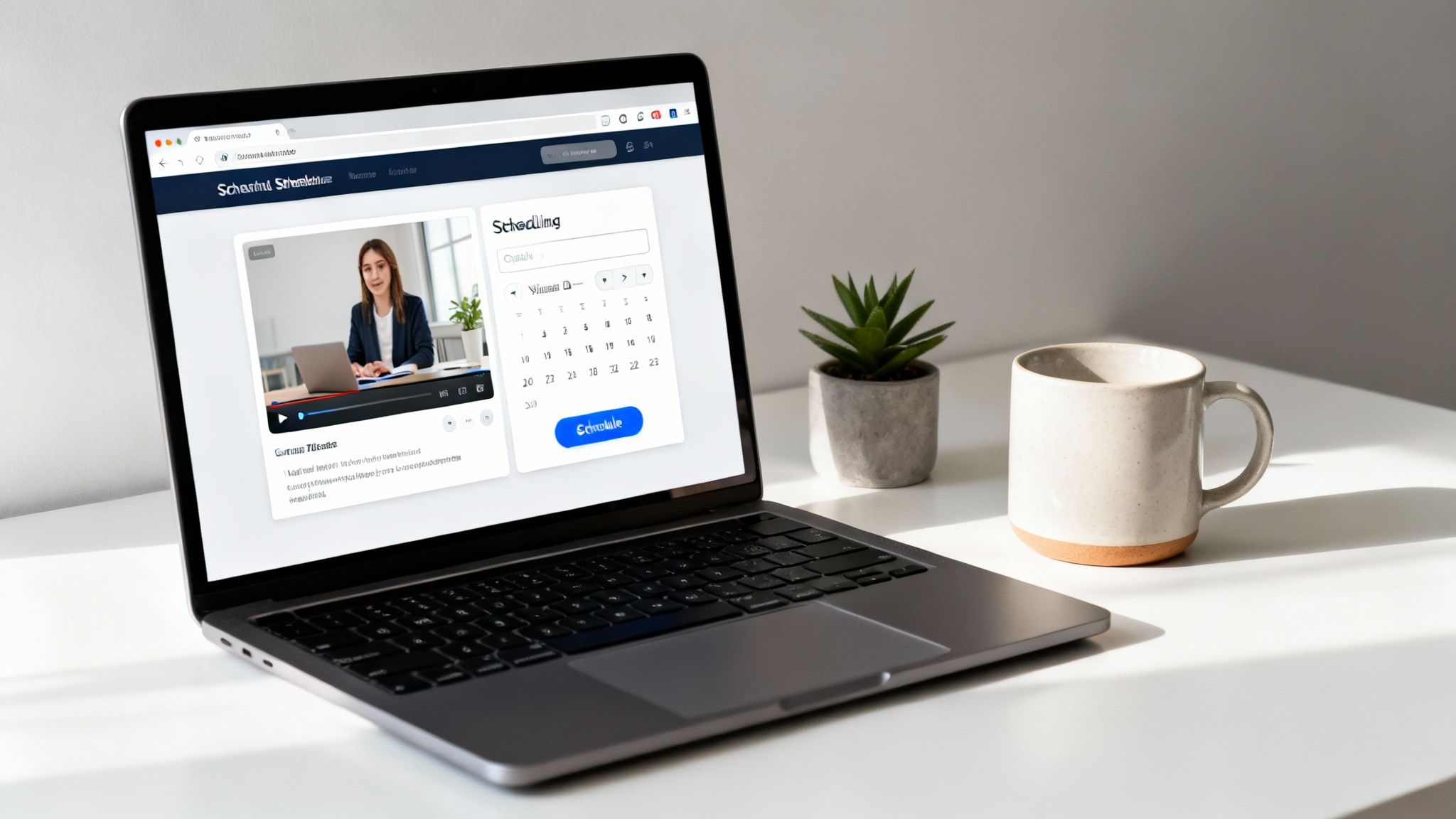
How to Schedule Your Video
Once you’re logged in on your computer, the process is dead simple. You'll just head over to the same upload page you'd normally use.
Here’s how it breaks down:
- Drag and Drop Your Video: Pop your edited video file right onto the upload page. Now's the time to write that killer caption and load it up with relevant hashtags.
- Flip the "Schedule" Switch: Look for a little toggle that says "Schedule video." You can't miss it.
- Pick Your Date and Time: Once you flip that switch, a calendar and time selector will pop up. Choose the exact day and time you want your masterpiece to go live.
- Hit the Big Red Button: Give everything a final once-over—privacy settings, comments, the works—and then smash that red "Schedule" button. You’re all set!
Heads up: Once a video is scheduled, it's locked in. If you find a typo in your caption or decide you want to post at 7 PM instead of 6 PM, you have to delete the scheduled post and start over. It's a small pain, but definitely something to be aware of.
Knowing the Limits
For a free, built-in tool, the native scheduler is surprisingly solid. But it does have a few limitations you should know about before you try to map out your entire year's content calendar.
Here are the main things to keep in mind:
- Desktop-Only: As we've covered, this is a no-go on mobile.
- 10-Day Window: You can only schedule posts up to 10 days in the future.
- No Edits Allowed: Made a mistake? You'll have to delete and re-upload.
Even with these constraints, it’s the perfect tool if you plan your content week-to-week and don't feel like paying for a third-party service. It gets the job done without any fuss.
Now, to really get the most out of this, you need to nail your timing. This is where your account analytics become your secret weapon. Dive into the Follower Activity section in your TikTok Analytics to see the exact hours and days your audience is glued to their phones. This data is gold—way better than some generic "post on Tuesday at 2 PM" advice. If you want to dig deeper into this, you can learn more about using follower data to your advantage.
For those who want an even sharper edge, the Trendy iOS application can give you insights that go way beyond TikTok’s native tools. Its AI-driven features help you analyze engagement patterns with serious precision, so every scheduled post has the best possible shot at blowing up.
Unlocking Power Features With Third-Party Tools
While TikTok's native scheduler is a decent freebie, it's a bit like riding a bike with training wheels. To really get a grip on your content strategy, you’ve got to explore the world of third-party scheduling tools. These platforms are the secret weapon for creators and brands who want to operate on a whole other level.
Let's paint a picture. You just spent a weekend batch-creating a month's worth of killer videos. With the native tool, you have to log back in every 10 days just to schedule the next batch. Bummer. But with a third-party scheduler? You can upload everything in one go and map it all out for weeks, even months, in advance. That’s the kind of efficiency that saves you from burnout and keeps your content pipeline from ever running dry.
Beyond Basic Scheduling
These tools aren't just about setting a post time and forgetting about it. They're packed with features designed to make your life easier and your content hit harder. Think of them as your command center for total social media domination.
Here's a taste of what you'll get:
- Managing Multiple Accounts: Running more than one TikTok profile? A third-party tool lets you juggle them all from a single, glorious dashboard. No more logging in and out.
- Advanced Analytics: Dive deeper than TikTok's basic metrics. These platforms often serve up richer insights into video performance, follower growth, and engagement trends.
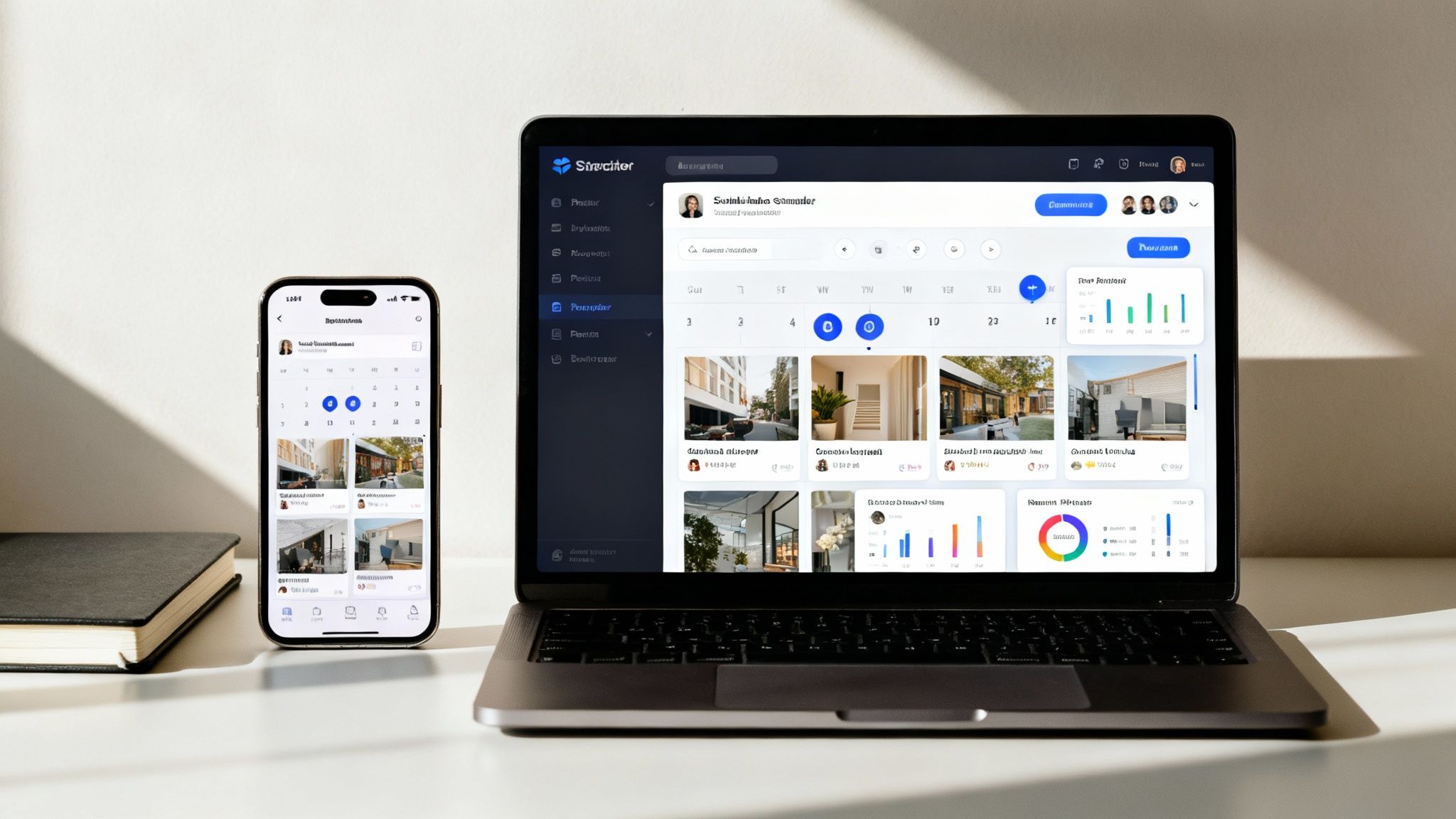
- Visual Content Calendars: See your entire content plan at a glance with drag-and-drop calendars. Planning and rescheduling on the fly has never been easier.
- Cross-Platform Publishing: Many schedulers let you manage and post to Instagram, YouTube, and other platforms right alongside your TikToks, which is a massive time-saver.
If you're weaving TikTok into a broader strategy, checking out the best tools for social media managers can give you an all-in-one solution that covers all your bases.
The Data-Driven Difference
Of course, a powerful scheduler is only half the battle. To really get your money's worth, you need to feed it the right information. Just tossing videos into the schedule at random times won't move the needle. The real magic happens when you pair automation with rock-solid analytics.
This is where the Trendy iOS application becomes your secret weapon. It provides granular data on when your specific audience is most active and engaged. With features like AI-powered trend prediction and in-depth profile analysis, you can get ahead of the curve.
Instead of guessing or relying on generic advice, you can pull hard data from Trendy to pinpoint the perfect posting times. This means every video you schedule is primed for peak performance, dropping onto your followers' "For You" pages at the exact moment they're most likely to watch, like, and share.
This combination of smart scheduling and powerful analytics is exactly how you turn content creation from a chaotic hobby into a well-oiled growth machine.
The Art of Timing: Finding Your Golden Hour
So, you've figured out how to schedule TikToks. That’s the easy part. The real magic, the thing that separates the viral hits from the duds, is scheduling your videos to drop at the exact moment your audience is ready to devour them. This isn't about blind luck; it's about finding your personal "golden hour."
Forget those generic blog posts claiming Tuesday at 2 PM is the magic slot. Your audience is unique, and so are their scrolling habits. The first place you need to look is right inside TikTok's own analytics. If you've got a Creator or Business account, you're sitting on a goldmine of data, including charts showing exactly when your followers are most active, down to the hour. This is your ground zero for building a smart, data-driven strategy.
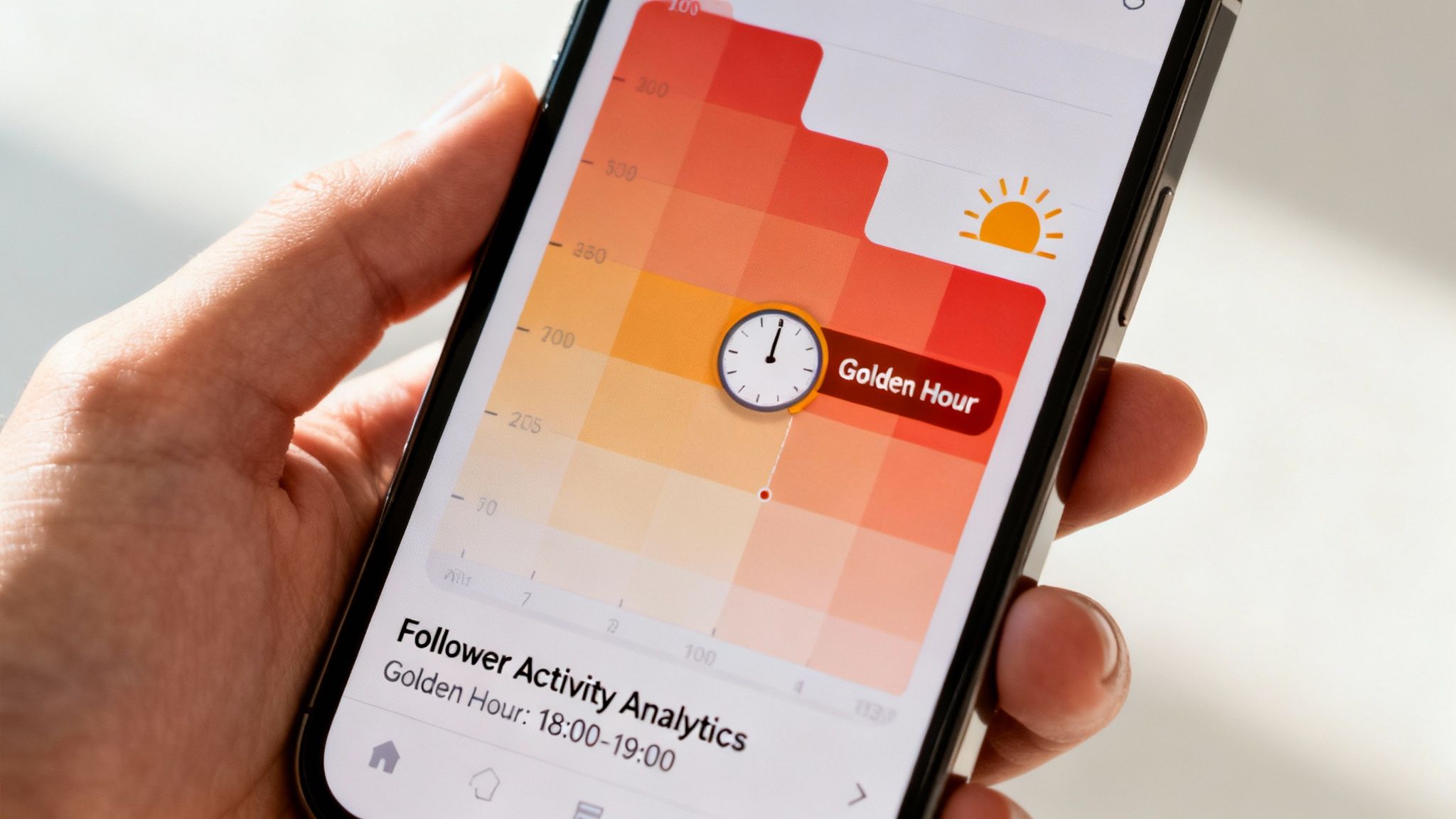
This kind of visual breakdown instantly shows you the peak times your followers are glued to their phones, letting you make much smarter scheduling choices.
Go Beyond Basic Analytics
TikTok’s built-in tools are a fantastic starting point, but to really nail your timing, you need to dig a bit deeper. A dedicated analytics tool can often unearth hidden pockets of engagement you might otherwise miss.
This is where an app like Trendy can give you a serious edge. Its features provide more granular reports that move beyond the basics, helping you pinpoint the absolute best times to post for a real engagement boost. When you pair these precision insights with your scheduling tool, you've basically built a content machine that serves your videos to the right people at the perfect time.
Pro Tip: Your scheduled video's success hinges on its initial performance. When a video racks up significant views, comments, and saves within the first 90 minutes, it signals to the algorithm that it's a winner, dramatically increasing its chances of being pushed out to a much wider audience.
Building a Data-Driven Posting Schedule
Figuring out the best times to post on social media is the bedrock of any solid content strategy, no matter the platform. It turns scheduling from a simple time-saver into a powerful tool for growth.
Ready to put this into practice? Here's how I approach it:
- Weekly Data Check-In: Make it a habit to peek at your analytics at the start of each week. Audience behavior can shift, and you want to be ready for it.
- Test and Tinker: Don't just stick to one time. Schedule posts at slightly different times around your identified peaks. You might find that 7:00 PM hits way harder than 7:30 PM.
- Match Time to Tone: Think about the type of content you're posting. I've found that educational or "how-to" videos often do well during weekday afternoons, while more entertaining or trend-based content pops off in the evenings and on weekends.
By consistently reviewing your data and tweaking your schedule, you stop just posting content and start strategically launching it for maximum impact.
Actionable Tips For Your Scheduled Content
Alright, you've got the timing figured out and your scheduling tools are locked and loaded. Now for the fun part—making sure the content you’re scheduling actually slaps. Just because a video is scheduled doesn't mean you can phone it in. Automation is about saving you from the tedious upload process, not about cutting corners on your creativity.
Prepare Your Captions and Hashtags in Advance
Don't treat your caption like a last-minute chore. Seriously. It’s your first handshake with a viewer, your best chance to hook them and get them to engage. Write something that sparks a little curiosity, asks a question they can't resist answering, or adds context that makes the video ten times better.
Think about it: when you're batching and scheduling, you're already in planning mode. That's the perfect headspace for being strategic.
- Do Your Hashtag Homework: Jump into TikTok’s search bar and see what’s trending, but don't stop there. You need a solid mix. A good rule of thumb is 3-5 broad, popular tags combined with 2-3 super-niche ones that speak directly to your community.
- Write Captivating Captions: Keep it short and punchy. Ask open-ended questions to get the comments flowing or use a classic "wait for it..." hook to keep people glued to the screen until the very end.
- Watch Out for Stale Trends: This is the ultimate scheduling rookie mistake. Be very careful about scheduling a video that’s built around a fast-moving trend. A sound or meme that’s everywhere today could be totally cringe by the time your video goes live next week.
A scheduled post is a promise to your audience. To keep that promise, you need to deliver the full package: a great video, a smart caption, and on-point hashtags. The prep work is what makes an automated post feel authentic and timely.
Automation Is Not a Vacation
One of the biggest traps creators fall into when they start scheduling TikToks is the "set it and forget it" mindset. Scheduling buys you freedom from the manual upload grind, but it absolutely does not replace real, human engagement. That first hour after your video goes live is prime time for the algorithm.
When your scheduled masterpiece hits the For You Page, be there. Dive into the comments, answer questions, and thank people for their feedback. This flurry of immediate interaction tells TikTok that your content is sparking conversation, which can give it a major boost. For a deeper look at what makes content take off, you can learn more about how to go viral on TikTok in our detailed guide.
And please, don't just post and ghost. You have to track your performance. This is where a good analytics tool is a game-changer. The Trendy iOS application, for instance, gives you a clear picture of what’s hitting and what’s missing. Its suite of tools for creators helps you understand post-performance, audience sentiment, and emerging trends. By seeing which scheduled videos get the most love, you can stop guessing and start making smart, data-backed tweaks to your content strategy.
Your Burning Questions About TikTok Scheduling, Answered
Alright, even with a solid game plan, you've probably got some questions rattling around in your head. It's totally normal. Let's dig into the stuff everyone asks when they first start scheduling TikToks, so you can get back to creating with confidence.
Can I Schedule A TikTok From My Phone?
This is the big one, isn't it? The short answer is: not with TikTok's official tool. That's strictly a desktop-only deal, available when you log into your account through a web browser. You can hunt all day, but you won't find a "schedule" button in the mobile app.
But don't despair! This is where third-party apps come to the rescue. Many of them are built for a mobile-first workflow, letting you plan everything from your phone. Some can post directly for you, while others use a clever push-notification system—they ping you at the perfect time with your video and caption all teed up. All you have to do is tap "post."
Does Scheduling A TikTok Hurt Its Performance?
Nope. Not at all. There’s absolutely zero evidence that the algorithm punishes you for using TikTok's scheduler or any reputable third-party tool. A scheduled video is treated exactly the same as one you upload on the fly.
In fact, I'd argue that scheduling can seriously boost your performance. When you consistently post when your audience is actually scrolling, you're giving your content the best possible chance to take off. Tools like the Trendy iOS application can pinpoint those peak hours for you, taking the guesswork out of it.
What really matters is what always matters: great content and smart timing. Scheduling just helps you nail the timing part, every single time.
How Far In Advance Can I Schedule A TikTok?
This completely depends on your tool of choice. If you're using TikTok's own scheduler on your computer, you're working within a 10-day window. It's great for planning out the week ahead, but not much more.
But what if you're a super-organized creator who loves to batch-record content for a whole month? Then you'll want to look into a dedicated social media scheduler. Many of them let you plan your content calendar as far out as you want. We're talking weeks, even months, in advance.
What Is The Best App To Schedule TikToks?
Honestly, the "best" app is the one that fits your workflow and budget. What works for a massive brand might be overkill for a solo creator. Big names like Later, Buffer, and Sprout Social are all fantastic, often packing in features that blow the native tool out of the water.
Here’s what I’d look for when you're shopping around:
- A Visual Content Calendar: Seeing your whole month laid out is a game-changer.
- Deep-Dive Analytics: You need data that tells you why something worked, not just that it did.
- All-in-One Dashboards: Juggling TikTok, Instagram, and everything else? Managing them from one spot saves a ton of time.
Most of these platforms offer free trials. My advice? Take a few for a spin. Kick the tires and see which one feels right for you before you pull out your credit card.
Ready to stop guessing and start growing? Trendy gives you the AI-powered insights to find viral trends, identify your golden hour, and build a content strategy that truly works. Take control of your TikTok growth by downloading the Trendy iOS application.